BROWN/BEIGE V1.0
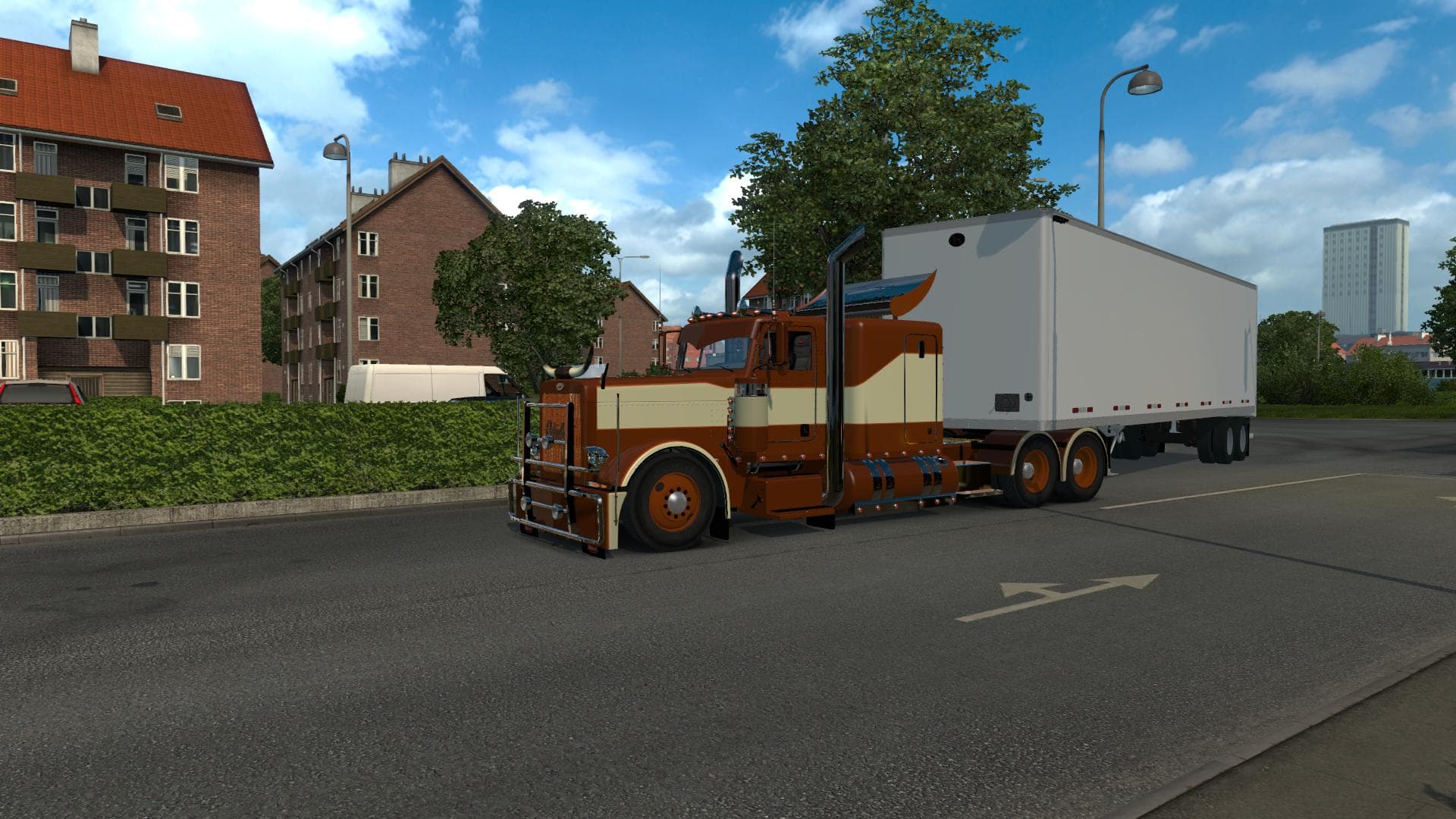
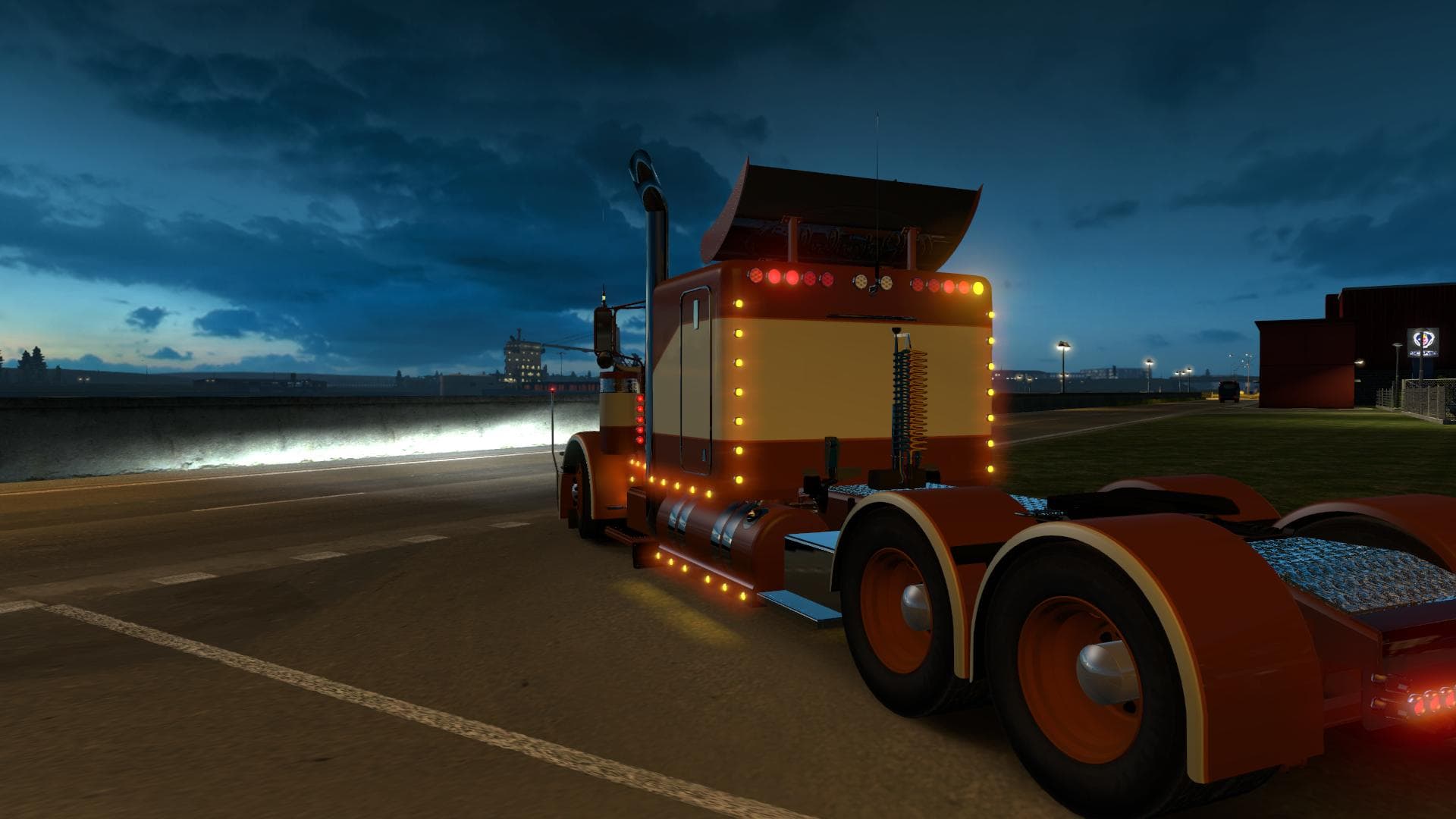
The BROWN/BEIGE skin mod version 1.0 is designed for the Modified Peterbilt 389 v1.10 BETA in ETS2. It does not include rims and has a file size of 5.4 MB.
BROWN/BEIGE V1.0 is a skin mod designed specifically for the Modified Peterbilt 389 truck in Euro Truck Simulator 2. This type of mod changes the exterior paint job of an existing vehicle without altering its shape or model. It applies through the in-game paint shop, offering a fresh look while keeping all original vehicle features intact.
Skin mods like this one rely on the base model they were created for, meaning they won't work properly with other trucks or versions. Since BROWN/BEIGE V1.0 supports ETS2 versions 1.0 and 1.10, players should ensure their game version matches to avoid compatibility issues. It’s worth noting that rims are not included with this skin, so those will remain as is or require separate mods if customization is desired.
In a modded setup, skins generally load after truck or cabin mods to override default appearances effectively. Conflicts rarely occur unless multiple skins target the same vehicle simultaneously, so managing load order is straightforward here. Users who enjoy personalizing their fleet without adding new vehicles will find this repaint useful for refreshing their Peterbilt 389’s look.
This skin caters to players who want a subtle yet distinct color scheme for their truck in ETS2. The brown and beige tones provide a more understated aesthetic compared to brighter paints, fitting well into both roleplay and casual driving scenarios across various map expansions.
Overall, BROWN/BEIGE V1.0 offers a simple way to change your Peterbilt's appearance without messing with its performance or adding heavy content. If you’re running the right version of ETS2 and want some variety in your vehicle colors, it’s an easy addition to your collection.
How to install
1. Download the .scs file. 2. Drop it into `Documents/Euro Truck Simulator 2/mod/`. 3. Enable in Mod Manager. 4. Apply the skin in the truck/trailer paint shop.
After the mod loads, save your game inside a safe area (parking lot or service) before deciding whether to keep it. If the game refuses to load with the mod enabled, check that all required DLCs are installed and that the supported ETS2 version chips on this page include your installed game patch.
Reviews
No ratings yetNo reviews yet — be the first to rate this mod.