BRAZILIAN SCHUMITZ SKINPACK
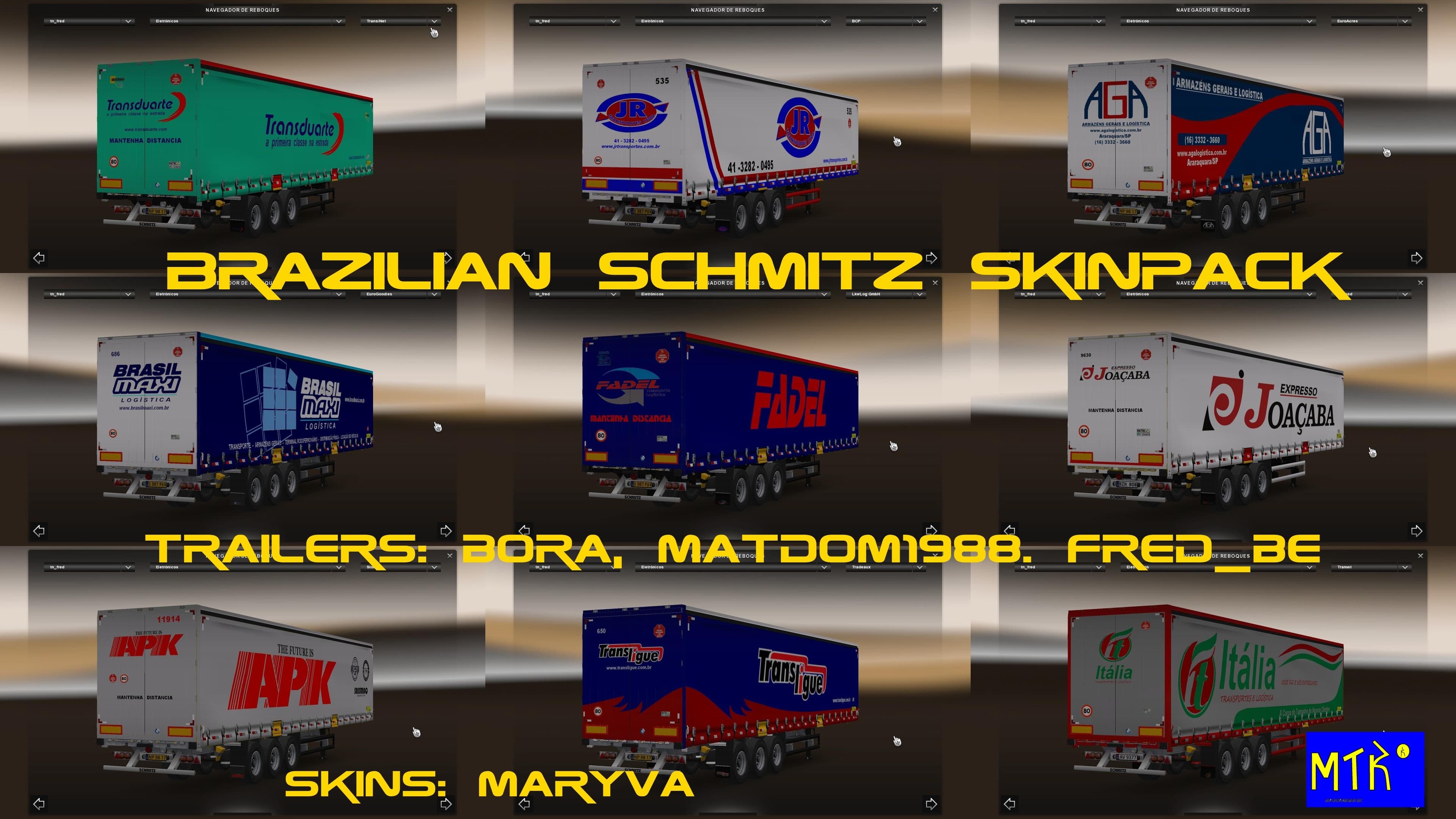
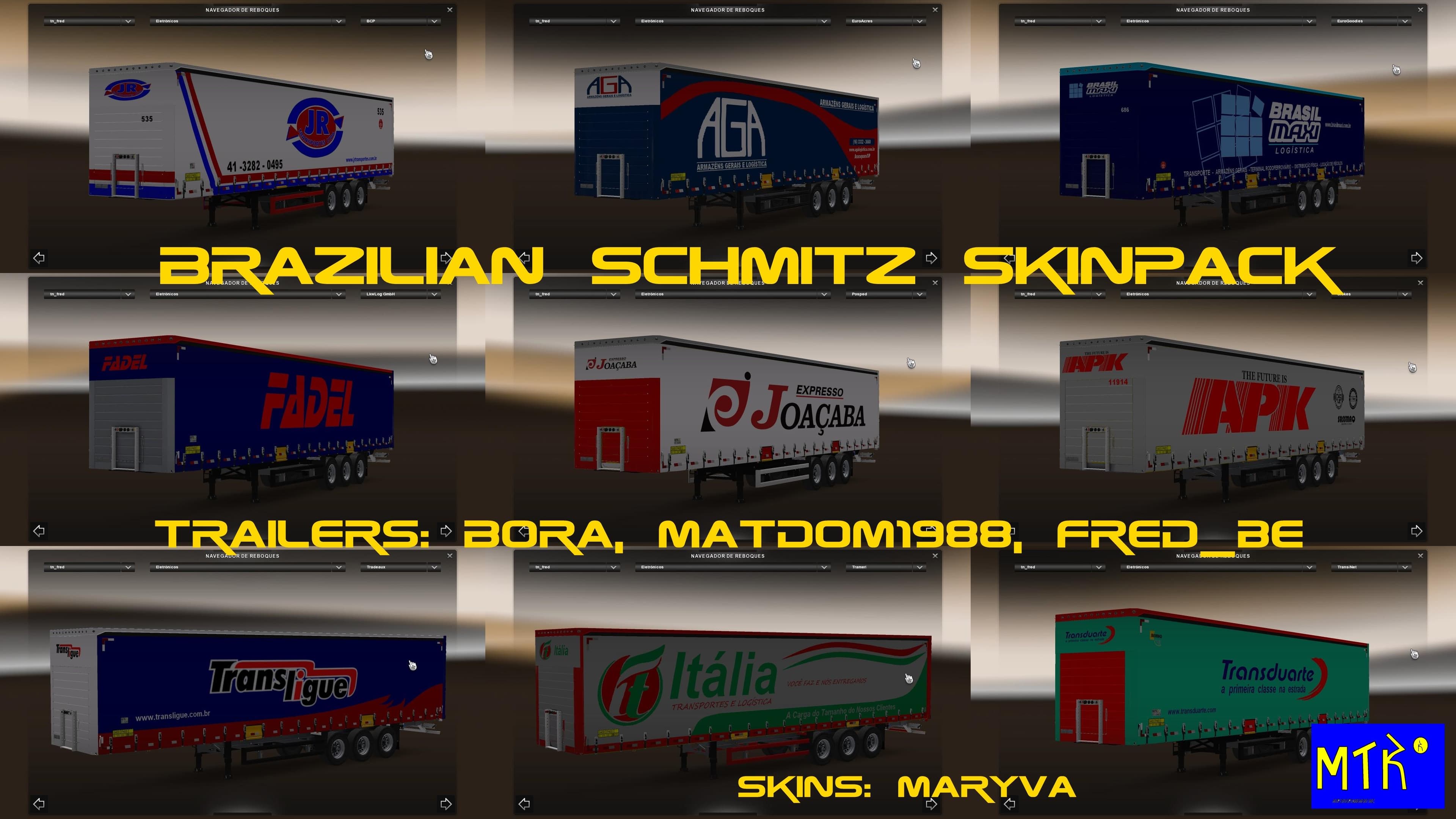
The BRAZILIAN SCHUMITZ SKINPACK is a collection of skins designed to repaint trailers, particularly those associated with Brazilian and multinational companies operating in Brazil. This type of mod doesn't alter the trailer models themselves but changes their appearance by applying new textures and liveries within the game's paint shop interface. It relies on compatible base trailers to display correctly, so having the original model installed is necessary.
Skin mods like this one are popular for adding regional flavor or personal style to your ETS2 experience without affecting gameplay mechanics. They allow players to customize their trucks and trailers visually, helping to create a more immersive environment that reflects specific countries or corporate identities. Because this pack focuses on Brazilian companies, it adds a touch of South American industry to your fleet.
When using skin packs in a modded setup, it's generally recommended to load them after any mods that affect the same vehicles or trailers to ensure the skins display properly. Since this pack targets Schmitz trailers with Brazilian branding, it should fit smoothly alongside other cosmetic mods as long as there are no conflicting repaints for the same trailer models. Compatibility issues are rare but always worth checking if you run multiple skin collections.
Players interested in regional authenticity or those who enjoy diversifying their trailer appearances will find this skinpack useful. It's especially appealing if you run routes through or near Brazil in your game world or simply want a fresh look for your Schmitz trailers. Having skins tailored for a specific country can enhance role-playing aspects and visual variety during long hauls.
This mod supports ETS2 version 1.19.x, so make sure your game is updated accordingly before installing. Like most skin mods, installation involves placing files into the mod folder and activating them through the game's mod manager, making it easy to add or remove from your current setup.
How to install
1. Download the .scs file. 2. Drop it into `Documents/Euro Truck Simulator 2/mod/`. 3. Enable in Mod Manager. 4. Apply the skin in the truck/trailer paint shop.
After the mod loads, save your game inside a safe area (parking lot or service) before deciding whether to keep it. If the game refuses to load with the mod enabled, check that all required DLCs are installed and that the supported ETS2 version chips on this page include your installed game patch.
Reviews
No ratings yetNo reviews yet — be the first to rate this mod.





