BMW E34 M5 AI TRAFFIC 1.22.X
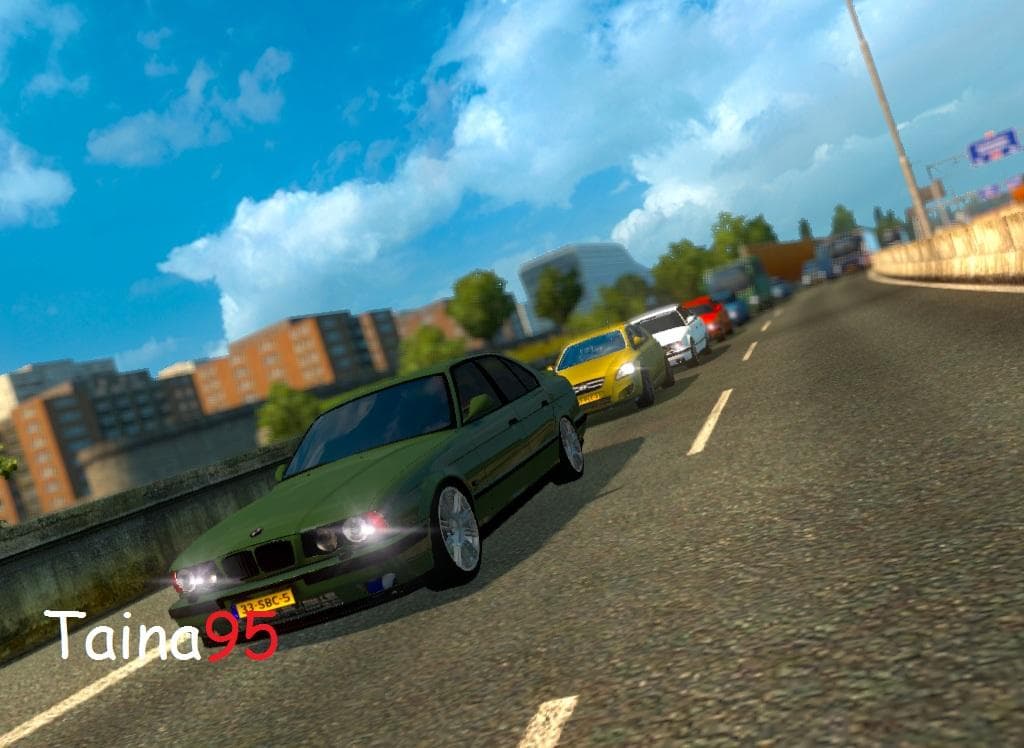
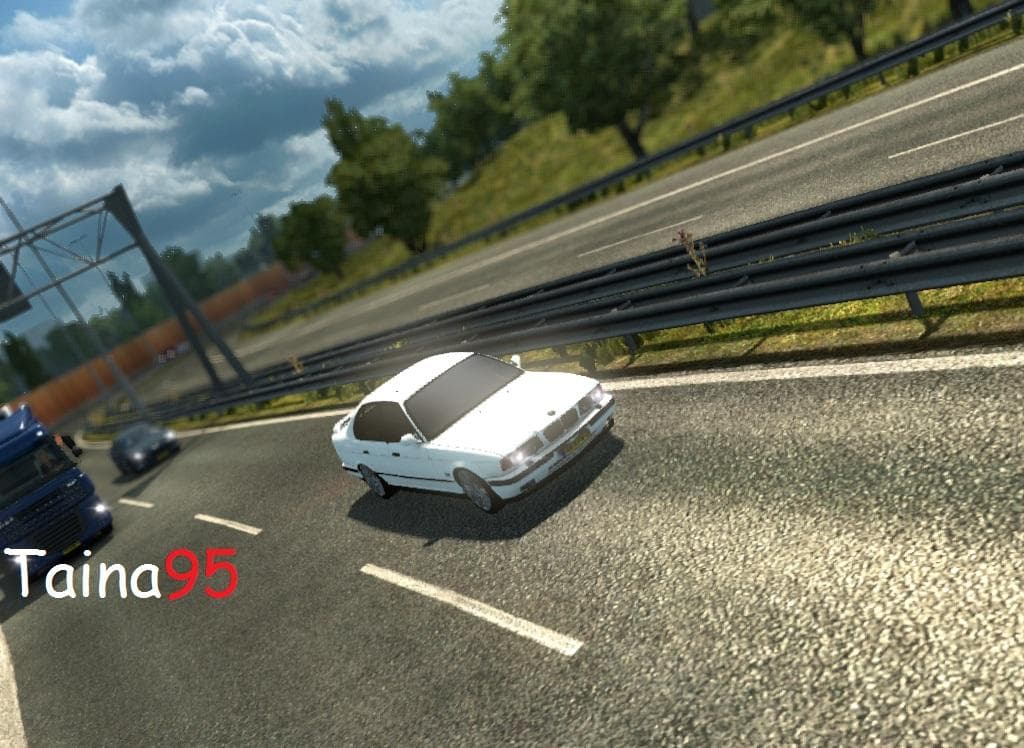
The BMW E34 M5 AI TRAFFIC 1.22.X mod adds BMW E34 M5 vehicles to AI traffic in Euro Truck Simulator 2 version 1.22. Created by Euro truck simulator 2, the mod h
The BMW E34 M5 AI TRAFFIC 1.22.X mod introduces the classic BMW E34 M5 as part of the AI traffic in Euro Truck Simulator 2, specifically compatible with version 1.22. Mods like this one replace or add vehicle models that appear on roads driven by AI traffic, enriching the variety of cars players encounter during their journeys. This particular mod was tested without any other mods and worked smoothly on ETS2 1.22, which suggests it’s stable for use in that game version.
In terms of installation, mods of this category are managed through the in-game Mod Manager, where they can be enabled or disabled easily. Since it's an AI traffic mod, it usually loads alongside other vehicle mods without direct conflicts, but load order might matter if multiple AI traffic mods are used simultaneously to avoid overlapping vehicle spawns.
Players who enjoy a more diverse and realistic traffic environment will find this mod appealing. It adds a touch of vintage car culture to the game's roadways, making driving scenes less repetitive and more interesting. For those running a heavily modded setup focusing on vehicles or visual enhancements, incorporating an AI traffic car like this can complement the overall experience without much hassle.
This mod fits well within setups that aim to simulate European roads with varied vehicles. While no specific compatibility issues have been reported, as with any AI traffic mod, it's wise to check for conflicts if other similar mods are installed to keep your traffic looking balanced and functional.
How to install
1. Download the file(s) from the original source linked above. 2. Drop them into `Documents/Euro Truck Simulator 2/mod/`. 3. Enable in Mod Manager and restart the game.
After the mod loads, save your game inside a safe area (parking lot or service) before deciding whether to keep it. If the game refuses to load with the mod enabled, check that all required DLCs are installed and that the supported ETS2 version chips on this page include your installed game patch.
Reviews
No ratings yetNo reviews yet — be the first to rate this mod.





