BMW E30 + Interior v1.0
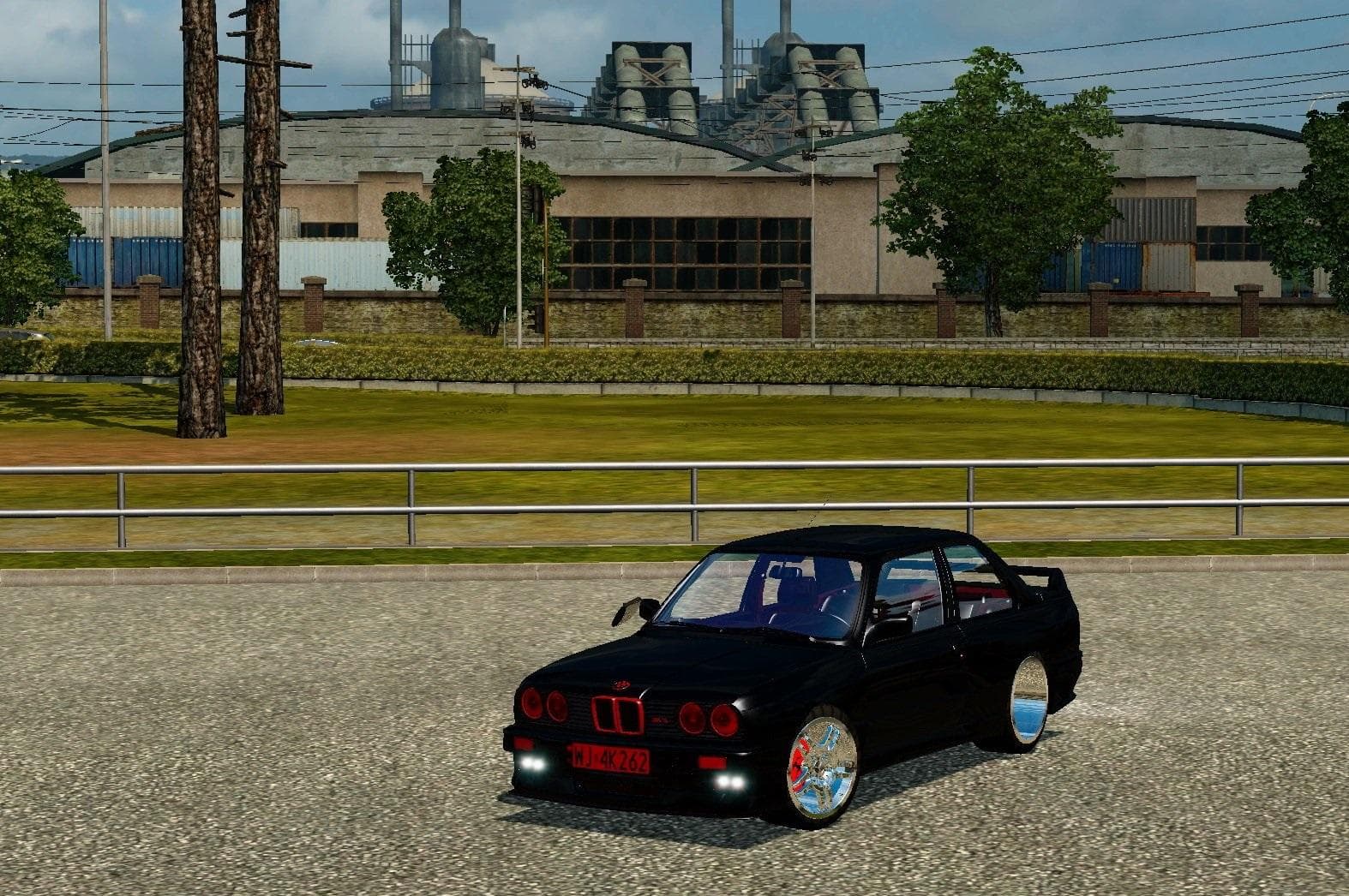
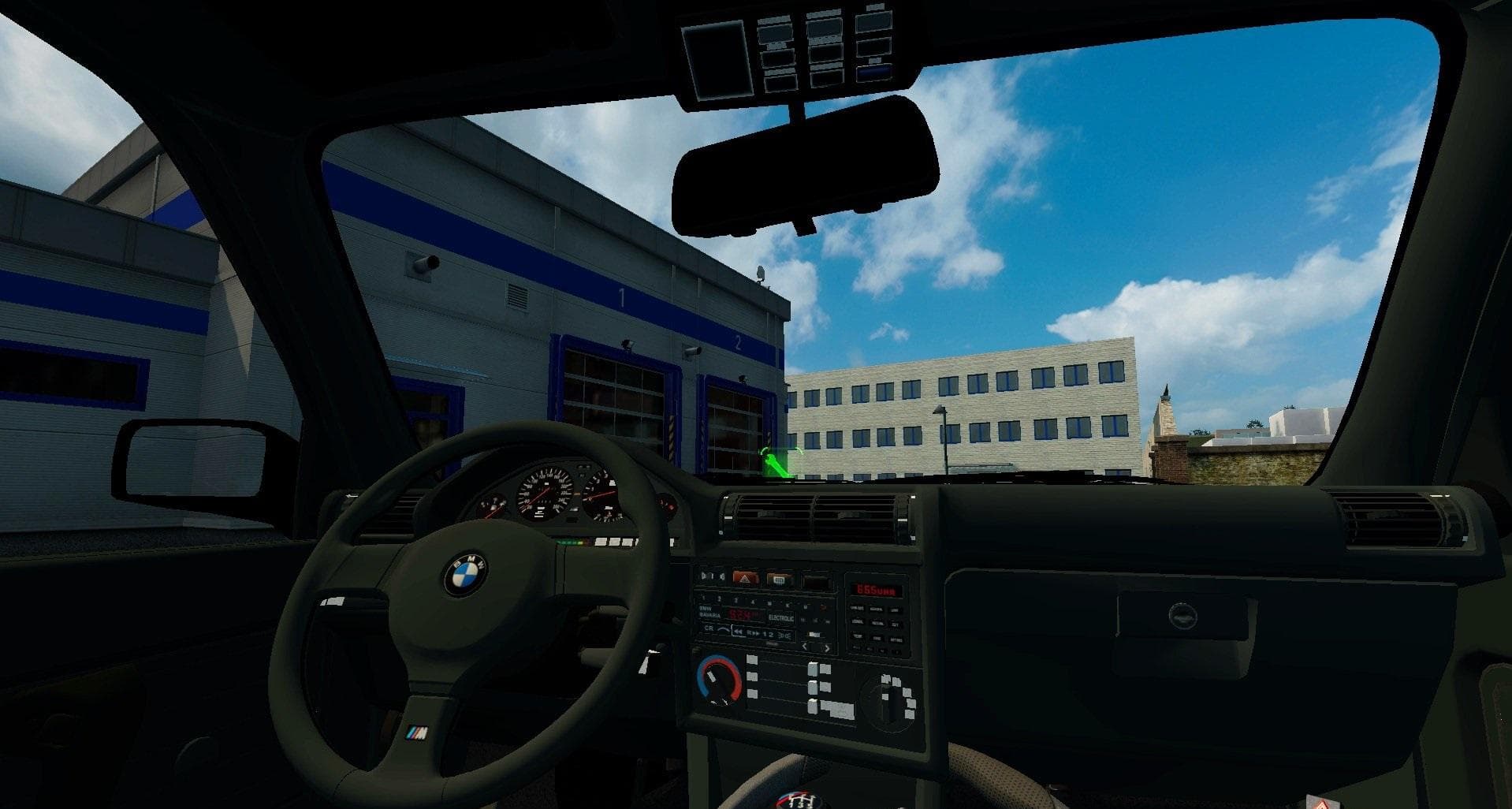
The BMW E30 + Interior mod for ETS2 adds the iconic compact executive car produced by BMW from 1982 to 1993. This parts mod is supported on ETS2 version 1.0 and
The BMW E30 + Interior v1.0 mod brings a classic compact executive car from the 1980s and early 1990s into Euro Truck Simulator 2 as a parts add-on. This mod focuses on adding the E30's distinct design elements and interior features to your truck setup, allowing for a touch of automotive history within your vehicle customization options. Parts mods like this one typically include accessories that can be attached in the truck upgrade menu, enhancing both the look and feel of your cab.
In ETS2, parts mods serve to expand the range of customization by offering additional components such as lights, exhausts, mirrors, or interiors tailored to specific models or brands. Since this mod revolves around BMW’s iconic rear-wheel-drive E30, it fits well with players who enjoy adding unique touches linked to vintage cars or those wanting to blend different styles within their truck setups.
When integrating parts mods into your existing configuration, it's good practice to watch load order and compatibility. These mods generally slot in without much fuss but should be placed appropriately if you have multiple parts packs or brand-specific additions installed. Keeping an eye on conflicts can help maintain smooth gameplay and ensure all customizations appear correctly in the customization menus.
This particular mod will appeal to players who appreciate automotive classics or want something different from typical truck parts. It complements setups where variety and personal flair matter more than strict realism. Fans of BMW or vintage European cars might find this addition especially interesting since it adds interior details alongside exterior styling cues.
How to install
1. Download the file(s) from the original source linked above. 2. Drop them into `Documents/Euro Truck Simulator 2/mod/`. 3. Enable in Mod Manager and restart the game.
After the mod loads, save your game inside a safe area (parking lot or service) before deciding whether to keep it. If the game refuses to load with the mod enabled, check that all required DLCs are installed and that the supported ETS2 version chips on this page include your installed game patch.
Reviews
No ratings yetNo reviews yet — be the first to rate this mod.