BLACK & GREEN EXTREME PAINT JOB FOR SCANIA RJL
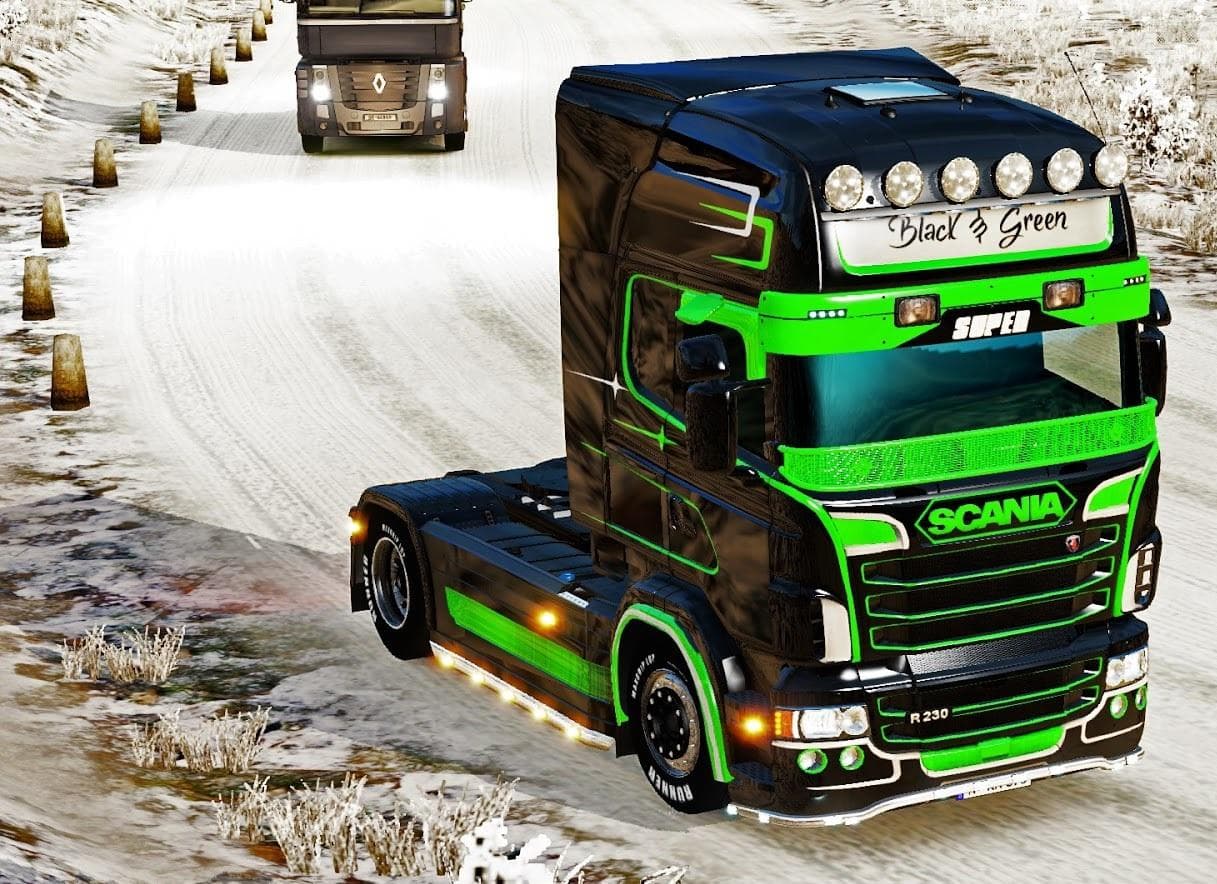
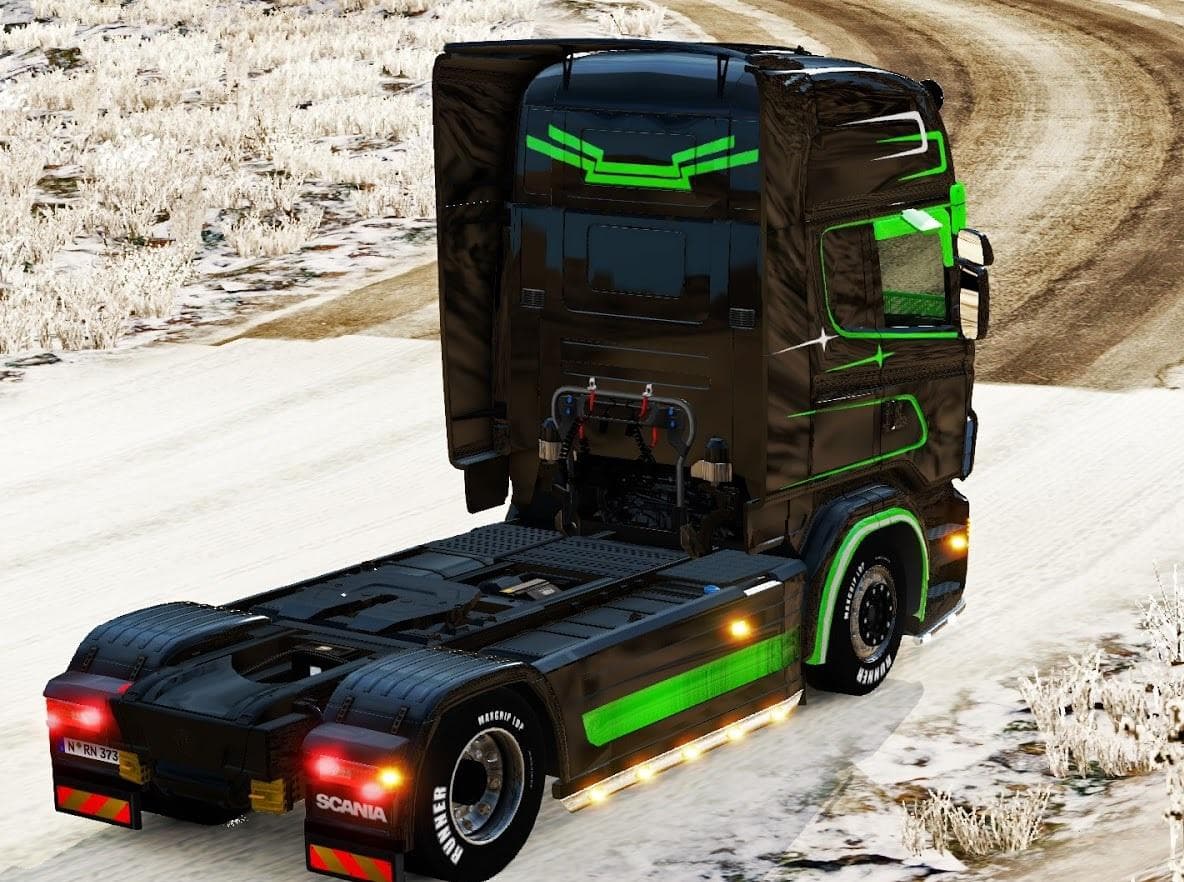
This mod offers a black and green extreme paint job for the Scania RJL truck in Euro Truck Simulator 2. The skin includes mod manifest files and credits to EviL
The BLACK & GREEN EXTREME PAINT JOB FOR SCANIA RJL is a skin mod designed specifically for the Scania RJL truck in Euro Truck Simulator 2. This type of mod changes the visual appearance of the vehicle by applying a new paint scheme without altering the model itself. Skins like this one are accessed through the in-game paint shop once installed, letting players customize their trucks to better fit their personal style or game theme.
Skin mods generally work by overwriting or adding texture files linked to a particular truck variant. Since this paint job targets the Scania RJL, it requires that base model to be present in your mod setup. Compatibility tends to be straightforward, but it's advisable to load skin mods after any major truck model mods to avoid conflicts. The inclusion of manifest files helps ensure proper integration with ETS2’s mod system.
In a heavily modded environment, paint skins serve as an easy way to refresh your fleet's look without complicating game performance or compatibility. They usually sit lower in the load order compared to model and gameplay mods. Players who enjoy customizing their trucks' aesthetics without changing gameplay mechanics will find skins like this useful for adding variety and personality.
This particular black and green color scheme offers a distinct style for those who prefer darker tones mixed with vibrant accents. It's a simple yet effective way to make your Scania RJL stand out on roads across any ETS2 map. Whether you’re running long hauls or just cruising through familiar territories, having a unique paint job can enhance immersion and enjoyment.
Overall, if you like tweaking your trucks’ appearances and want something bold for your Scania RJL, this skin fits well within that niche. It suits anyone looking for fresh visuals without messing with core game files or adding complex features.
How to install
1. Download the .scs file. 2. Drop it into `Documents/Euro Truck Simulator 2/mod/`. 3. Enable in Mod Manager. 4. Apply the skin in the truck/trailer paint shop.
After the mod loads, save your game inside a safe area (parking lot or service) before deciding whether to keep it. If the game refuses to load with the mod enabled, check that all required DLCs are installed and that the supported ETS2 version chips on this page include your installed game patch.
Reviews
No ratings yetNo reviews yet — be the first to rate this mod.





