BARSAN GLOBAL LOJISTIK SKINS 1.22
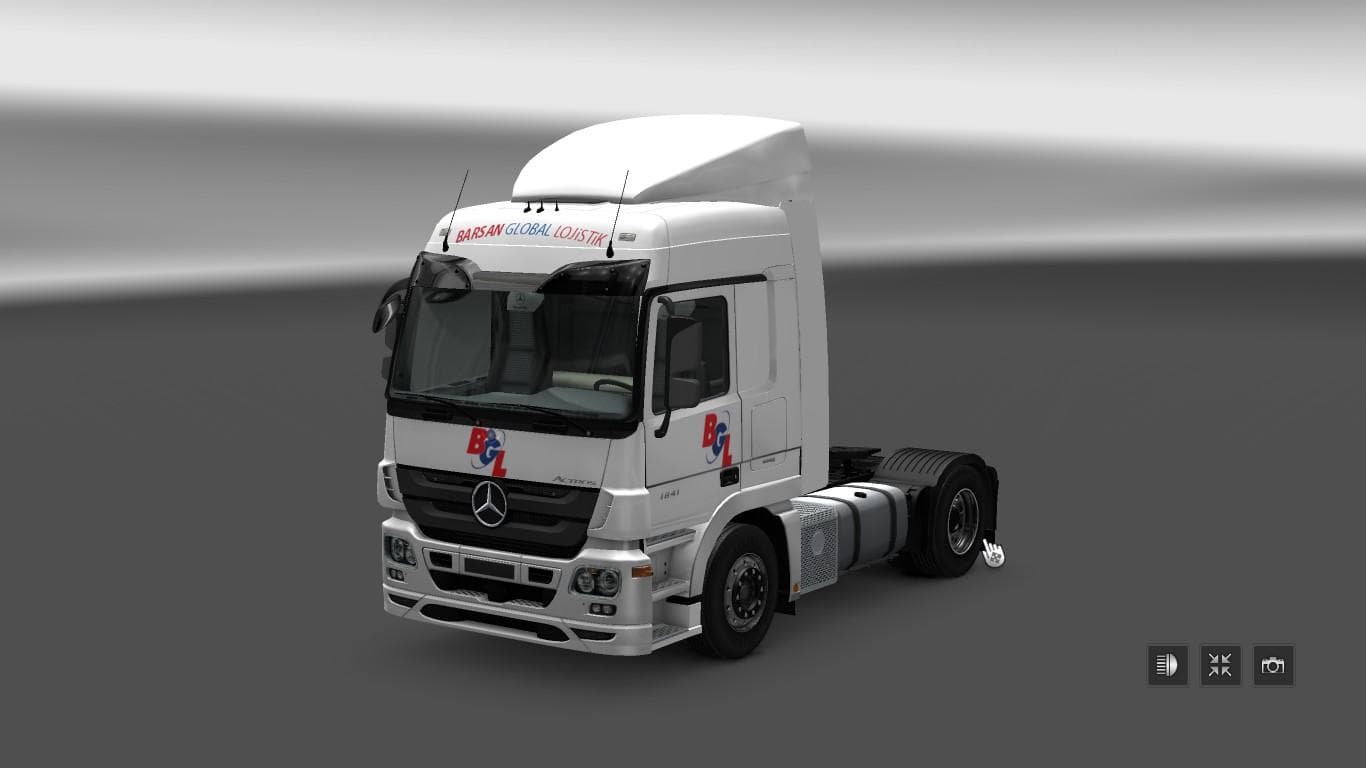
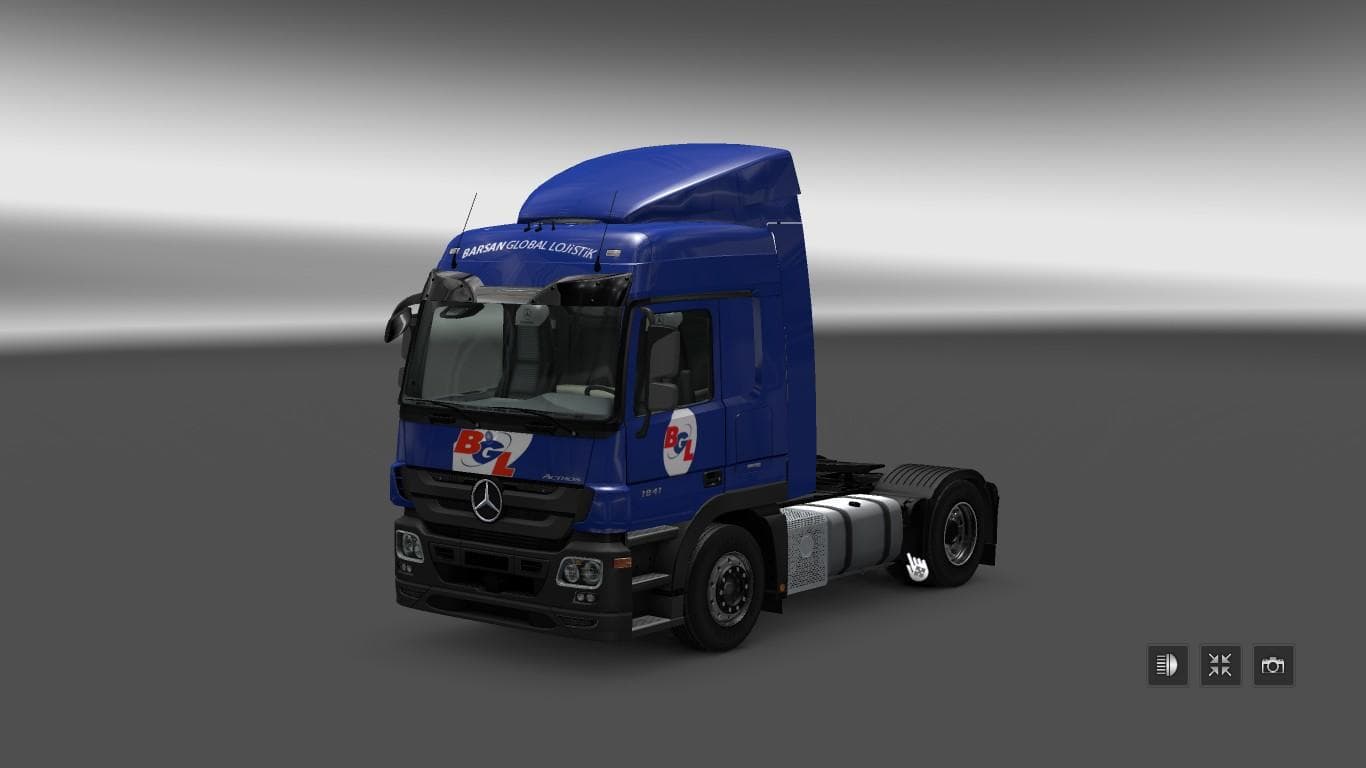
BARSAN GLOBAL LOJISTIK SKINS 1.22 is an ETS2 skins. Listed compatible with ETS2 1.22.
The BARSAN GLOBAL LOJISTIK SKINS 1.22 mod offers a set of custom paint jobs designed for trucks in Euro Truck Simulator 2, specifically tailored to fit the Polish Mercedes tuning from the Poland Mod by scs.pl. Skin mods like this one don't alter the truck's model but simply repaint it, so you’ll find these skins applied in the paint shop to match specific base vehicles. This particular mod reflects real-world company liveries, adding a touch of authenticity to your fleet.
Skin mods are popular among ETS2 players who want to personalize their trucks without modifying game mechanics or performance. They work by replacing or overlaying textures on existing vehicle models, making it easy to mix and match different skins with other mods that change truck parts or add new features. Because these skins depend on the base vehicle they were made for, you’ll want to ensure compatibility with any tuning packs or chassis mods you have installed.
In terms of load order, skin mods generally need to be placed after any tuning or model-changing mods so their textures display correctly. Conflicts are rare unless multiple skin packs target the same truck model and version. Since BARSAN GLOBAL LOJISTIK SKINS 1.22 supports ETS2 version 1.22, make sure your game matches this version for proper functionality.
This mod fits well into a modded setup that includes Polish-themed content or Mercedes tuning packages from the Poland Mod. It's a straightforward way to add variety and realism without complicating your mod list too much. Players who enjoy running company-specific liveries on their trucks will find this pack suits those preferences nicely.
If you're someone who likes customizing your rig with authentic-looking skins and enjoys exploring regional content from Poland in ETS2, this mod will complement your collection. It adds visual detail without affecting gameplay balance and integrates smoothly with existing tuning mods designed for the same truck models.
How to install
1. Download the .scs file. 2. Drop it into `Documents/Euro Truck Simulator 2/mod/`. 3. Enable in Mod Manager. 4. Apply the skin in the truck/trailer paint shop.
After the mod loads, save your game inside a safe area (parking lot or service) before deciding whether to keep it. If the game refuses to load with the mod enabled, check that all required DLCs are installed and that the supported ETS2 version chips on this page include your installed game patch.
Reviews
No ratings yetNo reviews yet — be the first to rate this mod.





