Auto Hammer in Traffic
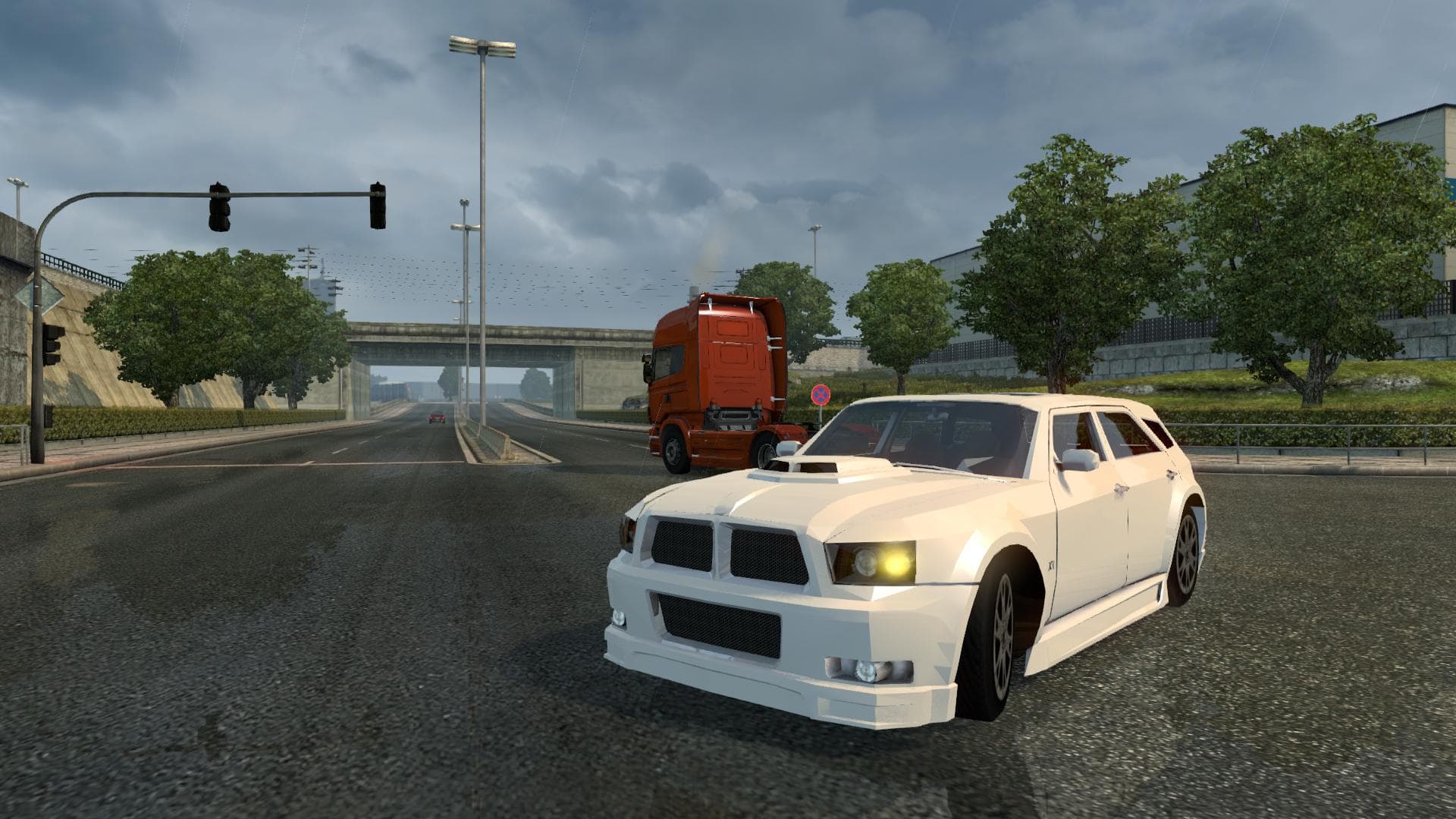
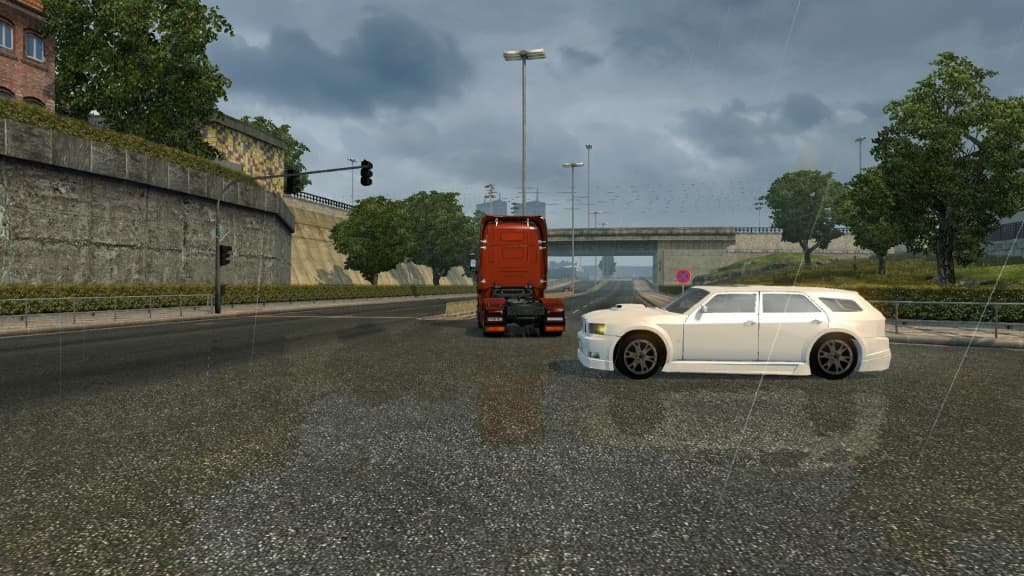
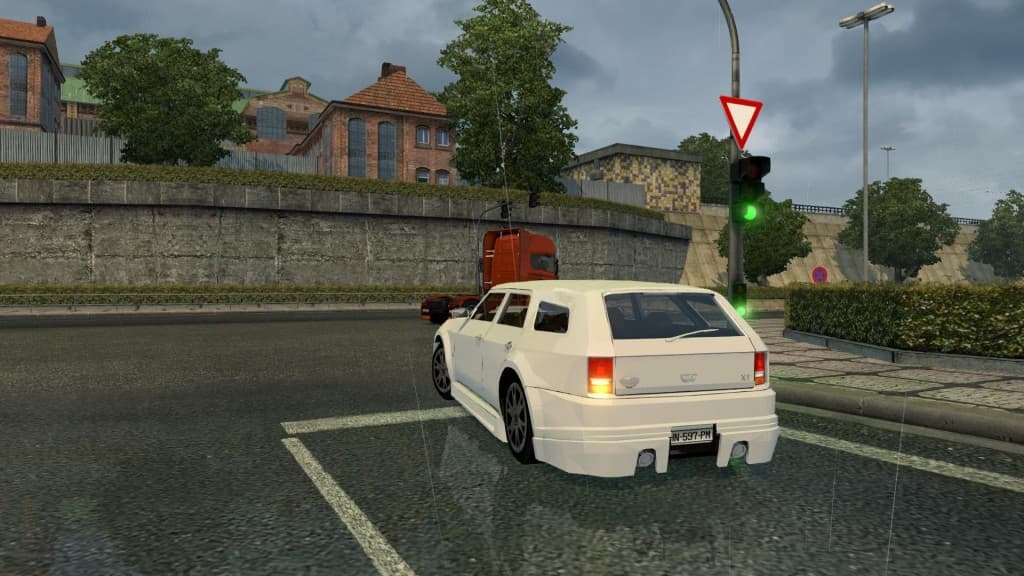
The "Auto Hammer in Traffic" mod for Euro Truck Simulator 2 adds new traffic elements to the game. The mod was last updated on May 11, 2015, but specific detail
Auto Hammer in Traffic is a modification for Euro Truck Simulator 2 that alters how players interact with traffic situations. This type of mod generally tweaks the in-game mechanics related to driving, potentially automating or simplifying certain actions when you're caught up in traffic jams or slow-moving vehicles. Mods like this are loaded through the game's Mod Manager and typically don't require complicated installation procedures.
Mods categorized as 'other' often provide utility or quality-of-life improvements rather than cosmetic changes or new content. They can influence gameplay behavior directly, affecting how AI traffic behaves or how your controls respond under specific conditions. Auto Hammer in Traffic fits into this niche by aiming to make traffic encounters less tedious or more manageable.
In a modded setup, it's wise to consider load order since some gameplay-affecting mods might conflict with each other. While specific compatibility notes for this mod aren't provided, users usually place such mods after map and vehicle packs but before any heavy AI overhaul mods to ensure smooth operation.
This kind of mod appeals mostly to players who find themselves frequently dealing with dense traffic scenarios and want an easier way to handle those moments without constant manual input. It's particularly useful for those who prefer longer hauls where repetitive stop-and-go can get tiresome.
If you're looking to streamline your driving experience during congested stretches without altering the visual aspects of the game, a utility mod like Auto Hammer in Traffic could be worth trying out. It fits well into setups focused on improving gameplay flow rather than adding new trucks, maps, or skins.
How to install
1. Download the file(s) from the original source linked above. 2. Drop them into `Documents/Euro Truck Simulator 2/mod/`. 3. Enable in Mod Manager and restart the game.
After the mod loads, save your game inside a safe area (parking lot or service) before deciding whether to keep it. If the game refuses to load with the mod enabled, check that all required DLCs are installed and that the supported ETS2 version chips on this page include your installed game patch.
Reviews
No ratings yetNo reviews yet — be the first to rate this mod.





