AUDIBLE ALERT SPEED
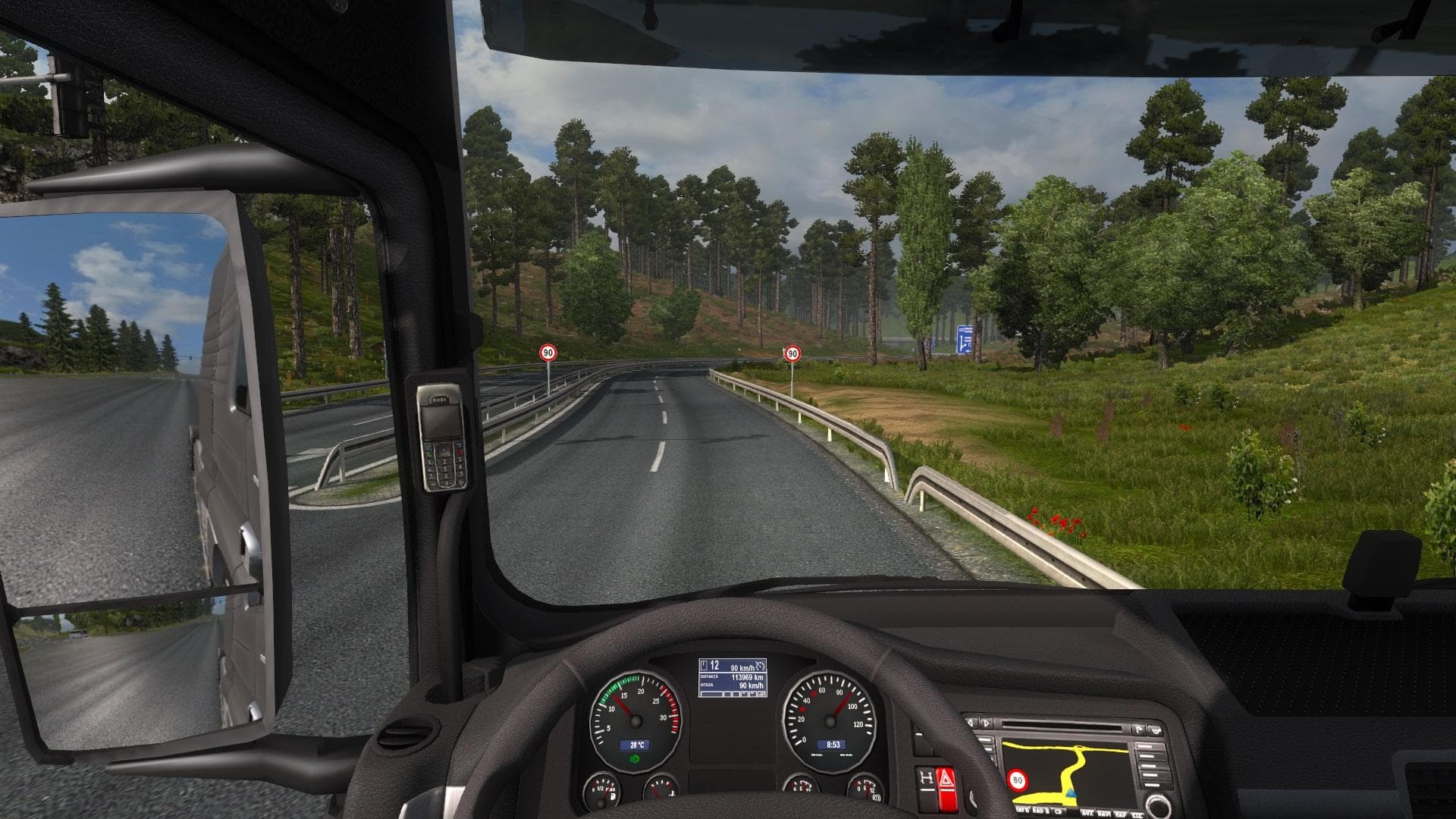
The "AUDIBLE ALERT SPEED" mod for ETS2 adds customizable speed limit alerts at 90, 100, 110, 120, 130, and 140 km/h. The creator, mod version, file size, and su
AUDIBLE ALERT SPEED is a sound mod for Euro Truck Simulator 2 that introduces audible warnings related to speed limits. Players can choose from preset speed alerts, covering a range of common limits such as 90, 100, 110, up to 140 km/h. This kind of mod adds an extra layer of feedback while driving, making it easier to stay aware of your current speed without constantly glancing at the dashboard.
Sound mods in ETS2 typically replace or enhance various audio elements like engine noises, horns, or environmental sounds. They often need to be positioned higher in the load order than truck mods they affect, ensuring their sounds take priority. Since this mod deals with alert sounds tied to speed thresholds, it fits well into setups where sound immersion and realism are priorities.
Installing a mod like AUDIBLE ALERT SPEED requires attention to compatibility with other sound mods you might have installed. Conflicts can arise if multiple mods try to modify the same audio channels or alerts. Keeping this mod near the top of your load order is recommended so its alerts play correctly without being overridden by other sound packs.
This mod will appeal mostly to players who want additional auditory cues for speed management during their hauls. It’s particularly useful on longer trips or when driving through regions with varied speed restrictions such as Germany or France where staying within limits can be challenging. If you rely on sounds for better road awareness, this mod adds practical utility.
Overall, adding audible alerts for different speed levels helps reduce speeding incidents and enhances the driving experience by providing clear feedback through sound. It’s a straightforward but effective way to integrate more information into your gameplay without visual distractions.
How to install
1. Download the .scs file. 2. Drop it into `Documents/Euro Truck Simulator 2/mod/`. 3. Enable in Mod Manager. Sound mods usually need to load **above** truck mods in load order. 4. Restart the game so the audio engine picks up new samples.
After the mod loads, save your game inside a safe area (parking lot or service) before deciding whether to keep it. If the game refuses to load with the mod enabled, check that all required DLCs are installed and that the supported ETS2 version chips on this page include your installed game patch.
Reviews
No ratings yetNo reviews yet — be the first to rate this mod.





