ARMY VOLVO F10 SKIN
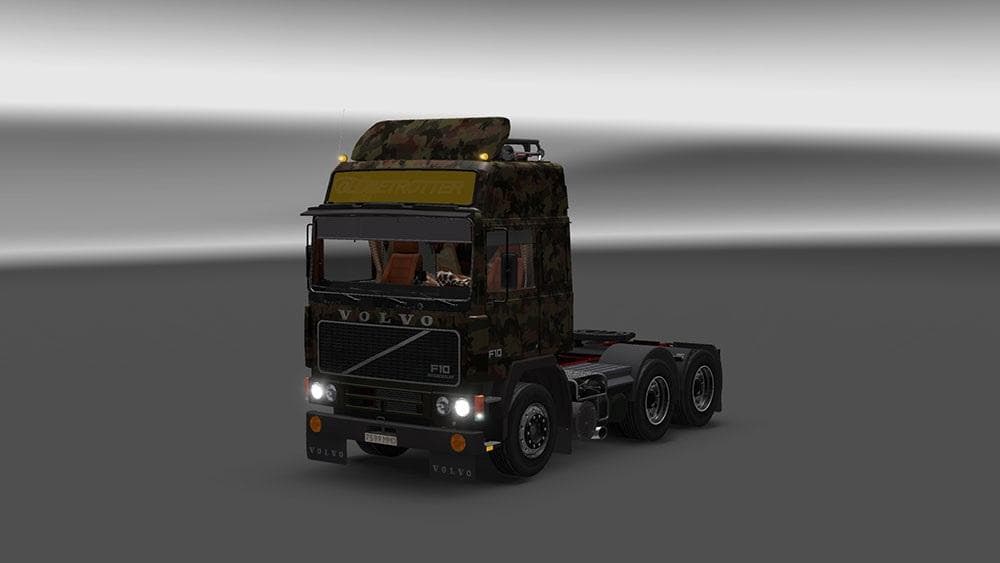
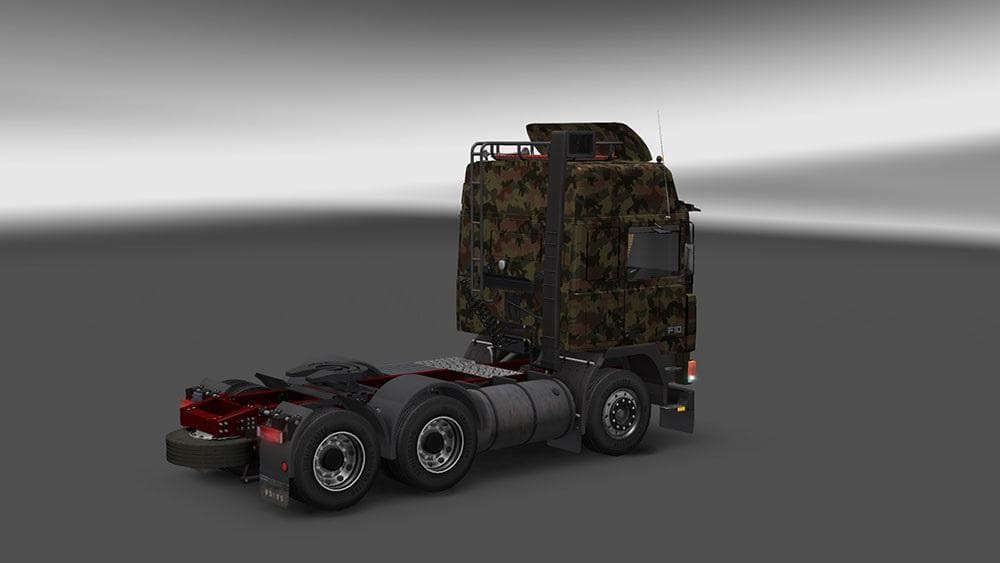
The ARMY VOLVO F10 SKIN mod for Euro Truck Simulator 2 includes a lightbox and requires higher priority than the truck mod for proper functionality. Truck's def
The ARMY VOLVO F10 SKIN is a repaint mod designed for the Volvo F10 truck model in Euro Truck Simulator 2. Instead of altering the truck's structure or mechanics, it changes the visual appearance by applying a military-themed paint job. These skin mods are typically installed through the paint shop in-game, relying on the base vehicle they were created for to work properly.
Skin mods like this one usually include additional visual elements, such as lightboxes or decals, which enhance the overall look of the truck without affecting gameplay. For this particular mod, it’s important that it has higher priority than the truck itself in your mod manager so that all elements display correctly. If you prefer to use the truck’s default visuals, adjusting the load order will let you disable the skin temporarily.
In a modded setup with several skins and other modifications, careful attention to load order helps avoid conflicts and ensures that custom paint jobs appear as intended. Since this is purely a visual upgrade, it should be compatible with most other mods that don't alter vehicle models or core game functions. It fits well into collections focused on military themes or customized fleet appearances.
This skin appeals mostly to players who want their Volvo F10 to stand out with a distinct military style rather than the standard factory look. It's suitable for those who enjoy customizing their trucks and adding variety to their virtual garages without changing performance or handling.
Whether you're running long hauls across European roads or just exploring ETS2's map, a themed skin like this one adds personality to your driving experience. It’s an easy way to refresh your favorite truck model visually while keeping all original game mechanics intact.
How to install
1. Download the .scs file. 2. Drop it into `Documents/Euro Truck Simulator 2/mod/`. 3. Enable in Mod Manager. 4. Apply the skin in the truck/trailer paint shop.
After the mod loads, save your game inside a safe area (parking lot or service) before deciding whether to keep it. If the game refuses to load with the mod enabled, check that all required DLCs are installed and that the supported ETS2 version chips on this page include your installed game patch.
Reviews
No ratings yetNo reviews yet — be the first to rate this mod.





