All Truck retarder realistic Sound 1.21.x
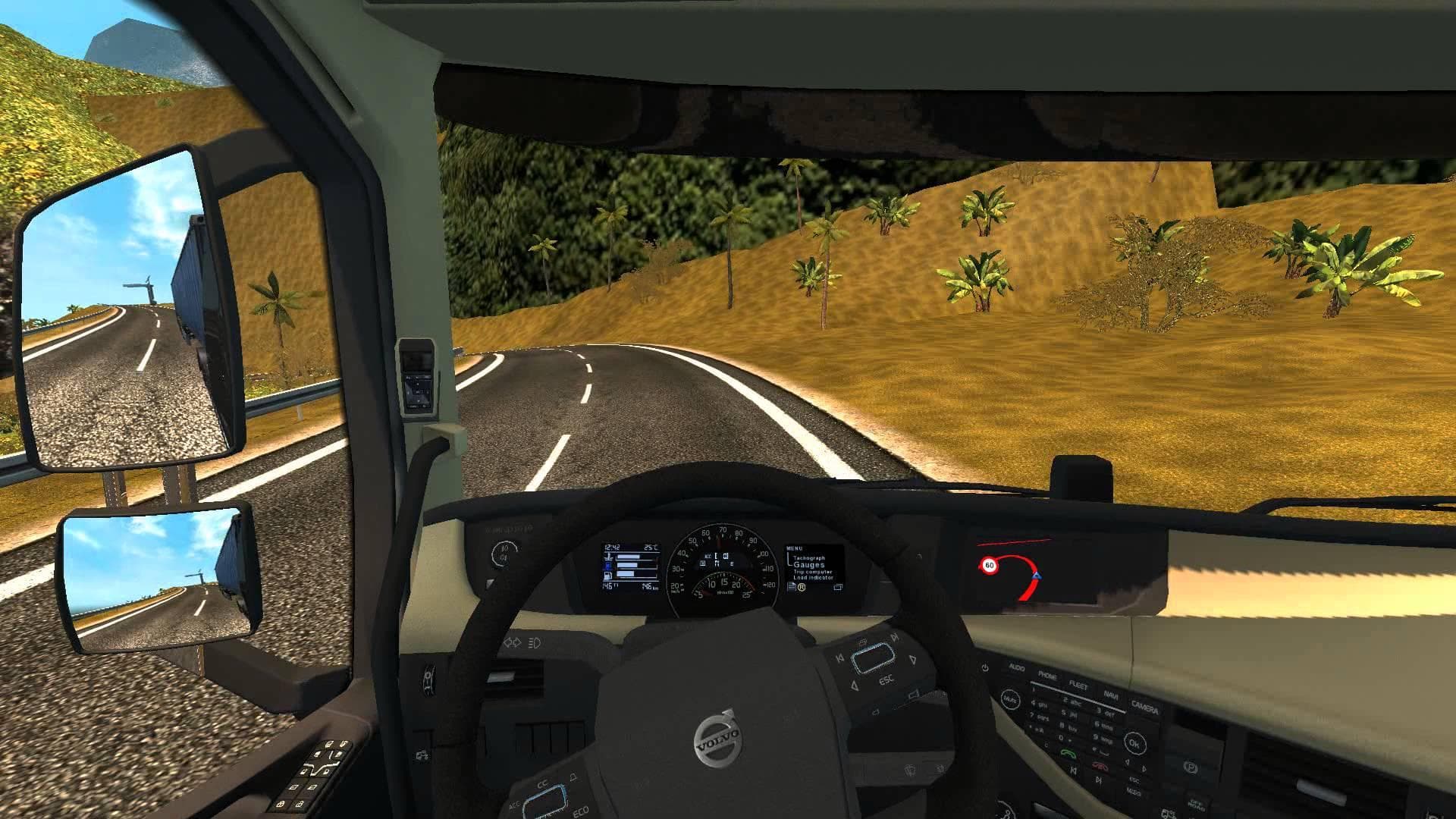
This mod, "All Truck retarder realistic Sound 1.21.x," offers 100% realistic sound for retarders in ETS2 version 1.21. Created by Euro truck simulator 2, it is
All Truck Retarder Realistic Sound 1.21.x is a sound mod designed for Euro Truck Simulator 2 version 1.21. It replaces the default retarder sounds found in trucks, buses, and other vehicles with more lifelike audio effects. Mods like this one focus solely on enhancing the in-game soundscape by swapping out original engine or system noises for alternatives that better capture real-world behavior.
Sound mods in ETS2 typically modify specific audio elements such as engine sounds, horns, or environmental effects. They usually need to be placed near the top of your mod load order to ensure their changes take precedence over other mods that alter truck models or configurations. This helps avoid conflicts and ensures the new sounds play correctly when driving various vehicles.
This particular mod aims to make the retarder sound feel authentic, which can improve immersion during long hauls or detailed simulation runs. It doesn't change vehicle performance but focuses purely on audio realism, which complements visual or gameplay mods without interfering with them.
When adding sound mods like this one into a heavily modded setup, keep in mind the importance of load order. Since it targets vehicle sounds broadly—covering all trucks and buses—it should be loaded after any truck-specific mods to overwrite their audio components effectively.
Players interested in deepening their ETS2 experience through improved auditory feedback would find this mod useful. If you enjoy subtle details such as realistic mechanical noises while braking or slowing down with a retarder, this could enhance your gameplay without altering core mechanics.
Because it supports ETS2 version 1.21 only, you'll want to ensure your game matches this version for proper functionality. While creator details and file size are unknown, installing this type of sound replacement is usually straightforward via the game's mod manager.
How to install
1. Download the .scs file. 2. Drop it into `Documents/Euro Truck Simulator 2/mod/`. 3. Enable in Mod Manager. Sound mods usually need to load **above** truck mods in load order. 4. Restart the game so the audio engine picks up new samples.
After the mod loads, save your game inside a safe area (parking lot or service) before deciding whether to keep it. If the game refuses to load with the mod enabled, check that all required DLCs are installed and that the supported ETS2 version chips on this page include your installed game patch.
Reviews
No ratings yetNo reviews yet — be the first to rate this mod.





