AI Traffic Pack by Jazzycat
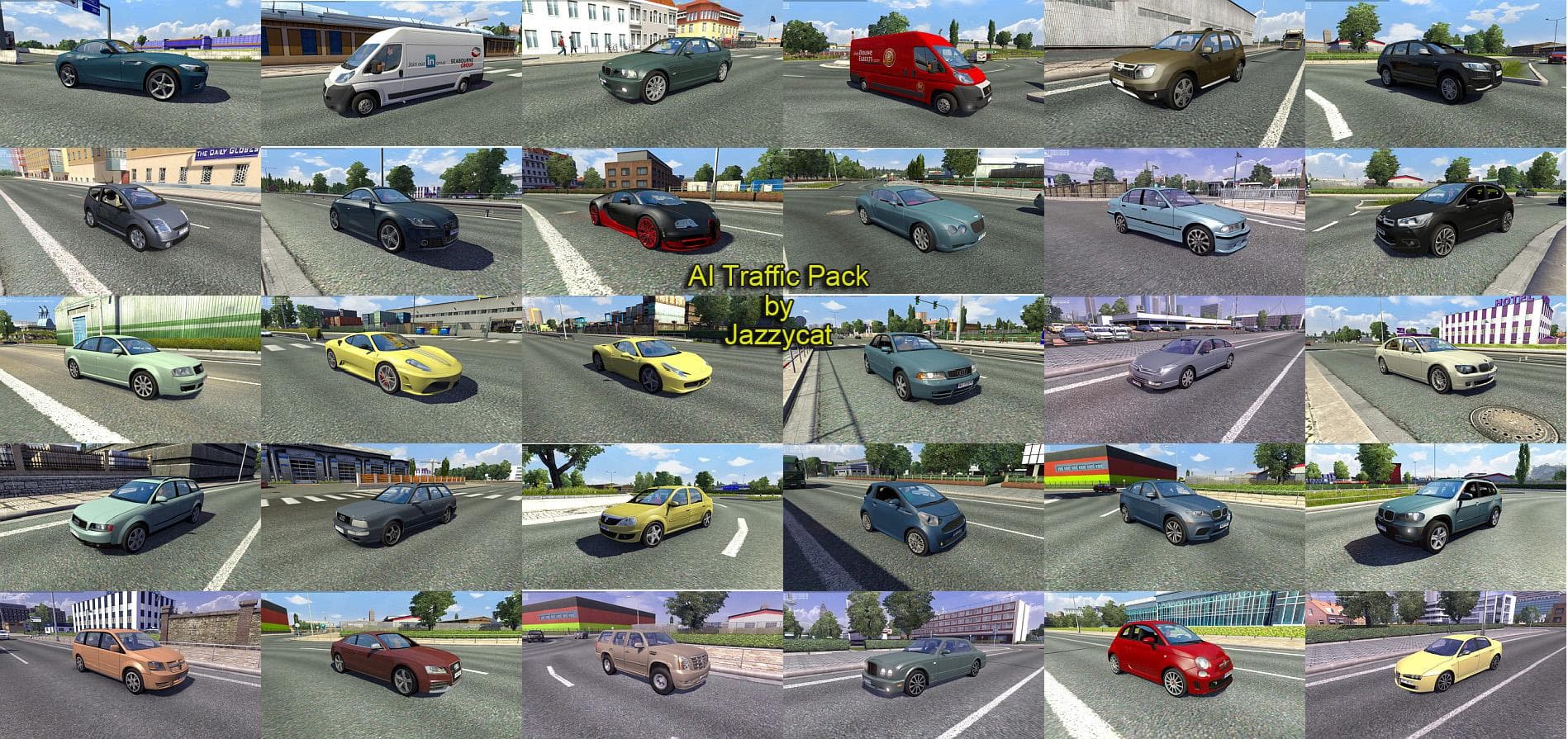
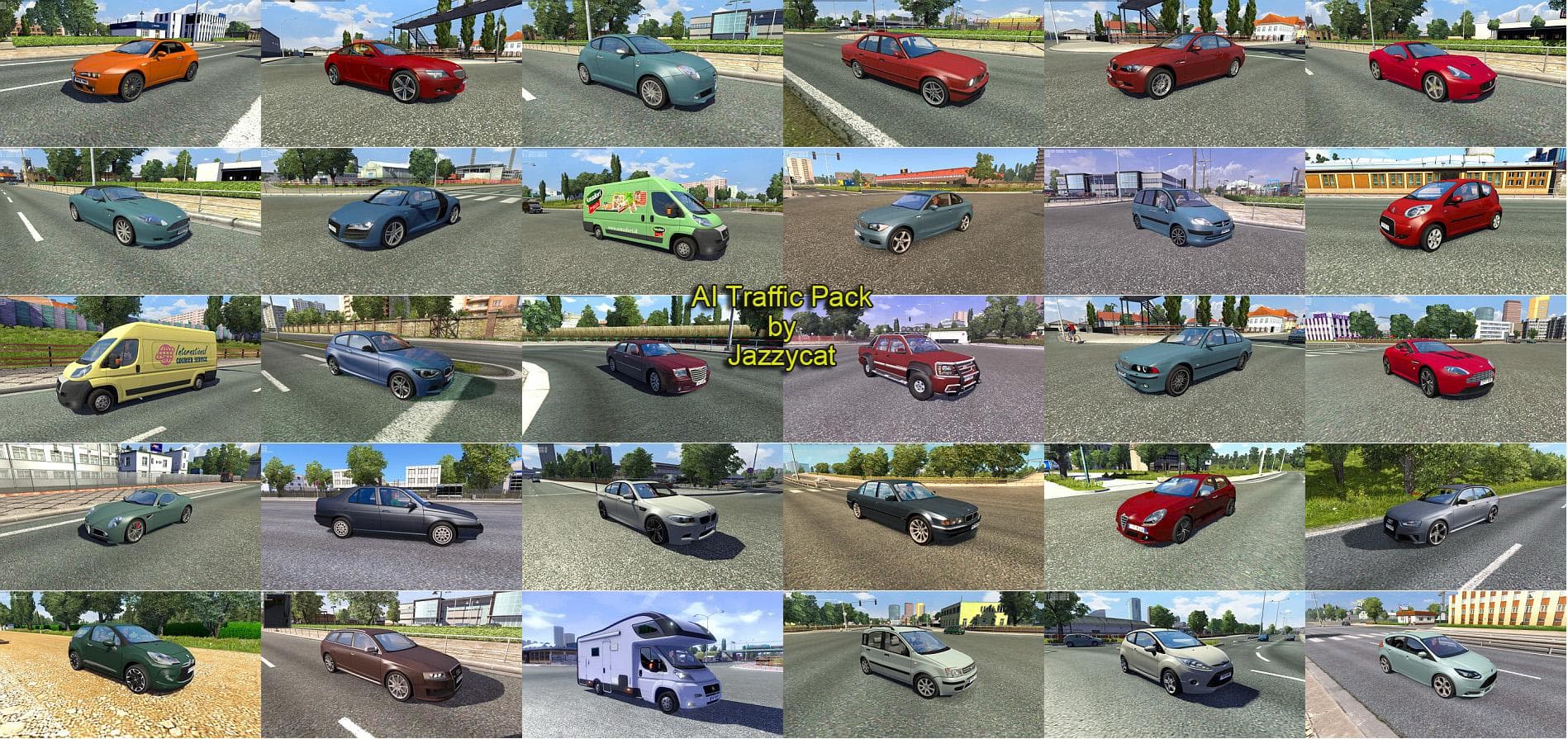
AI Traffic Pack by Jazzycat - ETS2 mods download is an ETS2 traffic.
The AI Traffic Pack by Jazzycat adds a variety of new AI cars into Euro Truck Simulator 2, specifically featuring different models from Mercedes-Benz like the A-Class, C-Class, E-Class, and S-Class. This type of mod enhances the diversity of traffic players encounter while driving, contributing to a more dynamic and varied road environment. It’s one of those mods that can refresh your usual routes by mixing up what you see on the highways and city streets.
Mods like this one typically integrate through the in-game Mod Manager, making installation straightforward without the need for external tools. Since it adds new AI vehicles rather than changing core gameplay or map elements, it usually fits well within a modded setup alongside other vehicle or map mods. It's advisable to load traffic packs after any global AI traffic tweaks to ensure its cars appear correctly.
Traffic mods such as this often require careful attention to load order when combined with other AI traffic packs to avoid conflicts or overlapping features. While specifics about compatibility with other versions or mods aren't always clear, keeping backup profiles or testing in smaller batches can help identify issues before committing to longer sessions.
This mod will appeal mainly to players who enjoy seeing more realistic and varied traffic patterns during their hauls. If you’re someone who likes subtle improvements that make driving feel less repetitive but don’t drastically change game mechanics, this pack could slot nicely into your collection.
Since it focuses on Mercedes-Benz models seen across many European countries featured in ETS2, it complements maps covering regions like Germany, France, and Austria well. The mod’s addition of 170 new AI cars means you'll likely spot familiar vehicles more often, making traffic flow feel a bit richer.
How to install
1. Download the file(s) from the original source linked above. 2. Drop them into `Documents/Euro Truck Simulator 2/mod/`. 3. Enable in Mod Manager and restart the game.
After the mod loads, save your game inside a safe area (parking lot or service) before deciding whether to keep it. If the game refuses to load with the mod enabled, check that all required DLCs are installed and that the supported ETS2 version chips on this page include your installed game patch.
Reviews
No ratings yetNo reviews yet — be the first to rate this mod.





