AI TRAFFIC MOD FOR ETS 2 VER. 1.21.2.1S
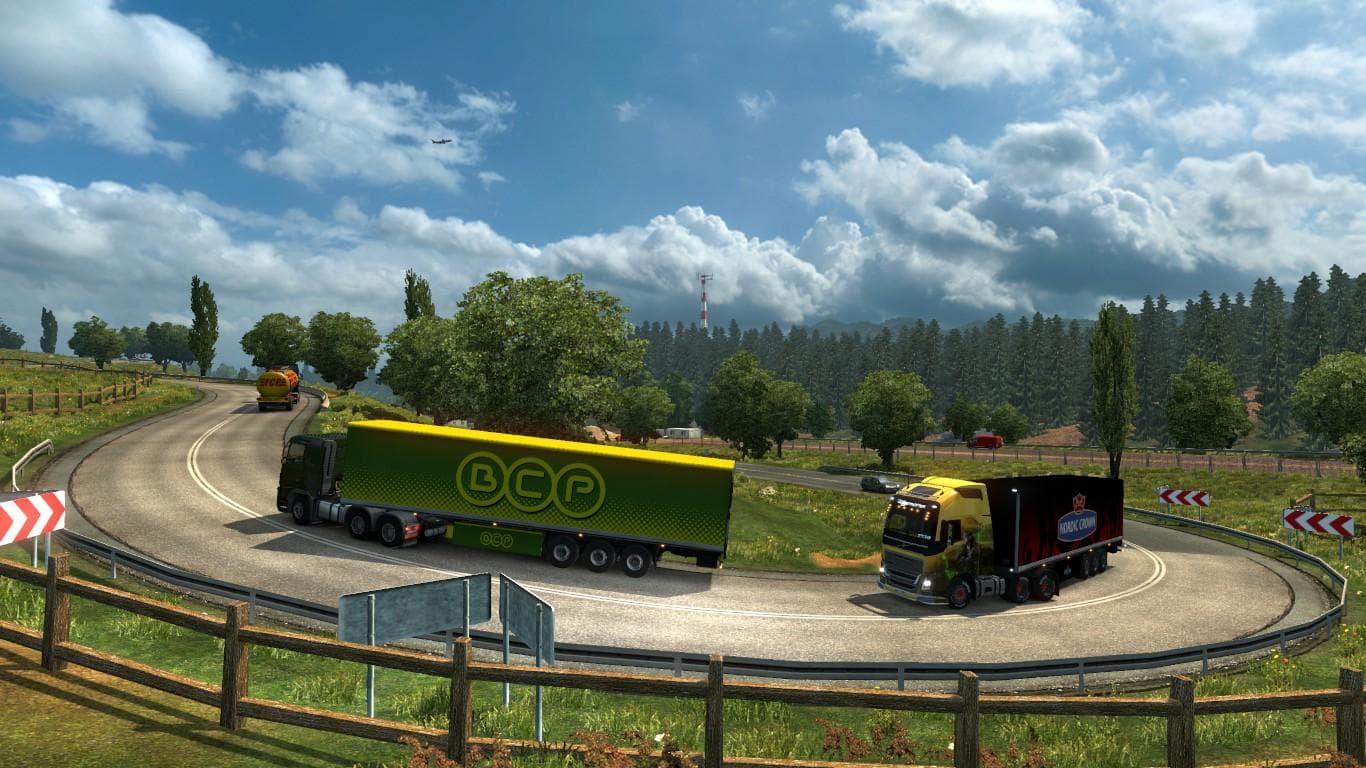
AI TRAFFIC MOD VER. 1.21.2.1S is a traffic mod for ETS2 version 1.21 by Euro Truck Simulator 2. It is compatible with all mods except True AI Lights and Brutal
The AI Traffic Mod for ETS 2 version 1.21.2.1S is a modification designed to adjust the behavior and variety of traffic within Euro Truck Simulator 2. It specifically supports game version 1.21, making it suitable for players running that update. Mods like this one typically enhance or alter how AI vehicles appear and act on the roads, offering a different driving experience compared to the game's default traffic patterns.
Traffic mods are usually installed through the in-game Mod Manager, which makes managing them straightforward. When using traffic-related mods, it's common to watch out for compatibility issues with other similar mods that affect vehicle lights or environment visuals. In this case, known conflicts include True AI Lights and Brutal Environment HD, so users should avoid combining them to prevent problems.
In a modded setup, this type of mod can fit well alongside map expansions and cosmetic improvements since it primarily changes AI behavior rather than core gameplay mechanics or graphics. Players who run multiple mods often place traffic mods lower in their load order to ensure they override base game traffic but don't interfere with larger overhaul packs.
This mod is suited for those who want a fresh take on the game's traffic flow without drastically changing other elements. If you enjoy driving through regions like Germany, France, or Italy and want the roads to feel different yet familiar, this kind of mod could add variety during your hauls.
While creator details and file size aren't specified, players familiar with managing ETS2 mods will find installing and testing this mod straightforward as long as they keep an eye on potential incompatibilities. It's a solid choice for anyone wanting subtle changes to AI traffic patterns across various European regions.
How to install
1. Download the file(s) from the original source linked above. 2. Drop them into `Documents/Euro Truck Simulator 2/mod/`. 3. Enable in Mod Manager and restart the game.
After the mod loads, save your game inside a safe area (parking lot or service) before deciding whether to keep it. If the game refuses to load with the mod enabled, check that all required DLCs are installed and that the supported ETS2 version chips on this page include your installed game patch.
Reviews
No ratings yetNo reviews yet — be the first to rate this mod.





