AI TRAFFIC BY KILLER
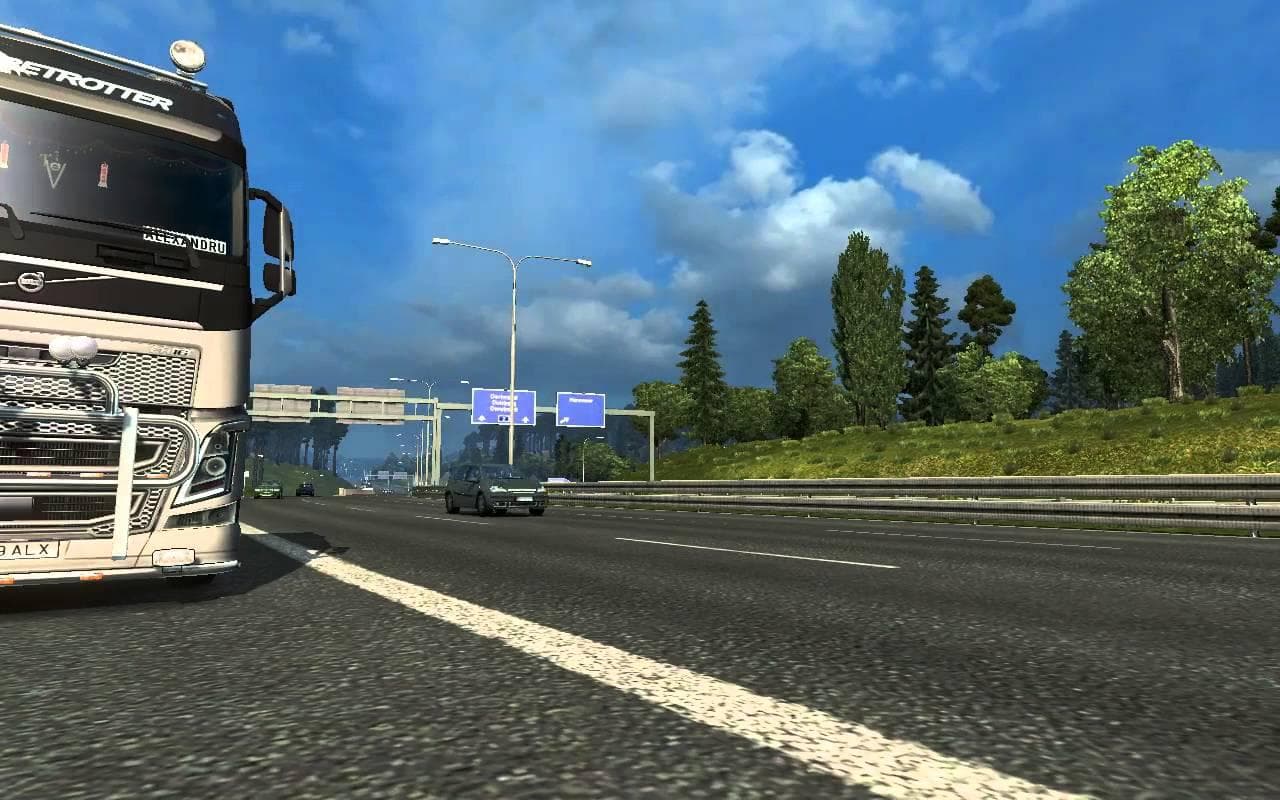
AI TRAFFIC BY KILLER is an ETS2 traffic. Listed compatible with ETS2 1.22.
AI TRAFFIC BY KILLER is a modification designed to adjust the behavior of AI vehicles within Euro Truck Simulator 2, specifically tailored for version 1.22. It focuses on enhancing traffic dynamics by lowering the speed of AI trucks and cars, which can contribute to a more realistic driving experience. Additionally, it tweaks semaphore light timings and improves the overall performance of cars on the road.
Mods like this one that modify AI traffic patterns generally work by changing parameters within the game's traffic system. Players install these through the in-game Mod Manager, making it straightforward to enable or disable as needed. By adjusting speeds and traffic light behaviors, such mods aim to reduce erratic movements and improve flow, which some players find makes their virtual journeys feel less chaotic.
When used in a modded setup, AI traffic mods like this typically load after map expansions or truck mods but before any other modifications that directly alter vehicle models or physics. This helps maintain compatibility and ensures smoother interactions between your various installed mods. While no specific load order conflicts are noted here, it's always wise to test after adding new mods to see how they interact with your existing collection.
This type of mod suits players who want a subtle change in how AI vehicles behave without overhauling the entire game environment. If you’ve found stock AI traffic to be too fast or unpredictable, or if you’re running several visual or map enhancements and want your traffic to better match those changes, this could be a useful addition.
The mod doesn't appear tied to any particular region or tag slugs but fits well with general ETS2 gameplay across multiple locations where realistic traffic behavior enhances immersion. It’s one among many small tweaks that can help make your driving sessions feel more natural over time.
How to install
1. Download the file(s) from the original source linked above. 2. Drop them into `Documents/Euro Truck Simulator 2/mod/`. 3. Enable in Mod Manager and restart the game.
After the mod loads, save your game inside a safe area (parking lot or service) before deciding whether to keep it. If the game refuses to load with the mod enabled, check that all required DLCs are installed and that the supported ETS2 version chips on this page include your installed game patch.
Reviews
No ratings yetNo reviews yet — be the first to rate this mod.





