AI Taxi
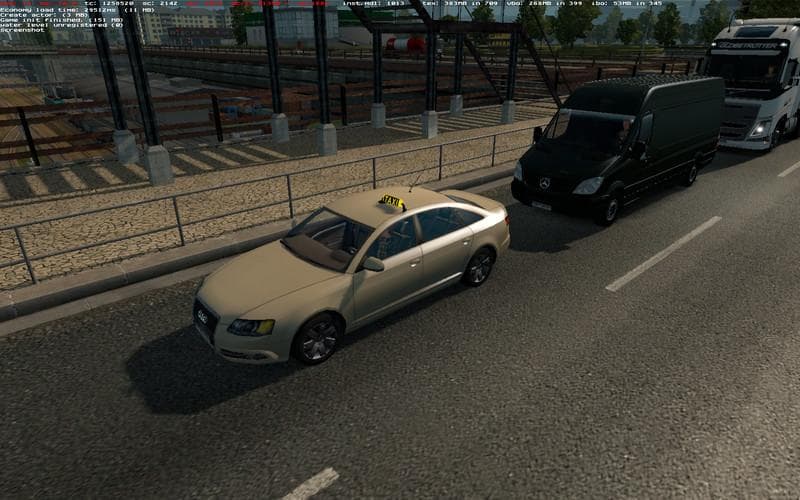
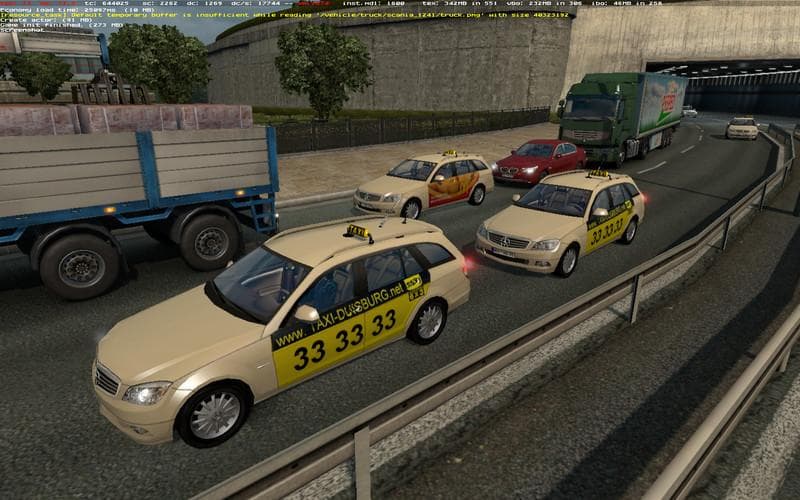
The "AI Taxi - ETS2 mods download" is a traffic mod created by Euro Truck Simulator 2. Version 1.0 supports ETS2 1.0 and is compatible with various Trafficmods,
The AI Taxi mod adds a new layer to traffic behavior by introducing taxi vehicles driven by AI into Euro Truck Simulator 2. This mod is designed to work alongside any existing traffic mods and supports all standard countries, including those covered by the Truck Simulation Multiplayer (TSM) system. It aims to diversify the types of vehicles players encounter on the roads, making city and highway traffic feel a bit more dynamic.
Mods like this one typically enhance the game's environment by populating it with specialized vehicle types that are otherwise absent or limited in the base game. In this case, taxis operate alongside regular traffic, simulating urban transport services and contributing to a busier, more realistic road network.
When incorporating an AI Taxi mod into a modded setup, it's generally straightforward since it’s compatible with other traffic-related modifications. Because it doesn't alter core gameplay mechanics but focuses on traffic composition, it usually won't cause conflicts if loaded correctly via the in-game Mod Manager. Placing it after major traffic mods in your load order can help ensure its features appear as intended.
Players who enjoy detailed simulation experiences or want to enhance urban areas with more varied vehicle behavior may find this addition appealing. It fits well for those using multiplayer mods like TSM or anyone looking to enrich their driving environment without changing fundamental game systems.
While specifics like file size or creator details aren't listed, users can expect this mod to integrate smoothly across multiple regions supported by ETS2. It's an option for those aiming for a fuller, more immersive road experience during their hauls through cities and countryside alike.
How to install
1. Download the file(s) from the original source linked above. 2. Drop them into `Documents/Euro Truck Simulator 2/mod/`. 3. Enable in Mod Manager and restart the game.
After the mod loads, save your game inside a safe area (parking lot or service) before deciding whether to keep it. If the game refuses to load with the mod enabled, check that all required DLCs are installed and that the supported ETS2 version chips on this page include your installed game patch.
Reviews
No ratings yetNo reviews yet — be the first to rate this mod.





