ADVISER WARNING ICONS IN COLOR FIXED
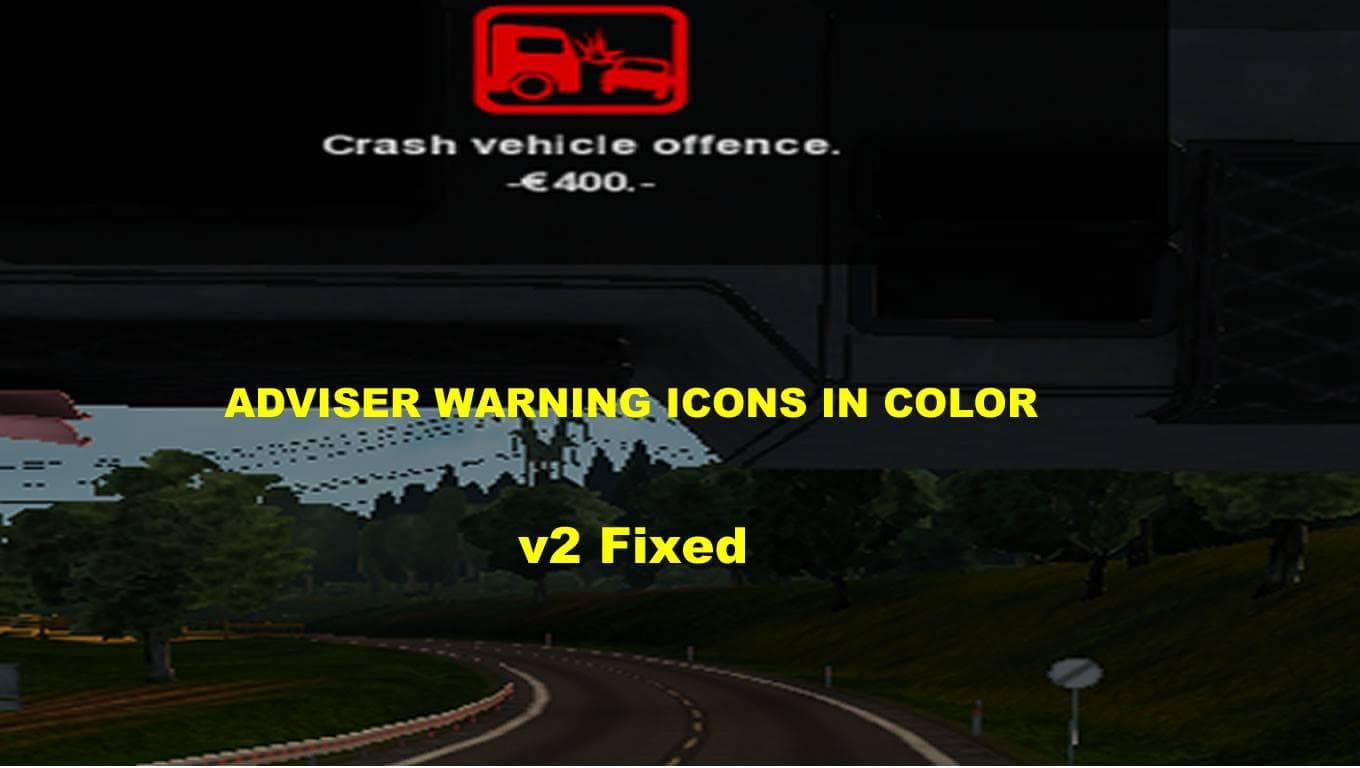
ADVISER WARNING ICONS IN COLOR FIXED - ETS2 mods download is an ETS2 unknown.
The ADVISER WARNING ICONS IN COLOR FIXED mod adjusts the visual indicators related to adviser warnings in Euro Truck Simulator 2. Specifically, it changes the colors of certain icons, such as making the speed camera icon red and altering the lights icon color. This tweak helps players quickly identify warning types through color-coded visuals rather than relying solely on shape or position.
While this mod focuses on icon colors, it falls under the sounds category likely due to its connection with adviser alerts that often accompany audio cues. Sound mods in ETS2 typically replace engine noises, horns, or environmental sounds and are usually loaded near the top of your mod list to properly override truck-specific sound packs. Although this mod changes visuals tied to warnings rather than sounds themselves, keeping it high in your load order ensures these icon color adjustments take precedence.
In a modded setup, users who rely on multiple graphical or gameplay enhancements might appreciate this mod's subtle but helpful change. It complements other warning-related mods by enhancing clarity without adding new audio or distracting elements. Compatibility is generally straightforward since it mainly alters UI elements connected to existing adviser functions rather than introducing new assets or conflicting mechanics.
This type of fix appeals mostly to players who pay close attention to in-game notifications and want clearer visual feedback when driving across various regions like Germany, France, or the United Kingdom. Those who frequently use speed cameras or monitor vehicle lights will find these color changes make critical alerts easier to spot during long hauls.
Overall, ADVISER WARNING ICONS IN COLOR FIXED suits players seeking small quality-of-life improvements for their ETS2 experience. It fits well within sound-related mods despite focusing on icon coloration and should work alongside most other popular mods without issue.
How to install
1. Download the .scs file. 2. Drop it into `Documents/Euro Truck Simulator 2/mod/`. 3. Enable in Mod Manager. Sound mods usually need to load **above** truck mods in load order. 4. Restart the game so the audio engine picks up new samples.
After the mod loads, save your game inside a safe area (parking lot or service) before deciding whether to keep it. If the game refuses to load with the mod enabled, check that all required DLCs are installed and that the supported ETS2 version chips on this page include your installed game patch.
Reviews
No ratings yetNo reviews yet — be the first to rate this mod.





