Abkhazia Map v1.7 ETS2 - Euro Truck Simulator 2 Mods | American Truck Simulator Mods
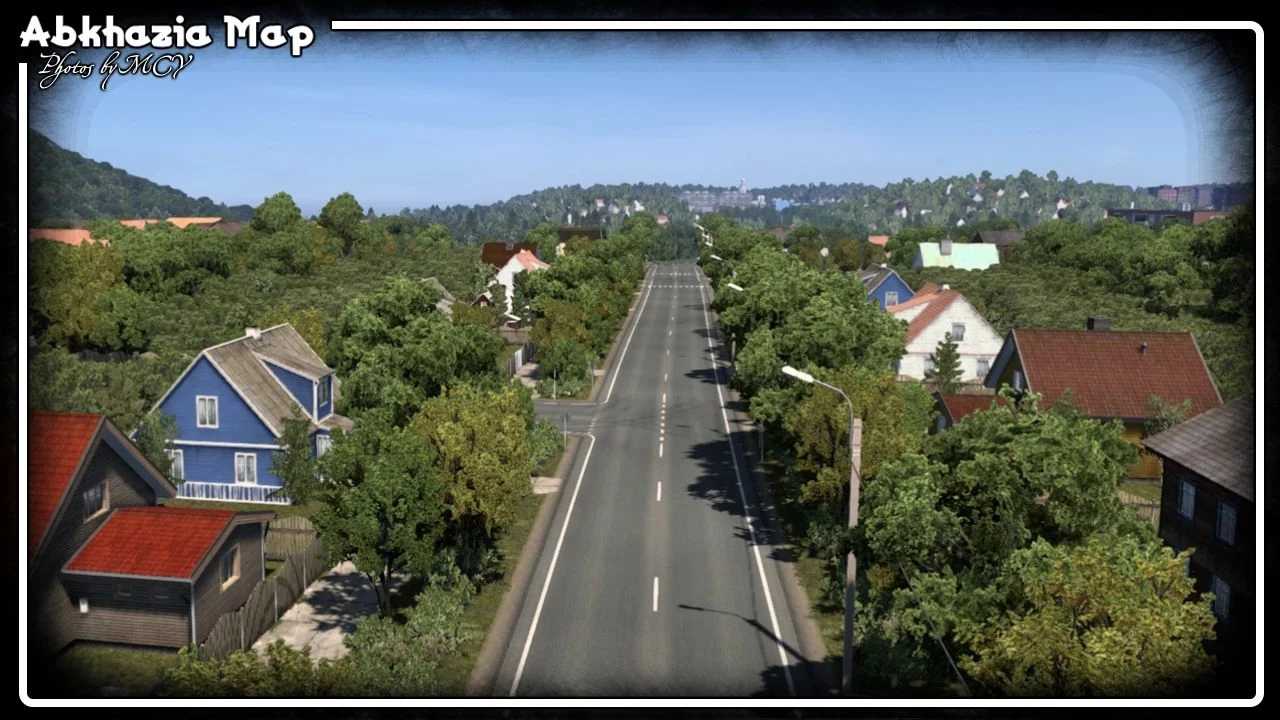
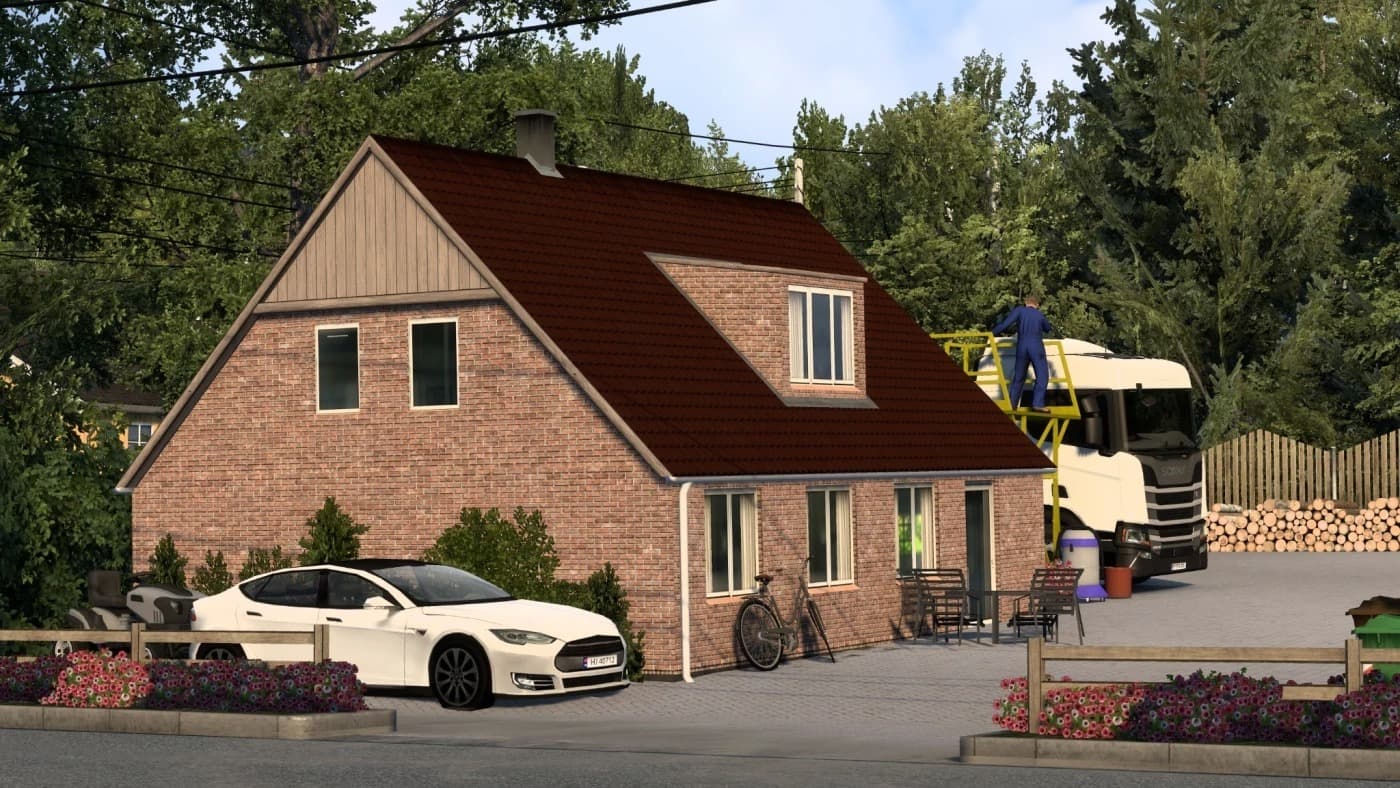
The Abkhazia Map v1.7 by ETS2 Mods offers a sunny and delightful corner of the planet to explore in Euro Truck Simulator 2. This map is optimized for ETS2 versi
The Abkhazia Map v1.7 for Euro Truck Simulator 2 adds a fresh and distinct region to the game's drivable world. This mod introduces roads and locations based on the real Abkhazia area, offering players a chance to explore this sunny corner of the planet in ETS2. It works with game versions 1.60 and 1.7, so it fits well if you're running those specific updates.
Map mods like this one are designed to broaden or modify the base map by adding new cities, highways, and landscapes. They usually come as .scs files that need to be placed in your mod folder. With Abkhazia Map, you’ll want to ensure it loads above mods like ProMods and South Region Map for proper functionality and compatibility.
Because map mods often overlap with existing game areas or other expansions, load order is key here. Installing the Abkhazia Map after major base map DLCs helps prevent conflicts or missing roads. Sometimes a fresh profile might be recommended when adding large-scale maps to avoid bugs or save corruption.
This particular version has addressed many road-related bugs from earlier releases, making travel smoother within its boundaries. The creator is credited simply as ETS2 Mods with additional contributions noted under MCY, indicating ongoing maintenance and improvements over time.
Players interested in expanding their trucking experience beyond vanilla Europe will find this mod useful. If you're into exploring lesser-known regions or complementing other regional mods like those covering Russia or The Balkans, Abkhazia adds variety without straying too far off the beaten path.
In short, if you enjoy map expansions that bring new terrain to your routes and don’t mind managing load order carefully, this mod fits right into a modded setup focused on enhancing geographic diversity within ETS2.
How to install
1. Download every .scs file from the source page (map mods often ship multiple files). 2. Copy all files to `Documents/Euro Truck Simulator 2/mod/`. 3. Enable each file in Mod Manager **in the order documented by the modder**. Load order matters for maps. 4. Start a new save or use an existing save that already supports the map's base regions.
After the mod loads, save your game inside a safe area (parking lot or service) before deciding whether to keep it. If the game refuses to load with the mod enabled, check that all required DLCs are installed and that the supported ETS2 version chips on this page include your installed game patch.
Known conflicts
No conflicts reported for this mod yet. Running a big mod list? Check your whole setup for conflicts →
Reviews
No ratings yetNo reviews yet — be the first to rate this mod.