WINTER IS COMING V3 1.21.X
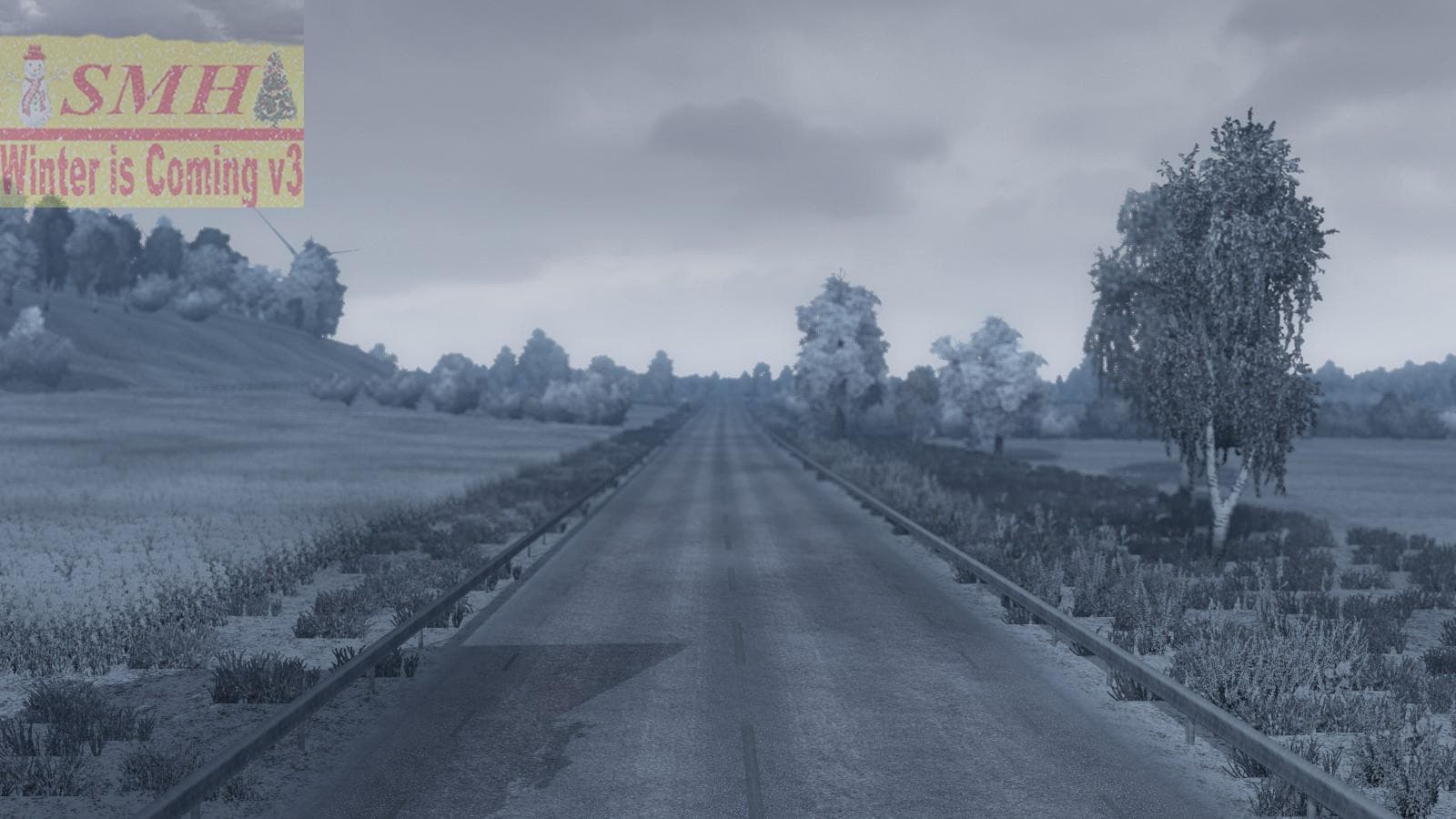
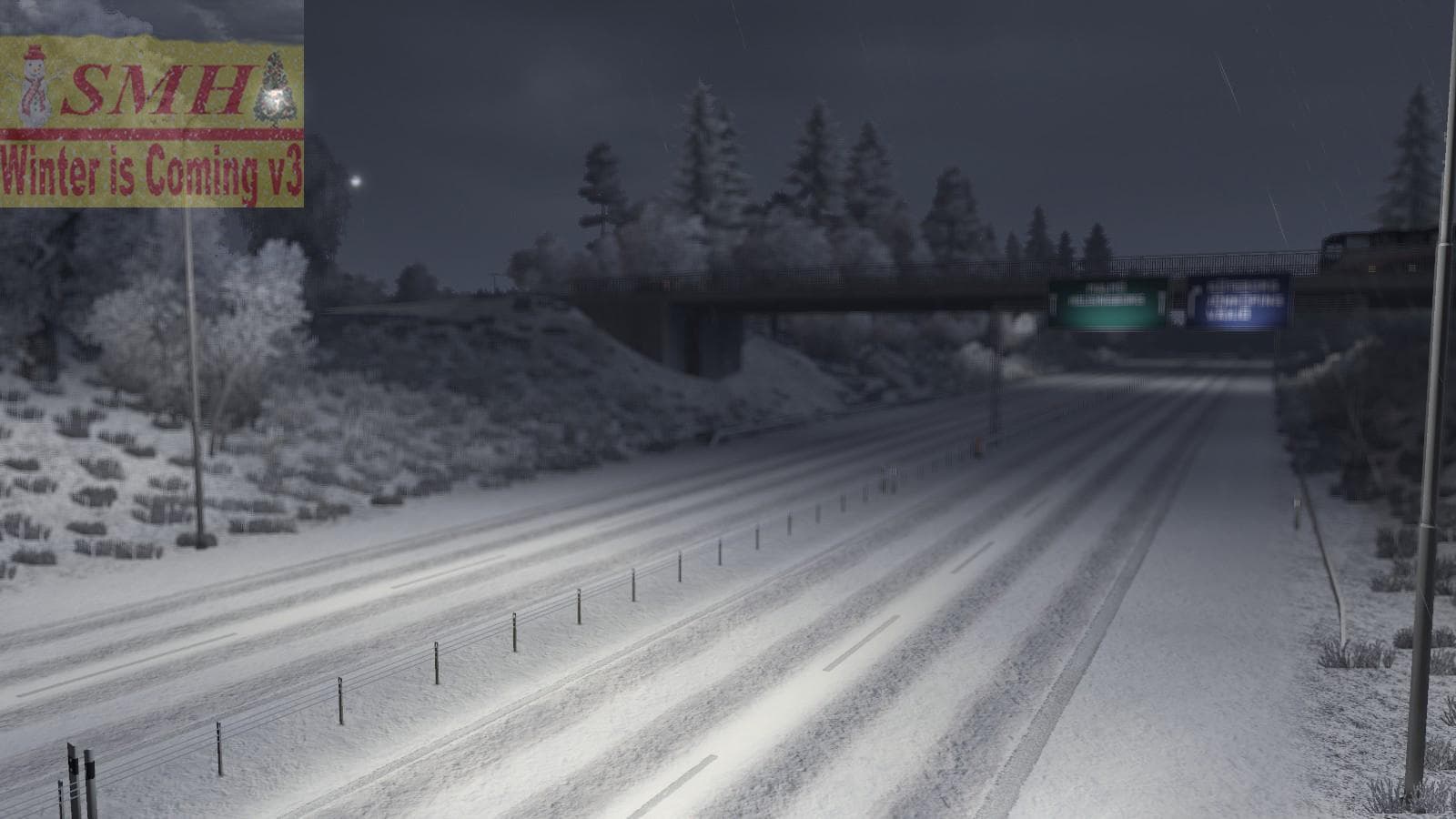
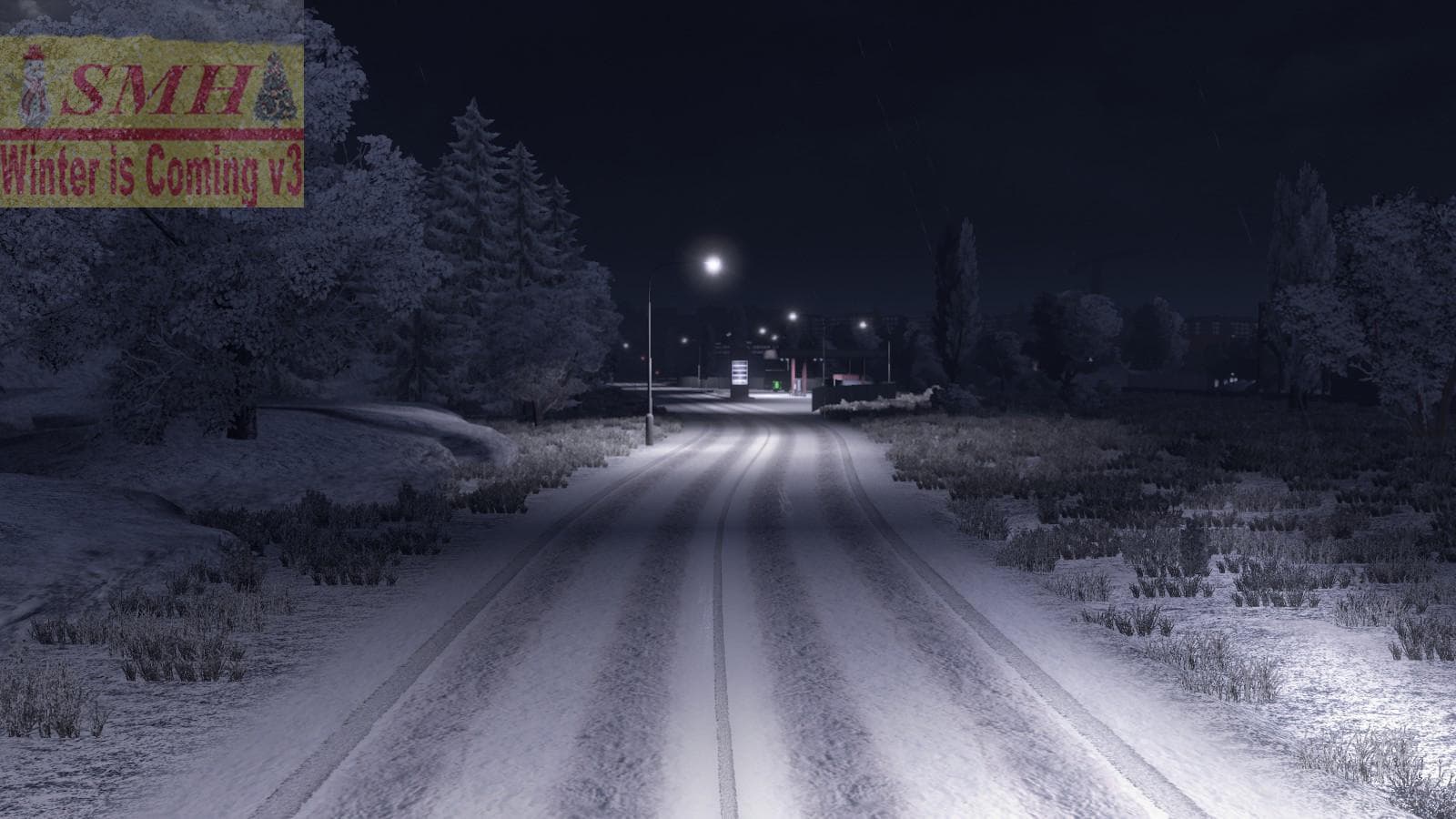
"WINTER IS COMING V3 1.21.X" is a map mod for ETS2 version 1.21 by Euro Truck Simulator 2. It features re-edited materials, models, and prefabs, snow tires, rea
WINTER IS COMING V3 1.21.X is a map mod for Euro Truck Simulator 2 designed to bring a winter-themed environment to the game. As a map mod, it changes the visual and atmospheric elements of the landscape, focusing on snowy conditions that affect how the world looks and feels. This type of mod typically includes alterations to materials, models, and prefabs to create a consistent seasonal experience.
Map mods like this one expand or modify ETS2's drivable world by adding or reworking roads, cities, and regions with new environmental details. They come as .scs files that must be loaded in a specific order alongside other mods and DLCs. Since WINTER IS COMING V3 targets version 1.21 of the game, it's important to use it with matching game versions and compatible base maps to avoid conflicts.
This winter-themed map mod can fit well into a modded setup focused on immersive weather effects and realistic driving atmospheres. Players who enjoy seeing fresh snow-covered roads and vehicles equipped with snow tires will find this adds depth to their routes. Proper load order management is key here; map mods should generally be loaded after any gameplay or vehicle mods but before any UI or graphic tweaks.
Anyone wanting a seasonal change in their ETS2 experience without changing core gameplay might want this mod. It enhances visual immersion during cold weather scenarios and can complement other realism-focused mods for cabin atmosphere or environmental sounds.
Overall, WINTER IS COMING V3 offers a focused update on ETS2’s environments by simulating winter conditions through texture re-edits and model updates, making it suitable for players interested in driving through snow-covered Europe or similar regions.
How to install
1. Download every .scs file from the source page (map mods often ship multiple files). 2. Copy all files to `Documents/Euro Truck Simulator 2/mod/`. 3. Enable each file in Mod Manager **in the order documented by the modder**. Load order matters for maps. 4. Start a new save or use an existing save that already supports the map's base regions.
After the mod loads, save your game inside a safe area (parking lot or service) before deciding whether to keep it. If the game refuses to load with the mod enabled, check that all required DLCs are installed and that the supported ETS2 version chips on this page include your installed game patch.
Known conflicts
No conflicts reported for this mod yet. Running a big mod list? Check your whole setup for conflicts →
Reviews
No ratings yetNo reviews yet — be the first to rate this mod.





