Winter is Coming 1.21.x
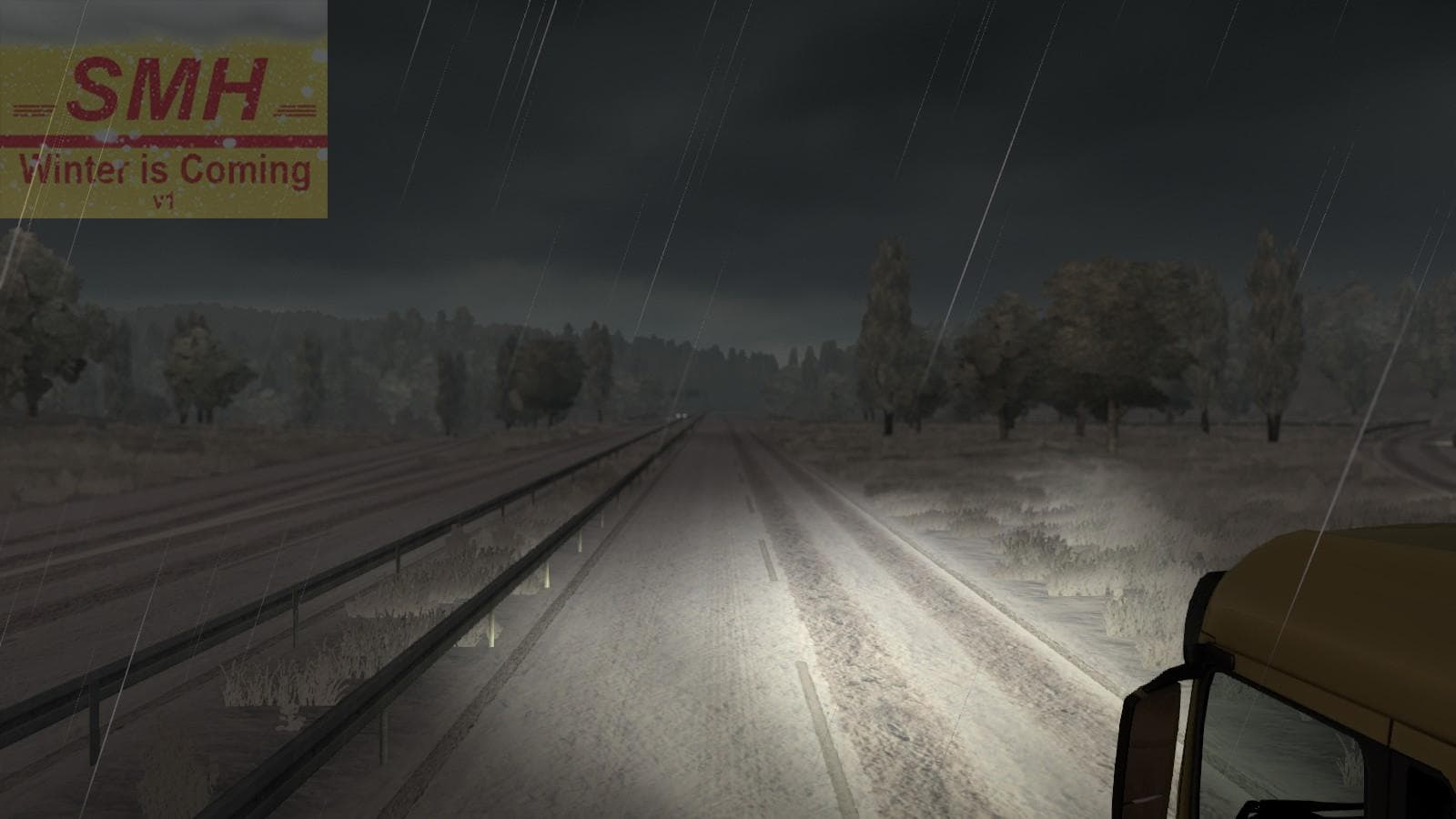
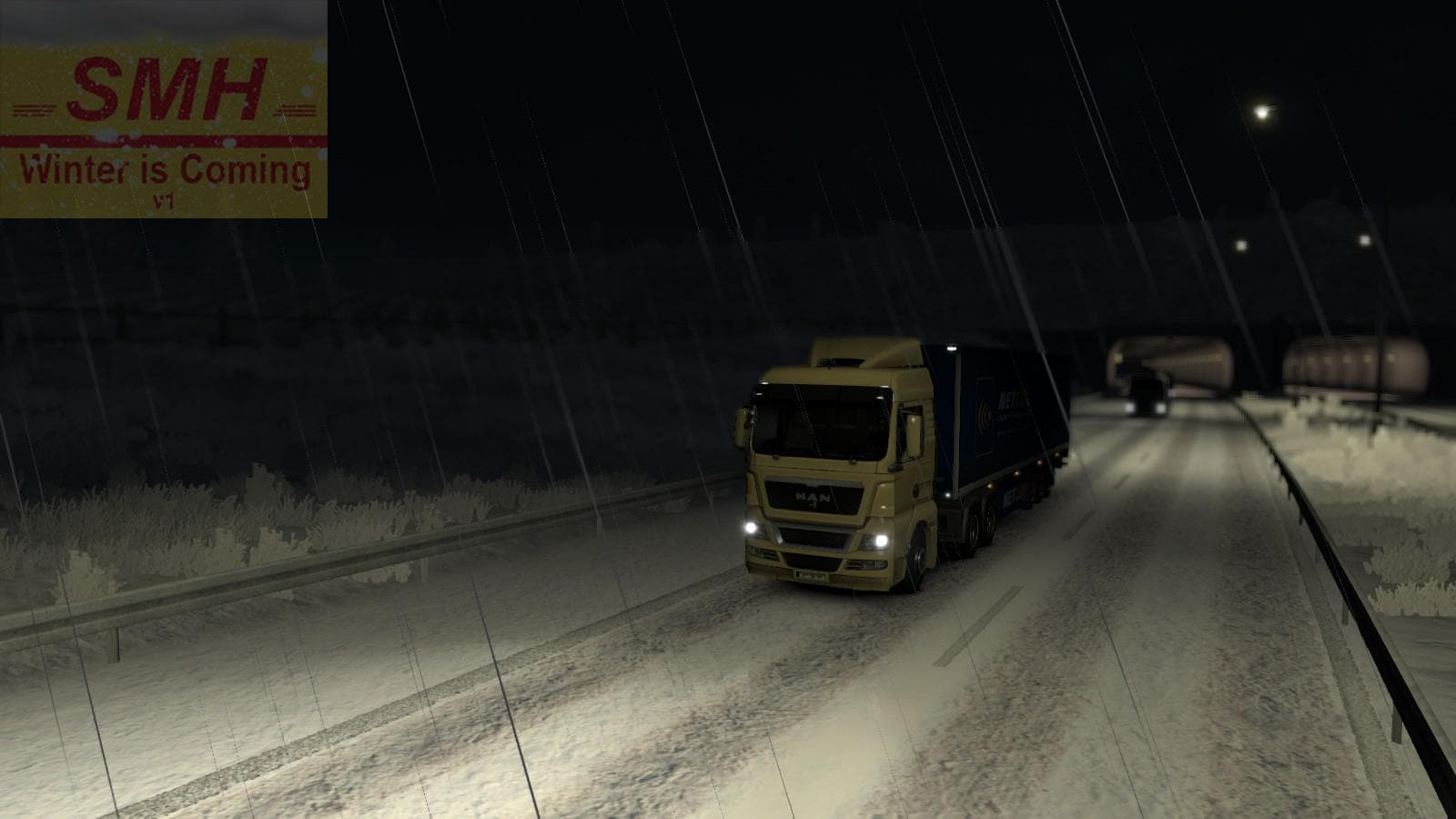
Winter is Coming 1.21.x is a map mod for ETS2 version 1.21 by Euro Truck Simulator 2. It includes edits to prefabs, terrains, roads, and new sound effects for t
Winter is Coming 1.21.x is a map modification designed for Euro Truck Simulator 2 version 1.21. This mod alters the game's terrain, roads, and prefabs to create a new driving environment with fresh sound effects for an added layer of immersion. Map mods like this one generally come as .scs files that replace or extend the base game world with new areas or seasonal changes.
Map mods in ETS2 expand the drivable area by adding new routes, cities, or reworking existing ones. They usually require careful attention to load order since they can conflict with other maps or DLC content. For Winter is Coming, it’s wise to use it on a clean profile or ensure compatibility with your current base map DLCs to avoid issues.
In a modded setup, this map mod fits alongside other environment-enhancing mods but should be loaded after core map files to prevent conflicts. Players often prioritize these types of mods when they want to experience different weather conditions or unique regional layouts not found in the vanilla game.
This mod will appeal mainly to players interested in exploring altered landscapes and those who want a winter-themed driving experience. It’s less about adding vehicles or gameplay mechanics and more about changing how the world looks and feels during their hauls.
Since its creator is unknown and file size details are missing, users should approach installation carefully and back up profiles before trying it out. Maps can be demanding on system resources depending on their scale and detail, so testing performance impact beforehand is recommended.
How to install
1. Download every .scs file from the source page (map mods often ship multiple files). 2. Copy all files to `Documents/Euro Truck Simulator 2/mod/`. 3. Enable each file in Mod Manager **in the order documented by the modder**. Load order matters for maps. 4. Start a new save or use an existing save that already supports the map's base regions.
After the mod loads, save your game inside a safe area (parking lot or service) before deciding whether to keep it. If the game refuses to load with the mod enabled, check that all required DLCs are installed and that the supported ETS2 version chips on this page include your installed game patch.
Known conflicts
No conflicts reported for this mod yet. Running a big mod list? Check your whole setup for conflicts →
Reviews
No ratings yetNo reviews yet — be the first to rate this mod.





