VOLVO FH2013 ROMANTIC SKIN 1.22
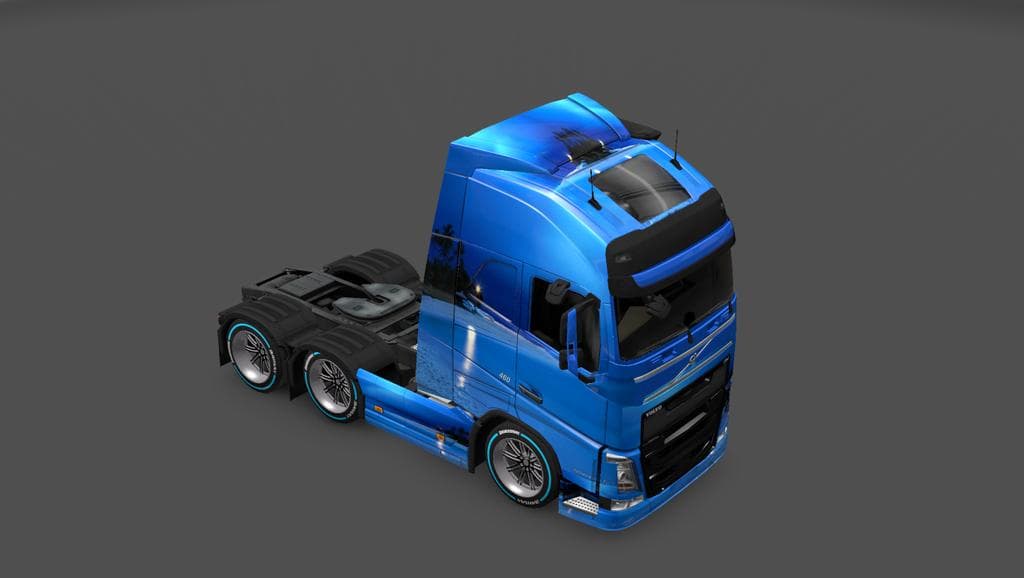
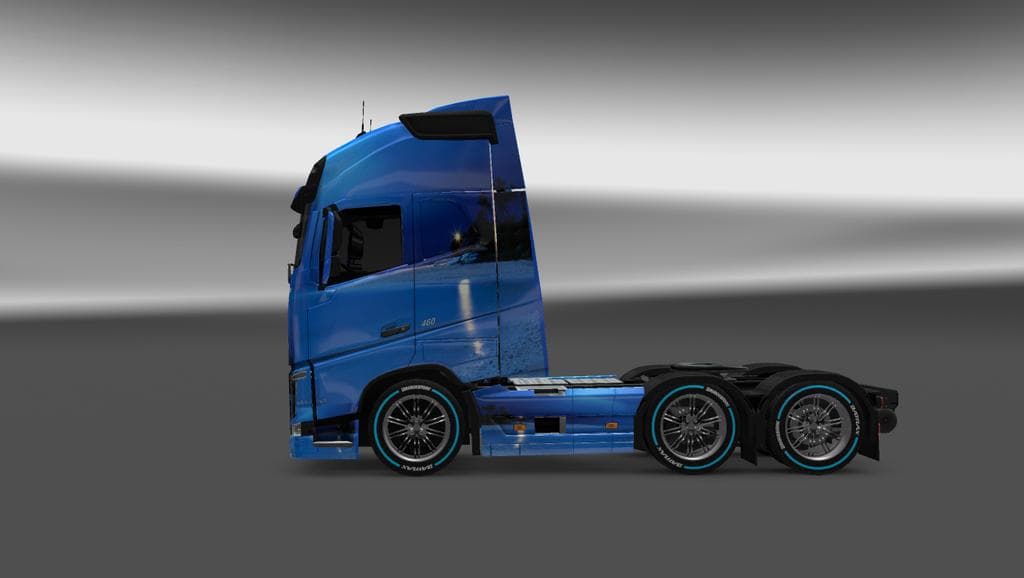
The VOLVO FH2013 ROMANTIC SKIN 1.22 is a skin mod for Euro Truck Simulator 2, designed for version 1.22 of the game. Created by Euro truck simulator 2, this mod
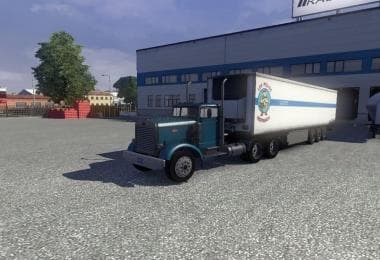
The Volvo FH2013 Romantic Skin 1.22 is a repaint mod designed for the Volvo FH2013 truck model in Euro Truck Simulator 2. It changes the visual appearance of the truck without altering its shape or performance. Skins like this one are applied directly through the game's paint shop, so you can customize your truck's look while keeping its original features intact.
Skin mods such as this rely on the base vehicle they were created for, meaning you'll need the Volvo FH2013 model to use it. They offer a straightforward way to personalize your driving experience by adding new colors or designs to familiar trucks. This type of mod does not affect gameplay mechanics, focusing purely on aesthetics.
In a modded ETS2 setup, skins generally load after map or gameplay mods and rarely conflict with other types of modifications. However, it's good practice to check if multiple skins target the same truck since only one skin can be active at a time for any given vehicle. Keeping them organized helps avoid unexpected issues in the paint shop.
This particular skin has been tested for compatibility with ETS2 version 1.22, so it fits well if your game runs that release. If you're running a different version, you might encounter problems or reduced functionality. Always matching mod versions with your ETS2 version is advisable when using skins.
Players who enjoy customizing their trucks visually will find this mod appealing, especially if they prefer the Volvo FH2013 model and want a fresh look without adding complexity. It's suitable for those who like to mix and match various cosmetic mods in their garage.
Overall, this skin provides an easy way to refresh your Volvo FH2013's appearance within Euro Truck Simulator 2's version 1.22 environment. Whether you're running a heavily modded profile or just want some variety in your fleet's look, it slots in neatly without fuss.
How to install
1. Download the .scs file. 2. Drop it into `Documents/Euro Truck Simulator 2/mod/`. 3. Enable in Mod Manager. 4. Apply the skin in the truck/trailer paint shop.
After the mod loads, save your game inside a safe area (parking lot or service) before deciding whether to keep it. If the game refuses to load with the mod enabled, check that all required DLCs are installed and that the supported ETS2 version chips on this page include your installed game patch.
Reviews
No ratings yetNo reviews yet — be the first to rate this mod.