VOLVO FH16 GREEK 1.22
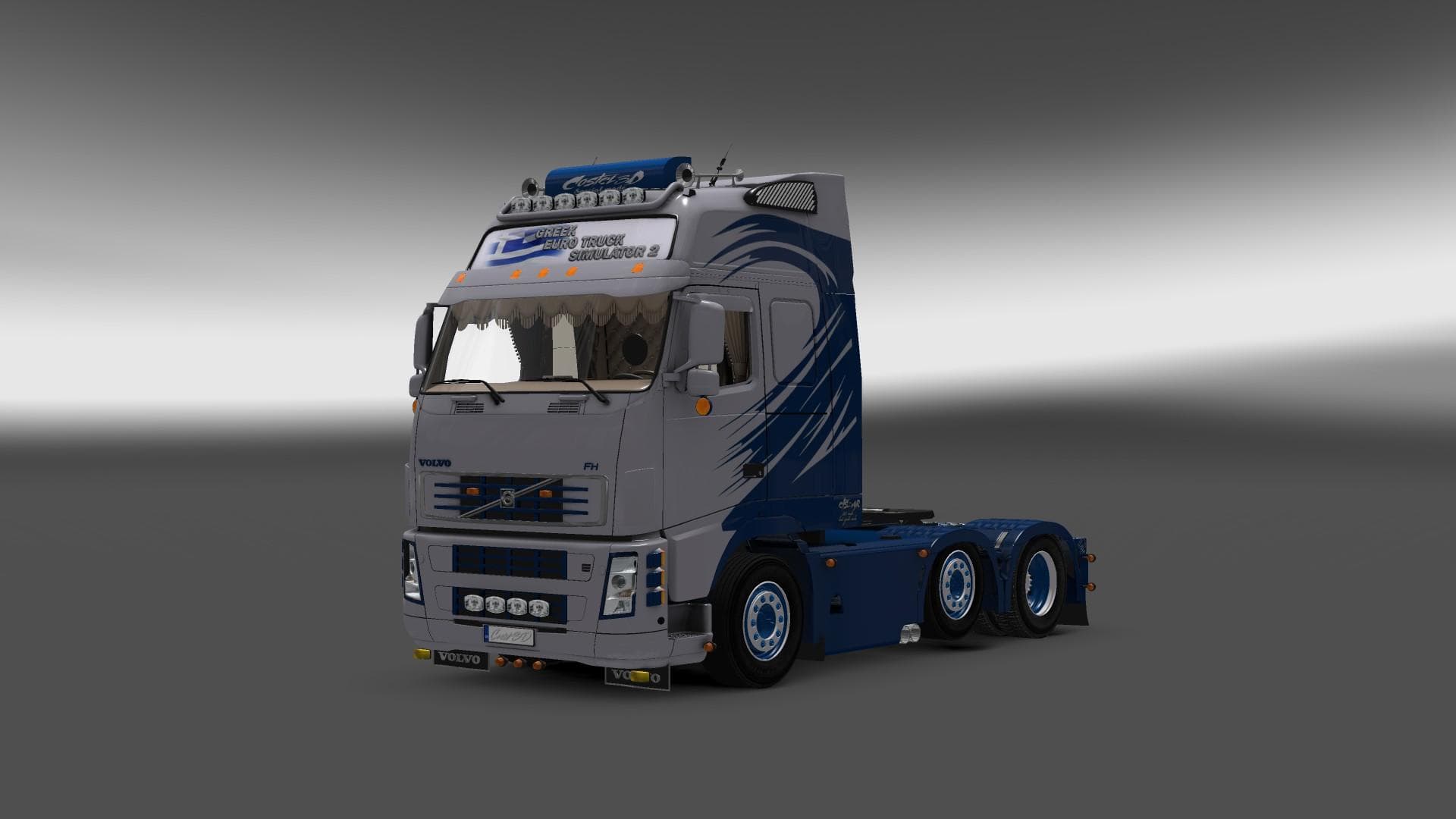
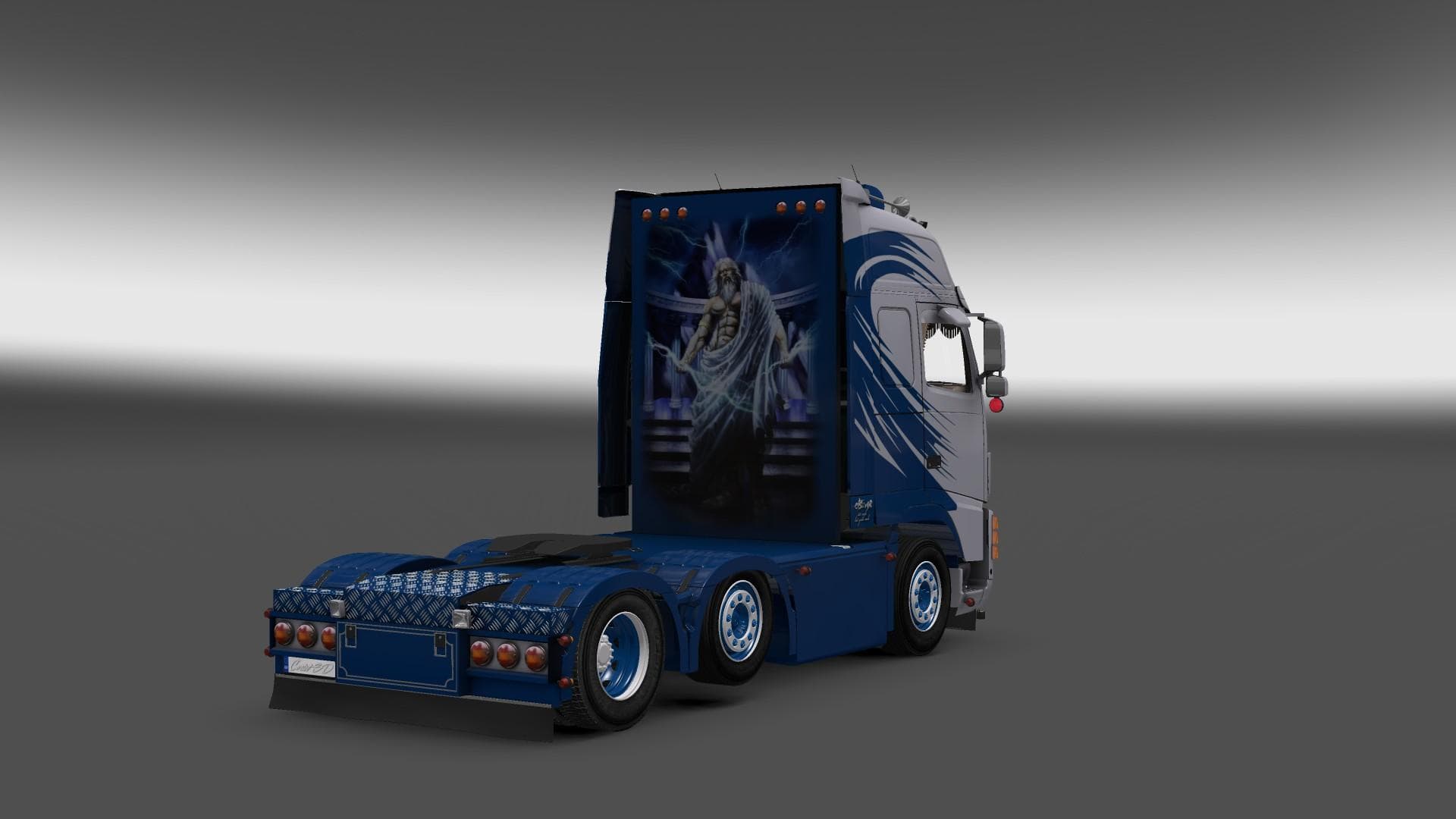
The VOLVO FH16 GREEK 1.22 mod is a standalone truck mod with interior and wheel customization options. It has been tested on ETS2 versions 1.18 and 1.22, with c
The VOLVO FH16 GREEK 1.22 mod adds a standalone Volvo FH16 truck to Euro Truck Simulator 2, compatible with game versions 1.18 and 1.22. This mod brings a distinct Greek-themed version of the FH16, complete with its own interior, lighting options, wheels, and tuning features. Like most truck mods, it can be purchased at in-game dealers and offers multiple paint slots along with engine and transmission choices.
Truck mods such as this one enhance ETS2 by providing players with new drivable vehicles that differ from the base game’s lineup. They typically come with custom interiors tailored to the model and add variety to gameplay by introducing unique tuning parts and visual options. The Volvo FH16 Greek mod fits into this category by offering an alternative take on the classic FH16 cab chassis.
When integrating this mod into a larger collection, it's wise to pay attention to load order since standalone trucks generally don't conflict with each other or cargo mods but may overlap if another mod alters the same truck model. Ensuring it loads after any global texture or sound mods affecting trucks can help avoid unintended visual or audio issues.
Players interested in diversifying their fleet with a recognizable heavy-duty European truck might find this mod appealing, especially those who want something themed around Greece or just appreciate detailed standalone trucks. It’s suitable for users running ETS2 versions 1.18 through 1.22 who enjoy customizing their rigs extensively.
Since the creator is not listed here, users should download from trusted sources and verify compatibility before use, particularly when mixing it with other extensive vehicle mods or map expansions. The inclusion of interior lighting and tuning options means it will suit those who like fiddling under the hood as well as tweaking looks.
How to install
1. Download the .scs file from the original source linked above. 2. Copy the file to `Documents/Euro Truck Simulator 2/mod/`. 3. Launch ETS2, open the Mod Manager from the main menu, enable the mod, restart the game. 4. Visit any truck dealer to spawn the new truck.
After the mod loads, save your game inside a safe area (parking lot or service) before deciding whether to keep it. If the game refuses to load with the mod enabled, check that all required DLCs are installed and that the supported ETS2 version chips on this page include your installed game patch.
Reviews
No ratings yetNo reviews yet — be the first to rate this mod.





![Fuso Supergreat Hi Cab Truck [1.50 – 1.60] – Trucks mod for Euro Truck Simulator 2](/_next/image?url=https%3A%2F%2F802software.s3.us-east-1.amazonaws.com%2Fets2modspot%2Fscreenshots%2F7494%2F0.jpg&w=3840&q=75)