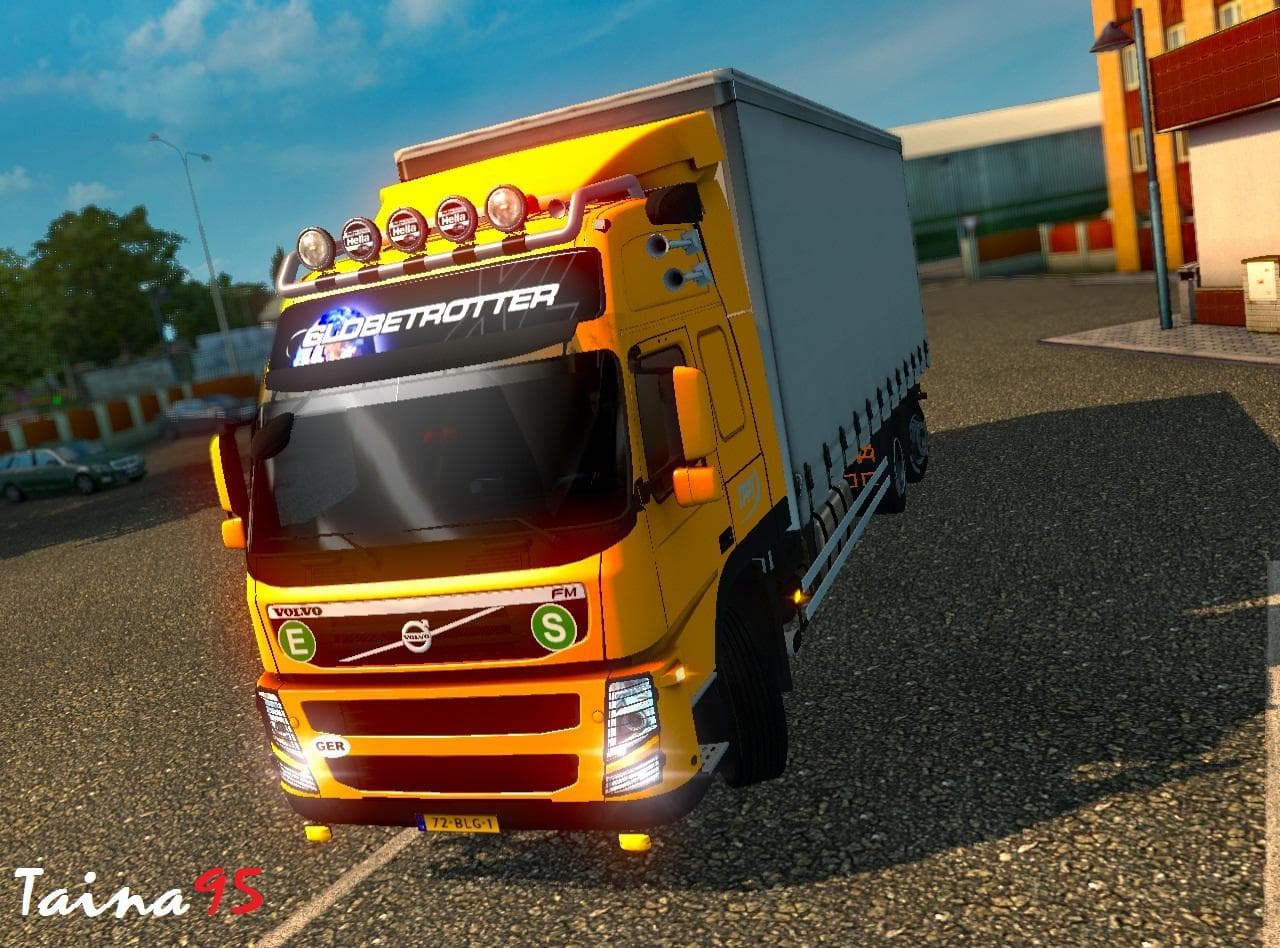
VOLVO FH16 8X4 1.21
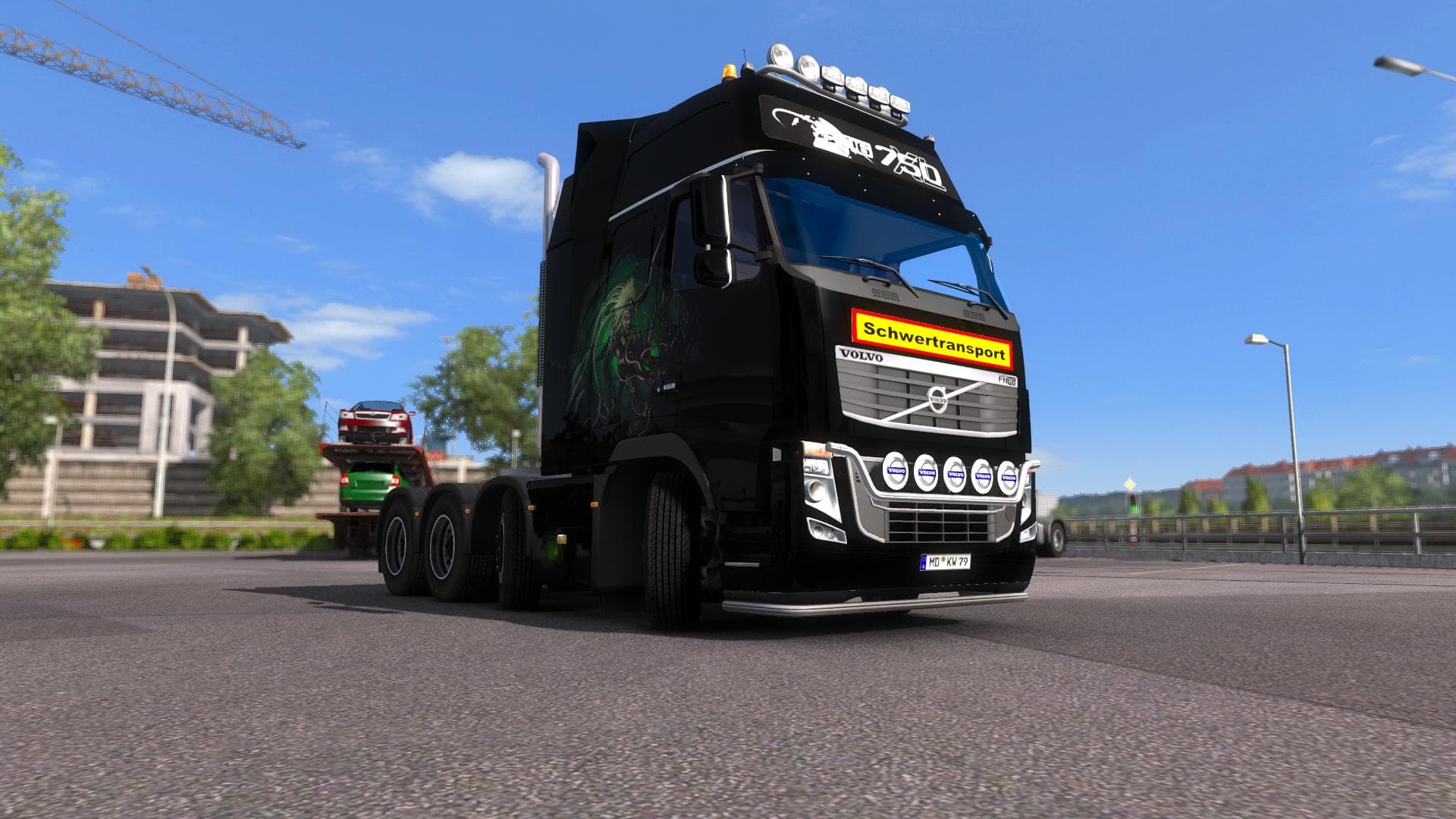
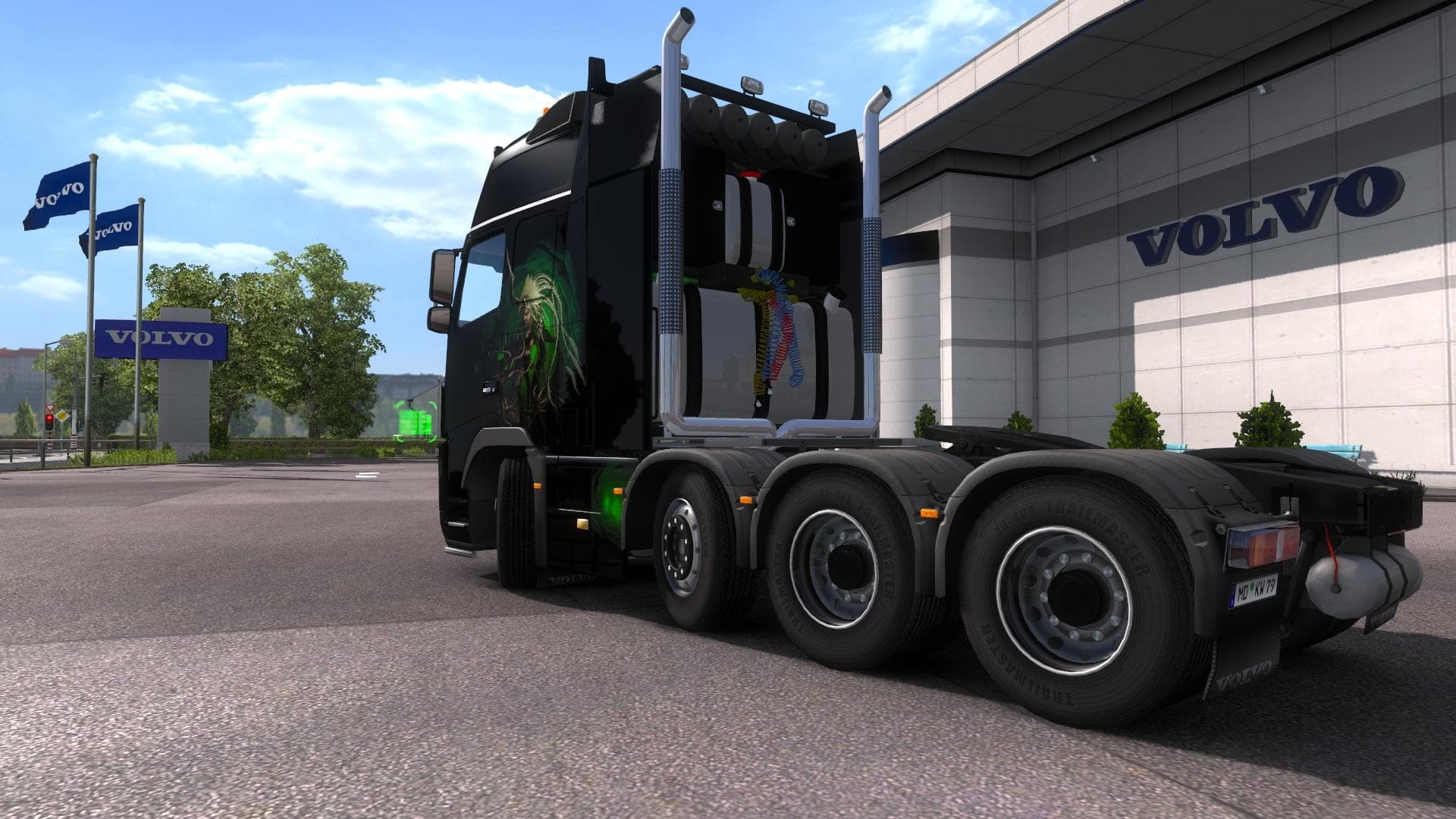
The VOLVO FH16 8X4 1.21 mod is a parts category mod created by Euro truck simulator 2. It is adapted for transporting superheavy cargo with a chassis Volvo FH16
The VOLVO FH16 8X4 1.21 mod is a parts add-on designed specifically for the Volvo FH16 chassis configured with an 8x4 wheel setup. It adapts this heavy-duty truck model to better handle superheavy cargo loads, reflecting a focus on enhancing the vehicle's utility in such scenarios. The mod supports ETS2 versions 1.19 and 1.21, ensuring compatibility with these game updates.
Parts mods like this one generally offer additional accessories or modifications to trucks within the customization menu. They allow players to tweak specific elements such as lights, exhausts, mirrors, or other components that suit a particular truck model—in this case, the Volvo FH16. These modifications help tailor trucks more closely to different hauling tasks or aesthetic preferences.
When integrating parts mods into a larger modded setup, it’s good practice to consider load order and compatibility with other truck-related mods. Since this mod targets a specific chassis and version range, it usually fits well alongside other tuning or parts add-ons aimed at Volvo trucks without causing conflicts. Players should still check for any overlaps if they use multiple mods affecting the same truck components.
This kind of mod appeals primarily to players who enjoy customizing their trucks beyond factory specifications and want their Volvo FH16 equipped for transporting exceptionally heavy cargoes. It complements setups focused on realism and specialization rather than general trucking gameplay.
Overall, VOLVO FH16 8X4 1.21 offers a focused parts upgrade that enhances how this particular chassis handles demanding loads, making it a useful addition for enthusiasts of heavy transport within Euro Truck Simulator 2.
How to install
1. Download the file(s) from the original source linked above. 2. Drop them into `Documents/Euro Truck Simulator 2/mod/`. 3. Enable in Mod Manager and restart the game.
After the mod loads, save your game inside a safe area (parking lot or service) before deciding whether to keep it. If the game refuses to load with the mod enabled, check that all required DLCs are installed and that the supported ETS2 version chips on this page include your installed game patch.
Reviews
No ratings yetNo reviews yet — be the first to rate this mod.