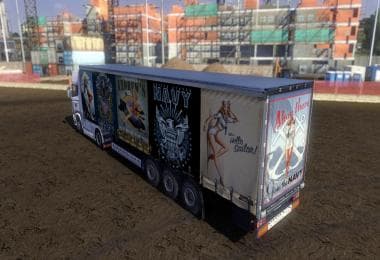
VOLVO FH16 2012 STRIPE SKIN 1.22.X
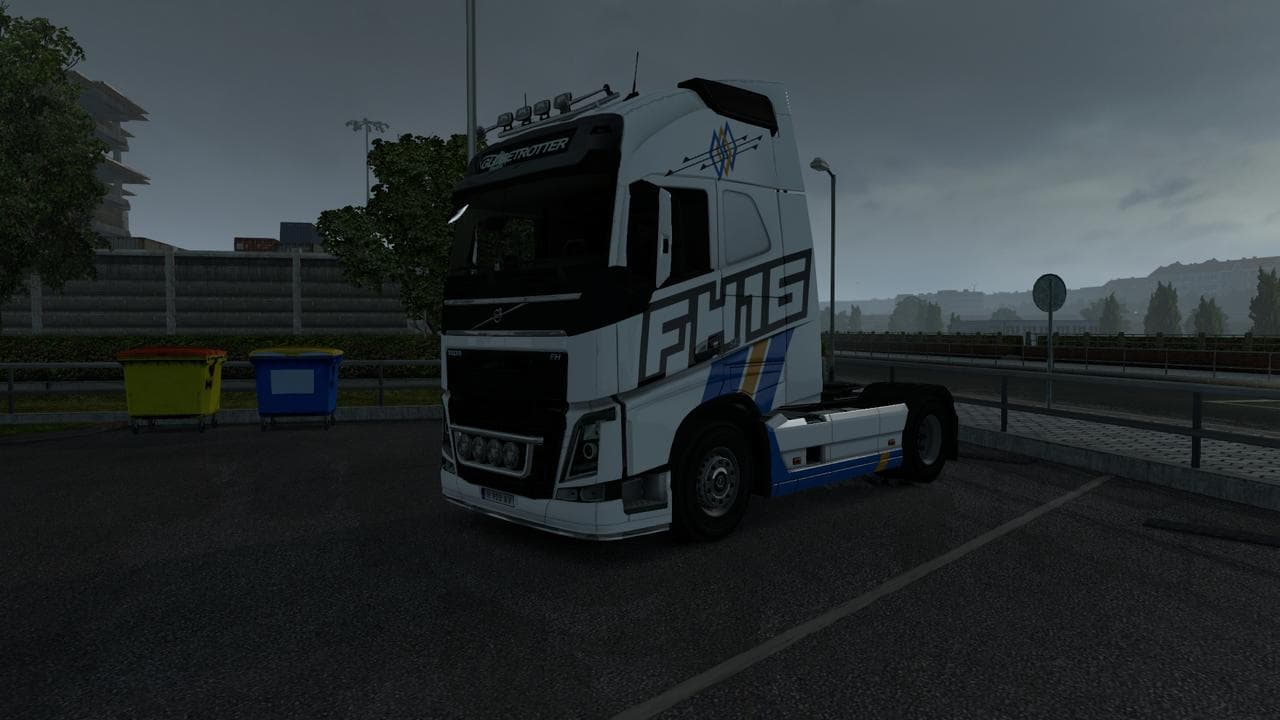
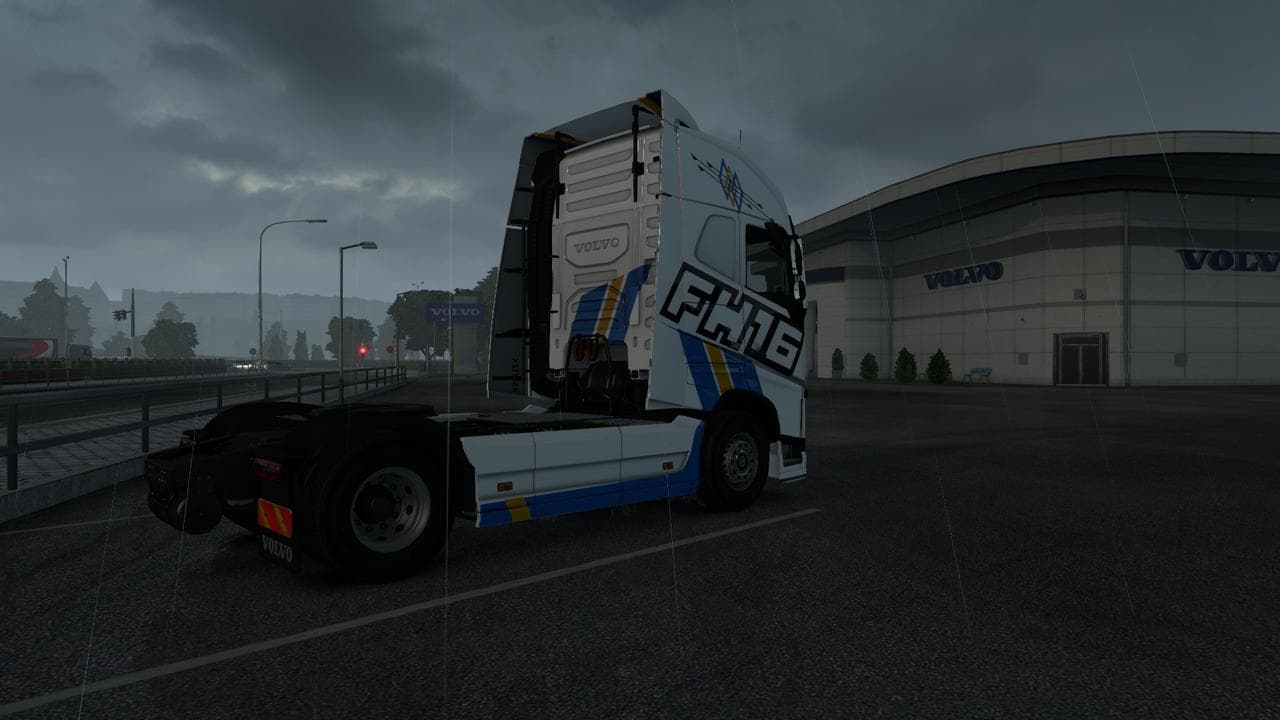
The VOLVO FH16 2012 STRIPE SKIN 1.22.X is a skin mod for Euro Truck Simulator 2, version 1.22. Created by Euro truck simulator 2, this mod features a Volvo FH16
The VOLVO FH16 2012 STRIPE SKIN 1.22.X is a repaint mod designed specifically for the Volvo FH16 2012 model in Euro Truck Simulator 2. It doesn't alter the truck's structure or mechanics but changes its visual appearance through a distinctive stripe design, applied via the paint shop feature within the game.
Skin mods like this one work by overlaying new textures onto existing truck models. Since they're dependent on the base vehicle, they require you to have the original Volvo FH16 2012 installed. This particular skin supports ETS2 version 1.22, so compatibility with other versions might be limited or require updates.
When adding skins to a modded setup, it's common practice to load them after any gameplay or map mods but before any major vehicle overhauls that could conflict with textures. Because skins only affect looks and not functionality, they usually coexist well with other mods. Still, it’s wise to check for any conflicts if you run multiple paint jobs or similar texture replacements.
Players who prefer customizing their fleet visually without impacting gameplay often turn to skin mods like this one. If you enjoy giving your Volvo trucks a personal touch that stands out on European roads, this stripe design offers a simple way to refresh your ride’s look without much hassle.
Given its focus on the Volvo FH16 from 2012 and compatibility with ETS2 1.22, this skin fits neatly into setups centered around authentic or classic trucks of that era. It's suitable for those who appreciate subtle but distinct paint styles rather than entirely new models or heavy customization.
Overall, the VOLVO FH16 2012 STRIPE SKIN provides an easy method to update your truck's aesthetic using an established model and game version. It’s straightforward to install through the mod manager and can complement many existing mod configurations.
How to install
1. Download the .scs file. 2. Drop it into `Documents/Euro Truck Simulator 2/mod/`. 3. Enable in Mod Manager. 4. Apply the skin in the truck/trailer paint shop.
After the mod loads, save your game inside a safe area (parking lot or service) before deciding whether to keep it. If the game refuses to load with the mod enabled, check that all required DLCs are installed and that the supported ETS2 version chips on this page include your installed game patch.
Reviews
No ratings yetNo reviews yet — be the first to rate this mod.