VOLVO FH 2013 REWORKED
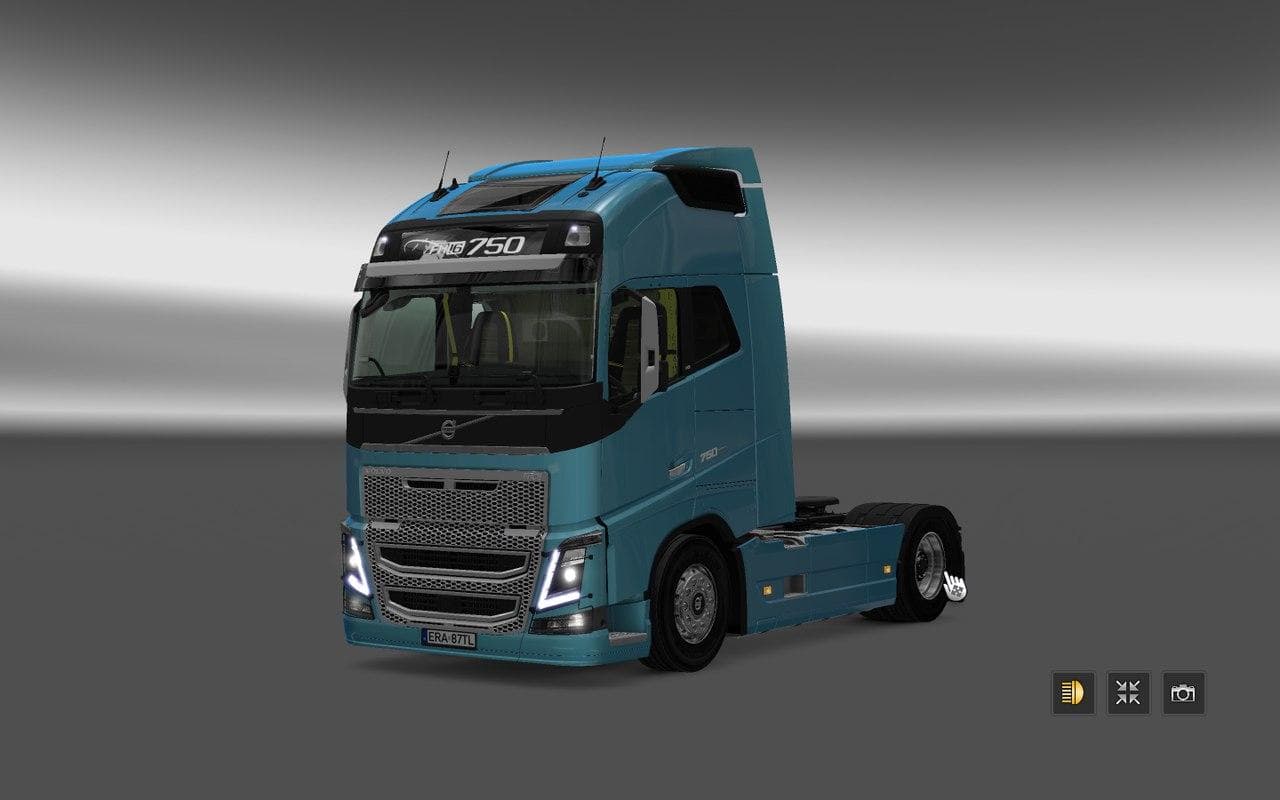
The VOLVO FH 2013 REWORKED mod for Euro Truck Simulator 2 adds a standalone Volvo truck with interior, tuning options, wheels, and sounds. It is available at th
The Volvo FH 2013 Reworked mod adds a detailed standalone truck to Euro Truck Simulator 2, representing the 2013 version of the Volvo FH series. This type of mod usually appears at truck dealers in-game, allowing players to purchase and drive it as a fully functional vehicle with its own interior and mechanical options. It brings customization possibilities including various tuning parts, wheels, and sound effects that align with the original model's character.
Truck mods like this one enhance the driving experience by providing new cab models along with engine and transmission choices. These additions often come with dedicated paint slots, which let you personalize the truck’s appearance more than standard game options allow. They fit neatly into your existing garage and fleet setup once properly installed.
When integrating a mod like the Volvo FH 2013 Reworked into a modded ETS2 setup, load order is key to avoid conflicts. Typically, standalone trucks should be loaded after map mods but before any gameplay-altering mods to ensure proper functionality and visual consistency. Compatibility checks with other truck mods or tuning packs can help prevent overlapping files or textures.
This particular mod supports ETS2 version 1.22, so it works well if your game is on or around that build. Using it on newer versions might require updates or compatibility patches from the community if available. Since creator details are unknown, support might come primarily from community forums where users share experiences and fixes.
Players who appreciate driving classic heavy-duty trucks or want to expand their vehicle collection will find this mod worthwhile. It offers a chance to experience a recognizable European hauler with some extra flair through its tuning options and sound design. It's suitable for those who enjoy realistic trucking simulations and detailed interiors.
How to install
1. Download the .scs file from the original source linked above. 2. Copy the file to `Documents/Euro Truck Simulator 2/mod/`. 3. Launch ETS2, open the Mod Manager from the main menu, enable the mod, restart the game. 4. Visit any truck dealer to spawn the new truck.
After the mod loads, save your game inside a safe area (parking lot or service) before deciding whether to keep it. If the game refuses to load with the mod enabled, check that all required DLCs are installed and that the supported ETS2 version chips on this page include your installed game patch.
Reviews
No ratings yetNo reviews yet — be the first to rate this mod.





![Fuso Supergreat Hi Cab Truck [1.50 – 1.60] – Trucks mod for Euro Truck Simulator 2](/_next/image?url=https%3A%2F%2F802software.s3.us-east-1.amazonaws.com%2Fets2modspot%2Fscreenshots%2F7494%2F0.jpg&w=3840&q=75)