VOLVO FH 16 2012 10X4
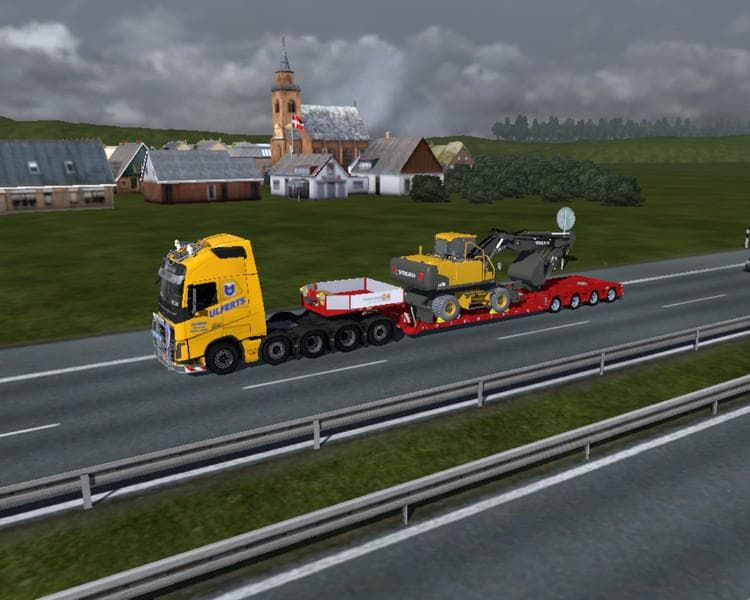
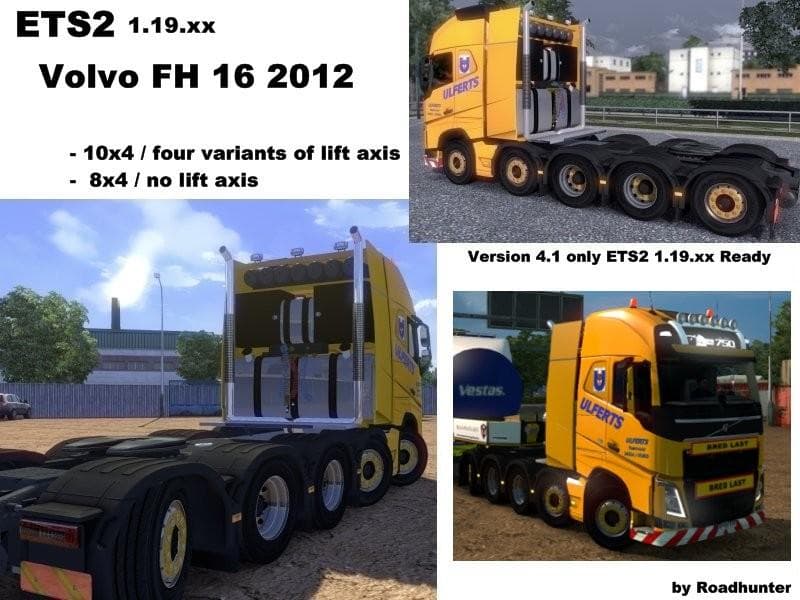
The VOLVO FH 16 2012 10X4 mod introduces a new heavy-duty truck model to Euro Truck Simulator 2, replicating the distinctive Volvo FH series with a 10x4 chassis configuration. This type of truck mod adds a fully drivable cab and chassis available for purchase within the game’s dealer network. Players can expect it to come with its own interior design, engine options, transmission settings, and paint slots that align with how truck mods generally function in ETS2.
Truck mods like this one expand the variety of vehicles you can drive, bringing more depth to your fleet and gameplay experience. The 10x4 setup typically means extra axles at the rear, which affects how the truck handles heavier loads and different types of trailers. In-game, this kind of mod is useful for players who enjoy hauling especially demanding cargoes or want a more robust truck appearance.
When adding a truck mod such as the VOLVO FH 16 2012 10X4 to your mod lineup, it's worth considering its compatibility with other modifications and your current ETS2 version. This particular mod supports ETS2 version 1.12, so it fits well if your game is around that release. As usual with trucks, loading it alongside other vehicle or trailer mods should work fine if managed properly in your load order.
Load order matters because some mods might overwrite shared files or assets; placing truck mods like this after map or traffic mods often prevents conflicts. Collision and shadow fixes mentioned in earlier versions suggest attention to detail in how the model interacts visually and physically within the game world—important for immersion and gameplay smoothness.
This mod suits players who prefer realistic heavy trucks and want to add more variety to their garage. Whether you’re into roleplaying as a long-haul driver across European countries like Germany or France, or just want a new ride with a classic Volvo feel, this mod complements those setups nicely.
How to install
1. Download the .scs file from the original source linked above. 2. Copy the file to `Documents/Euro Truck Simulator 2/mod/`. 3. Launch ETS2, open the Mod Manager from the main menu, enable the mod, restart the game. 4. Visit any truck dealer to spawn the new truck.
After the mod loads, save your game inside a safe area (parking lot or service) before deciding whether to keep it. If the game refuses to load with the mod enabled, check that all required DLCs are installed and that the supported ETS2 version chips on this page include your installed game patch.
Reviews
No ratings yetNo reviews yet — be the first to rate this mod.





![Fuso Supergreat Hi Cab Truck [1.50 – 1.60] – Trucks mod for Euro Truck Simulator 2](/_next/image?url=https%3A%2F%2F802software.s3.us-east-1.amazonaws.com%2Fets2modspot%2Fscreenshots%2F7494%2F0.jpg&w=3840&q=75)