VOLVO F10 8X4 1.20.X
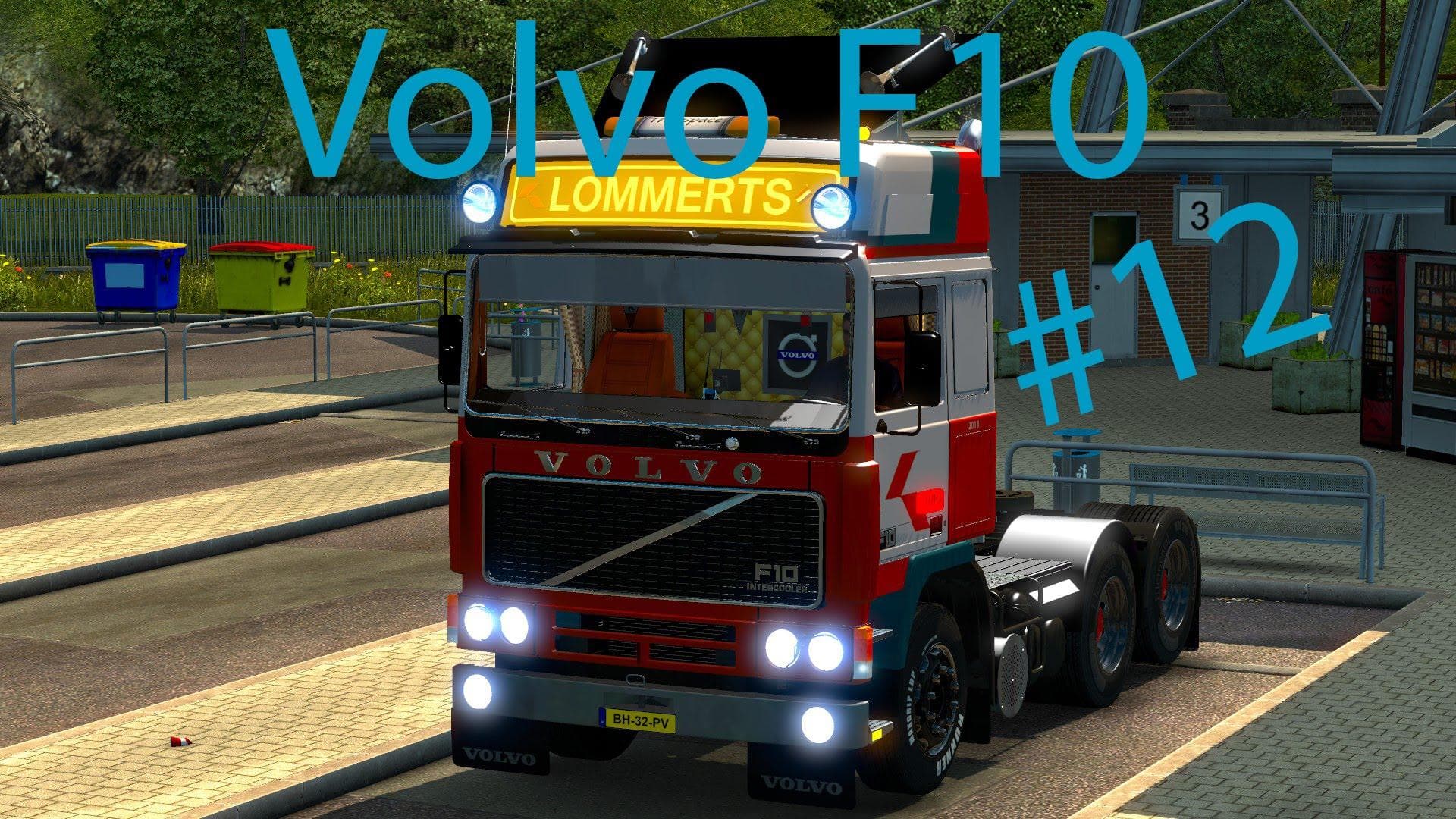
The VOLVO F10 8X4 1.20.X mod introduces the classic Volvo F10 truck to Euro Truck Simulator 2, tailored for game version 1.20. This addition brings a powerful heavy-duty rig with an 8x4 chassis layout, offering players a distinct driving experience compared to the base game trucks. It's a drivable vehicle that can be bought at dealerships within the game, fitting naturally into ETS2's system of truck management and upgrades.
Truck mods like this one typically come with their own set of interiors, engine options, and paint jobs. While specifics on customization aren't detailed here, it's standard for these mods to allow some level of personalization and tuning to match player preferences or roleplay scenarios. The inclusion of a 1000HP engine suggests this truck leans towards heavy haulage tasks or those looking for extra power on demanding routes.
In terms of integrating into a modded setup, truck mods usually need careful attention to load order to avoid conflicts with other vehicle additions or gameplay changes. Since this mod does not include a manifest.sii file, users might want to ensure compatibility manually or place it accordingly in their mod manager so it doesn't override essential files from other mods.
Players who enjoy driving vintage or specialized trucks will find this Volvo F10 mod appealing. Its unique chassis configuration and high-powered engine make it suitable for those who want something different from the modern fleet available in ETS2. It also suits players interested in expanding their collection with vehicles that offer varied driving dynamics.
Given its category as a heavy truck and its compatibility with version 1.20, users running that ETS2 release can slot this mod into their existing garage without much hassle. However, as always with truck mods, checking for updates or user feedback regarding any issues is recommended before committing it to long-term use.
How to install
1. Download the .scs file from the original source linked above. 2. Copy the file to `Documents/Euro Truck Simulator 2/mod/`. 3. Launch ETS2, open the Mod Manager from the main menu, enable the mod, restart the game. 4. Visit any truck dealer to spawn the new truck.
After the mod loads, save your game inside a safe area (parking lot or service) before deciding whether to keep it. If the game refuses to load with the mod enabled, check that all required DLCs are installed and that the supported ETS2 version chips on this page include your installed game patch.
Reviews
No ratings yetNo reviews yet — be the first to rate this mod.





![Fuso Supergreat Hi Cab Truck [1.50 – 1.60] – Trucks mod for Euro Truck Simulator 2](/_next/image?url=https%3A%2F%2F802software.s3.us-east-1.amazonaws.com%2Fets2modspot%2Fscreenshots%2F7494%2F0.jpg&w=3840&q=75)