VOLKSWAGEN CRAFTER 2.5 TDI 1.21.X
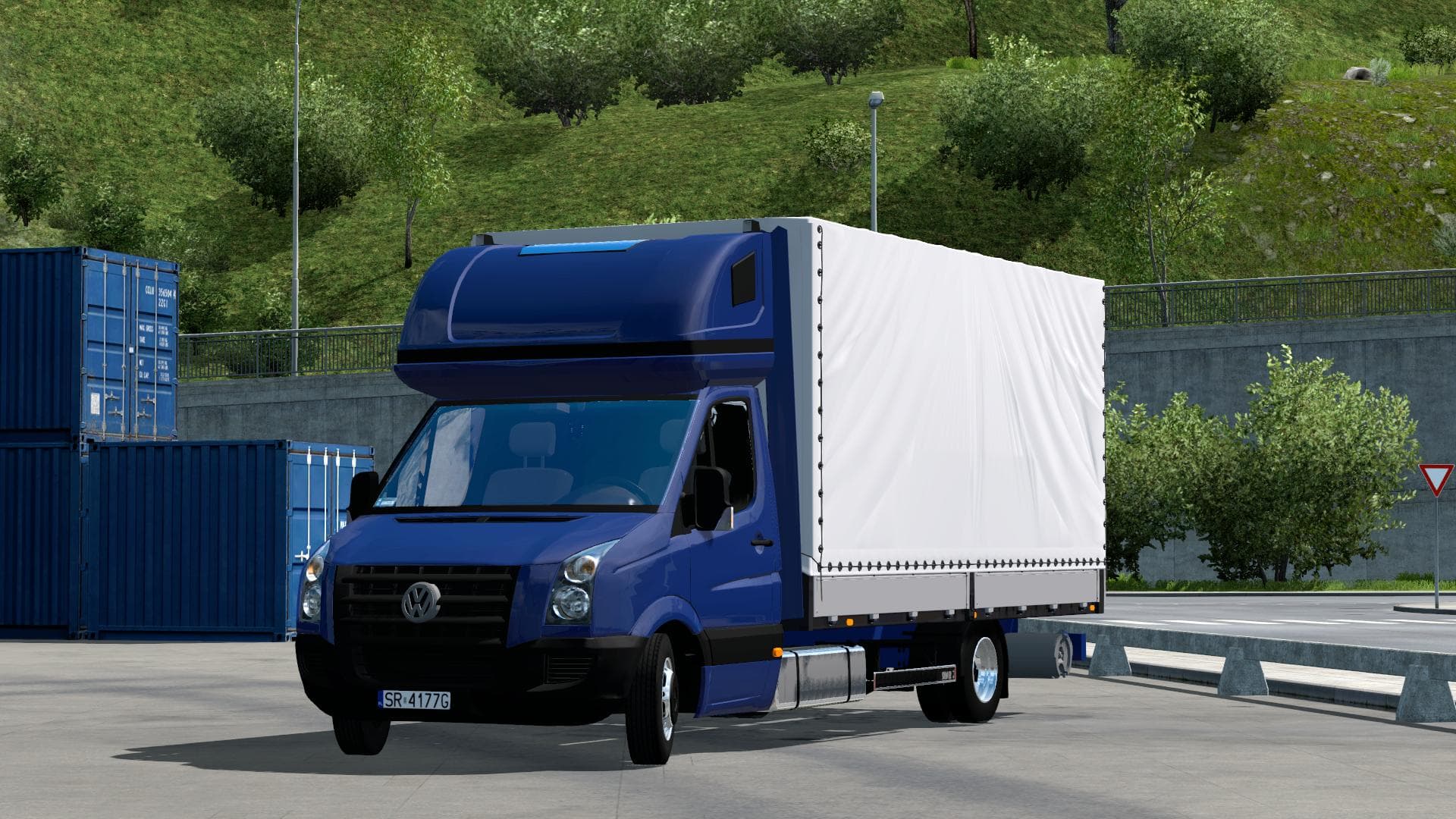
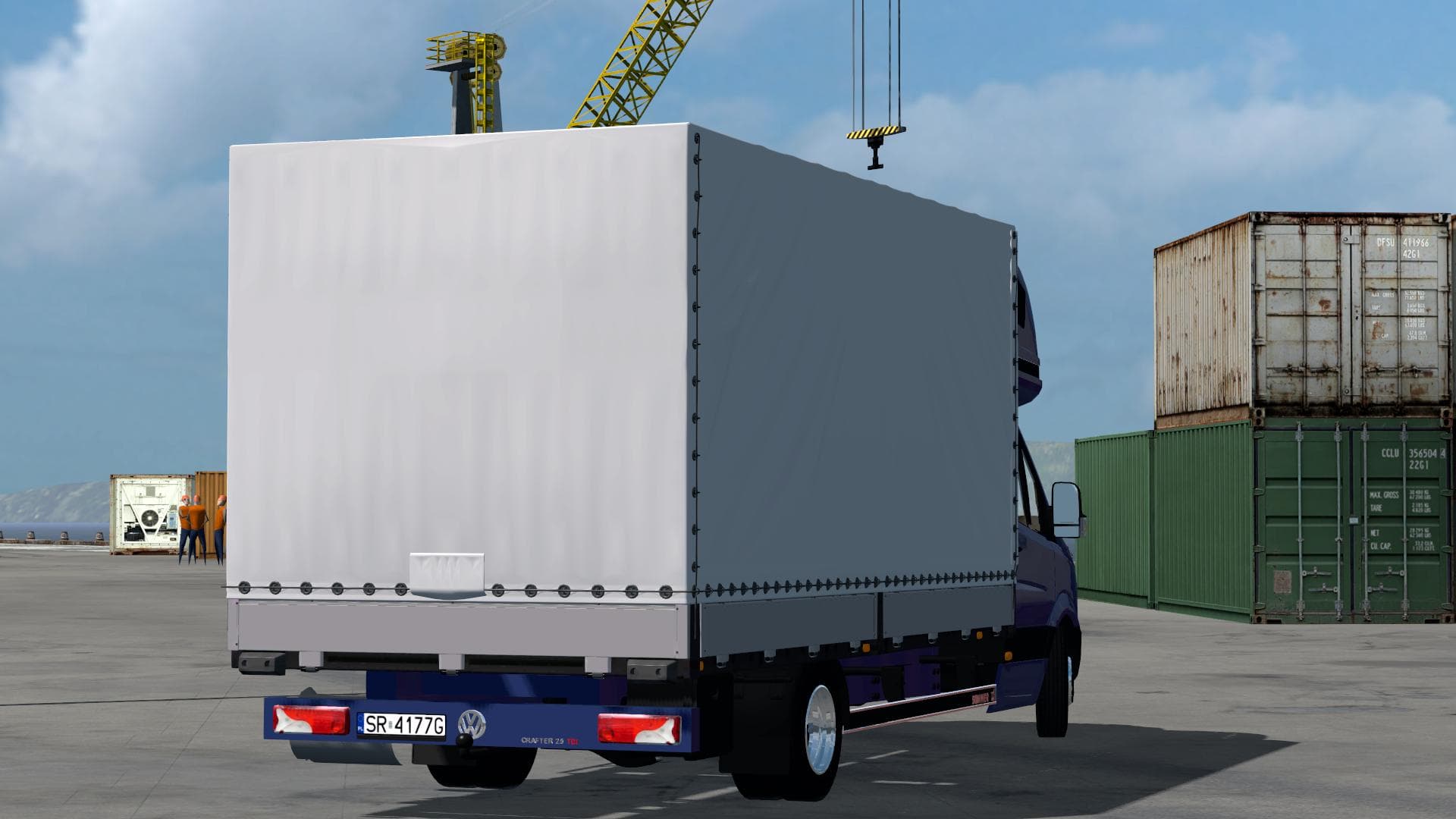
The VOLKSWAGEN CRAFTER 2.5 TDI 1.21.X mod is a trucks mod created by Euro truck simulator 2. It is version 2.5 and supports ETS2 versions 1.21 and 1.20. The mod
The Volkswagen Crafter 2.5 TDI mod brings an early beta version of this van to Euro Truck Simulator 2, compatible with versions 1.20 and 1.21. It offers players the chance to drive a distinctive cab that differs from the standard trucks in the game, adding variety to their garage. As a truck mod, it typically includes its own interior setup and options for engines and transmissions, letting you customize your ride to some extent.
Truck mods like this one integrate directly into the game's dealer system, making them purchasable just like official trucks. Once installed, they usually come with multiple paint slots so you can personalize the look further. This mod being an early beta means it might still have some rough edges or bugs, but it provides a solid foundation for fans of Volkswagen vans who want something different from the usual haulage machines.
In terms of fitting into a modded setup, truck mods generally work well alongside other content additions such as map expansions or trailer packs. You should pay attention to load order if you're running multiple truck mods; conflicts can arise when more than one tries to replace similar game files or dealer menus. Since this mod is designed for 1.20 and 1.21 ETS2 versions, make sure your game matches these to avoid compatibility issues.
This Volkswagen Crafter appeals mainly to players who enjoy driving smaller commercial vehicles within ETS2 or want something with a bit of character beyond typical long-haul trucks. It’s also suitable for those who appreciate German automotive brands and want to add more diversity in their fleet without straying too far from authentic designs.
How to install
1. Download the .scs file from the original source linked above. 2. Copy the file to `Documents/Euro Truck Simulator 2/mod/`. 3. Launch ETS2, open the Mod Manager from the main menu, enable the mod, restart the game. 4. Visit any truck dealer to spawn the new truck.
After the mod loads, save your game inside a safe area (parking lot or service) before deciding whether to keep it. If the game refuses to load with the mod enabled, check that all required DLCs are installed and that the supported ETS2 version chips on this page include your installed game patch.
Reviews
No ratings yetNo reviews yet — be the first to rate this mod.