VOLKSWAGEN CONSTELLATION V2.3
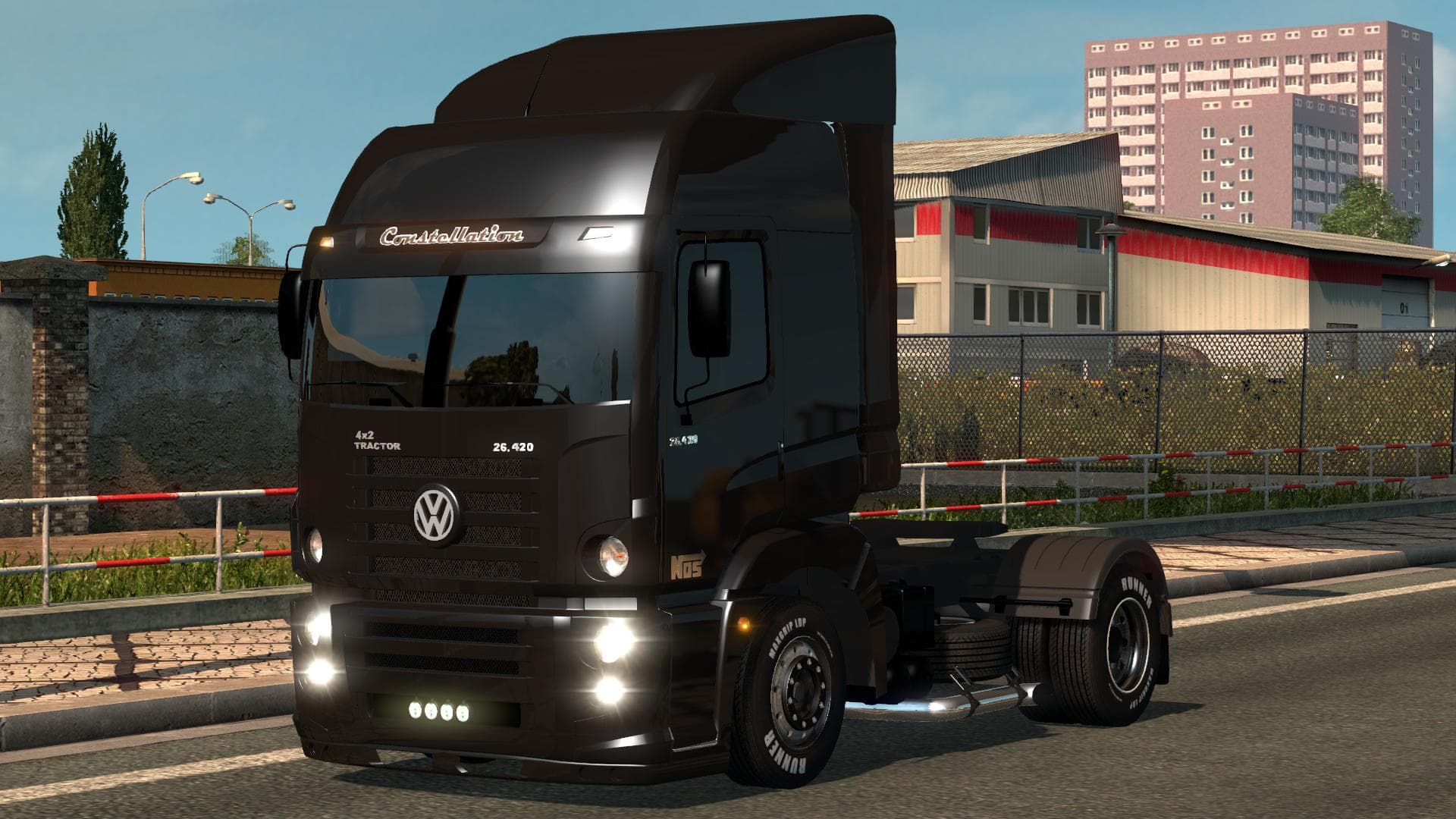
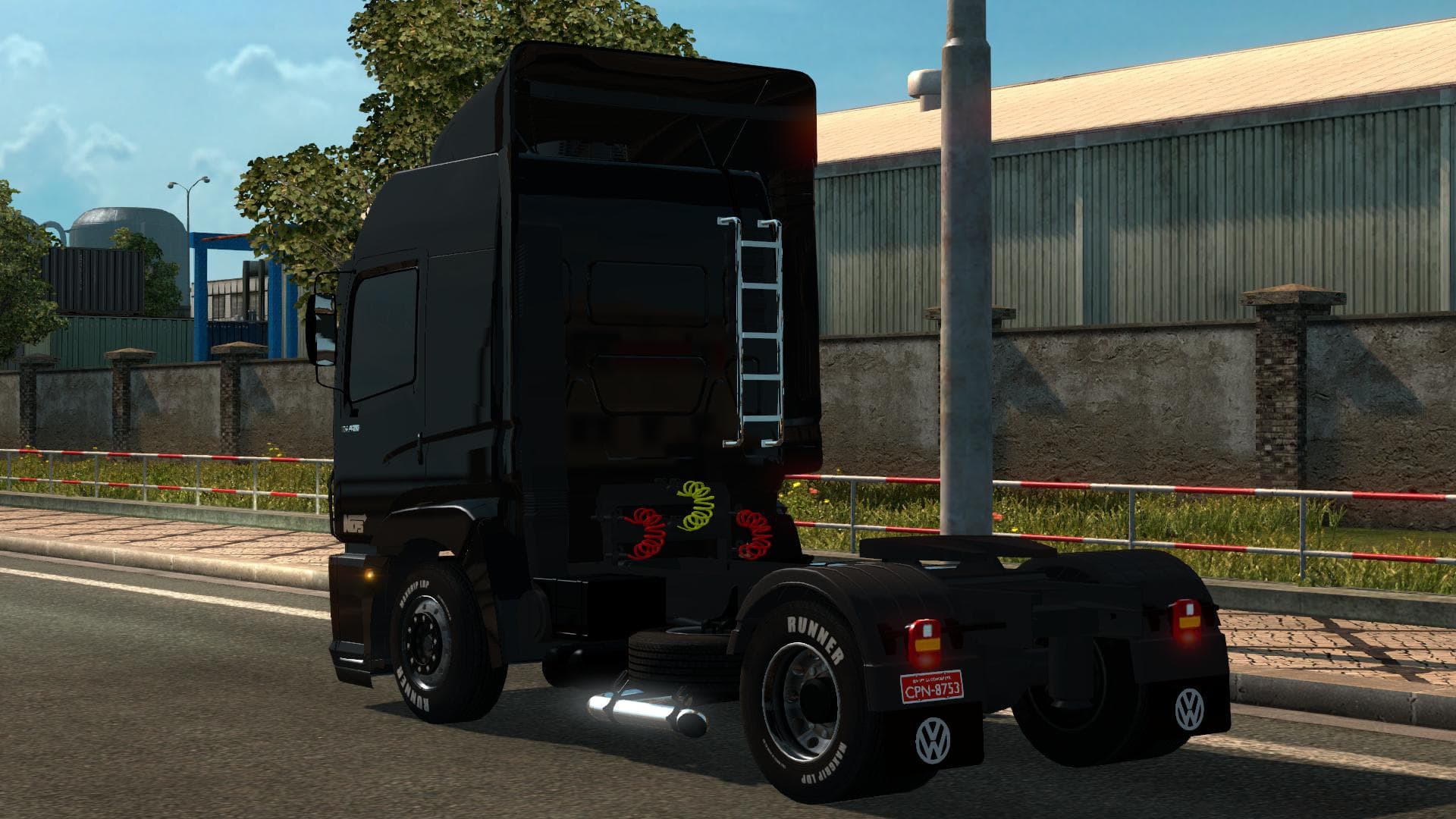
The VOLKSWAGEN CONSTELLATION truck mod version 2.3 is available for ETS2 version 1.21. However, users have reported numerous errors in the mod. Credits to Possa
The VOLKSWAGEN CONSTELLATION V2.3 mod introduces a new truck model for Euro Truck Simulator 2, updated to be compatible with version 1.21 of the game. This type of mod typically adds a drivable cab and chassis that players can buy at in-game dealerships, expanding the variety of trucks available beyond the base game options. Expect it to come with its own interior design, engine configurations, transmission choices, and paint slots to customize your vehicle's appearance.
Truck mods like this one serve to diversify the driving experience by offering alternative vehicles that may not be found in the official ETS2 lineup. They allow players to explore different styles and brand representations within their fleet. However, this particular mod is known to have numerous errors despite being updated for 1.21, so users should be prepared for some glitches or compatibility issues.
In a modded setup, truck additions such as the Volkswagen Constellation should generally be loaded after map and gameplay mods but before skin packs or tuning parts to avoid conflicts. Since truck mods replace or add new vehicles, careful load order management can help maintain stability when running several mods simultaneously.
Players interested in expanding their garage with less common trucks might find this mod appealing, especially if they enjoy trying out vehicles outside mainstream European brands featured in ETS2. Fans of Volkswagen’s commercial vehicles or those looking for more variety in their trucking experience could give this a shot, keeping in mind it may require troubleshooting due to its reported errors.
Because detailed information about file size and creator is unknown, it's wise to back up your profile before installing. Checking community forums for potential fixes or updates might improve usability if you encounter problems while driving this modded truck.
How to install
1. Download the .scs file from the original source linked above. 2. Copy the file to `Documents/Euro Truck Simulator 2/mod/`. 3. Launch ETS2, open the Mod Manager from the main menu, enable the mod, restart the game. 4. Visit any truck dealer to spawn the new truck.
After the mod loads, save your game inside a safe area (parking lot or service) before deciding whether to keep it. If the game refuses to load with the mod enabled, check that all required DLCs are installed and that the supported ETS2 version chips on this page include your installed game patch.
Reviews
No ratings yetNo reviews yet — be the first to rate this mod.





![Fuso Supergreat Hi Cab Truck [1.50 – 1.60] – Trucks mod for Euro Truck Simulator 2](/_next/image?url=https%3A%2F%2F802software.s3.us-east-1.amazonaws.com%2Fets2modspot%2Fscreenshots%2F7494%2F0.jpg&w=3840&q=75)