VEBATRANS 1.17 - 1.21
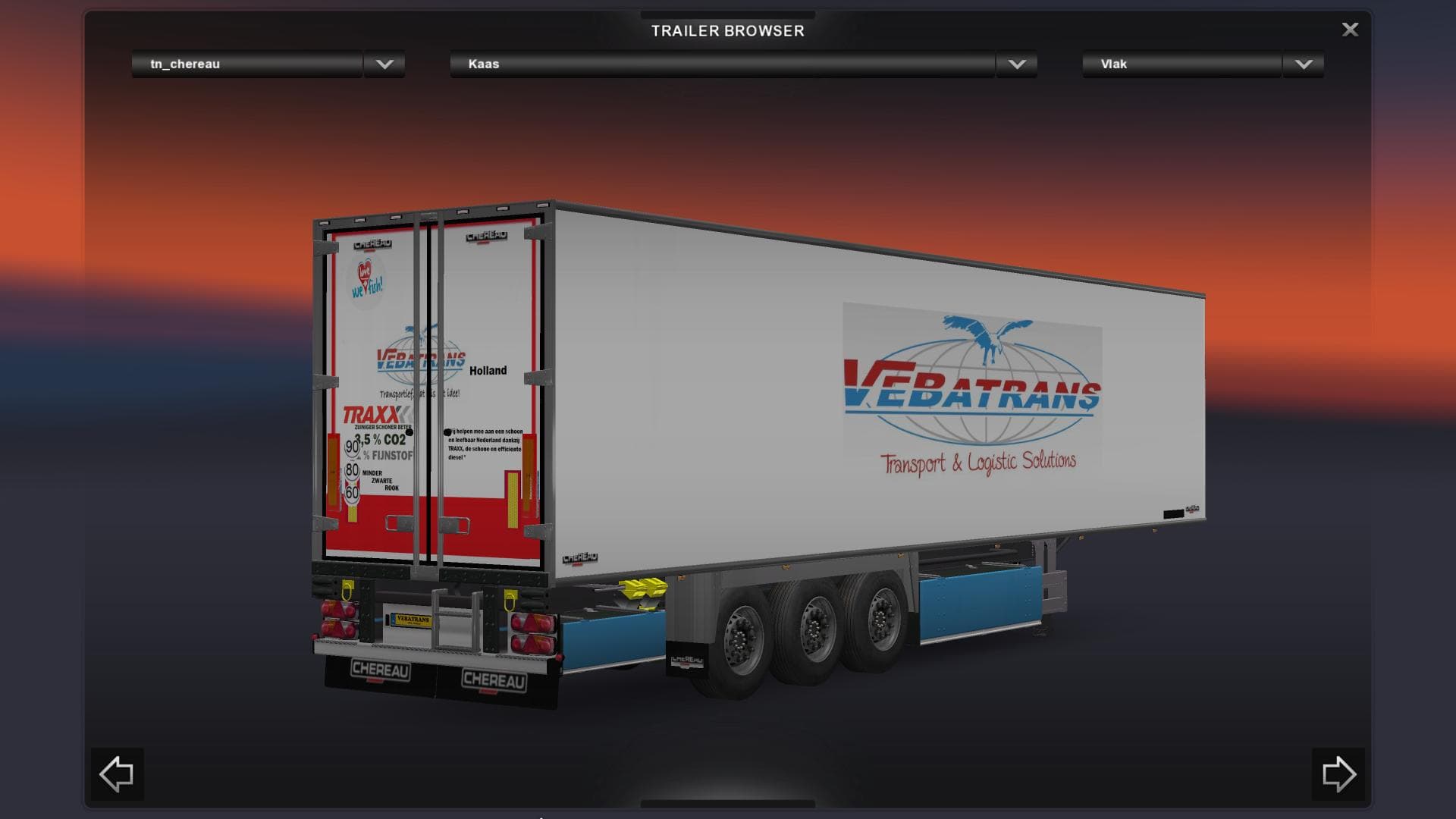
VEBATRANS 1.17 - 1.21 is an ETS2 trailers. Listed compatible with ETS2 1.17, 1.21.
The VEBATRANS 1.17 - 1.21 mod adds a trailer to Euro Truck Simulator 2 that fits within the game's existing trailer selection. As a trailer mod, it brings additional options for haulable cargo or ownable trailer bodies, which players can find in cargo menus or at trailer dealerships. This particular version supports ETS2 updates 1.17 through 1.21, ensuring compatibility across those game versions.
Trailer mods like this one typically expand the variety of trailers you can use on your trucking routes. They introduce new hauling possibilities that aren't part of the base game, adding some diversity to your freight options. Since it's focused on trailers rather than trucks or maps, installation is generally straightforward: just place the mod file in your mod folder and enable it in the game's mod manager.
When including VEBATRANS in a modded setup, consider where it sits in your load order alongside other trailer mods or map expansions. Trailer mods usually work well with many others but conflicts can occasionally arise if multiple mods alter similar assets or cargo types. It's a good idea to test how it interacts with other additions you have installed.
This type of mod will appeal mainly to players looking to increase the variety of their trailers and cargo without drastically changing gameplay mechanics. If you enjoy exploring different hauling tasks and want more options for your fleet's trailers, adding VEBATRANS could be worth trying out.
Since this mod covers multiple ETS2 versions, it's handy for users who haven't updated beyond 1.21 yet or who keep several versions available for different setups. Overall, it slots nicely into any collection focused on expanding trailer choices within standard trucking scenarios.
How to install
1. Download the .scs file. 2. Drop it into `Documents/Euro Truck Simulator 2/mod/`. 3. Enable in Mod Manager. 4. Trailer should appear in cargo selection or trailer dealer depending on the mod's design.
After the mod loads, save your game inside a safe area (parking lot or service) before deciding whether to keep it. If the game refuses to load with the mod enabled, check that all required DLCs are installed and that the supported ETS2 version chips on this page include your installed game patch.
Reviews
No ratings yetNo reviews yet — be the first to rate this mod.





