Ural-43020 v5
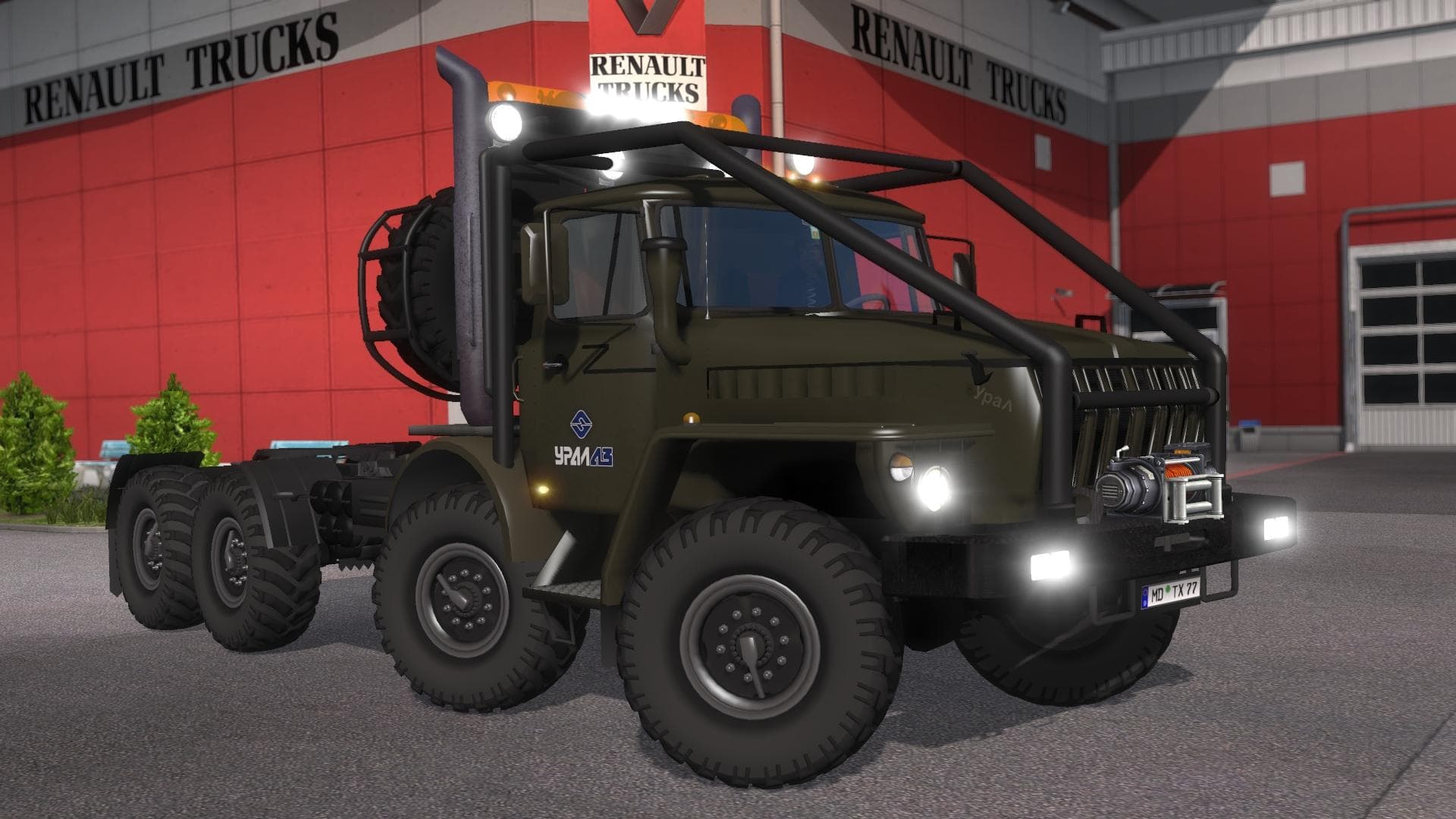
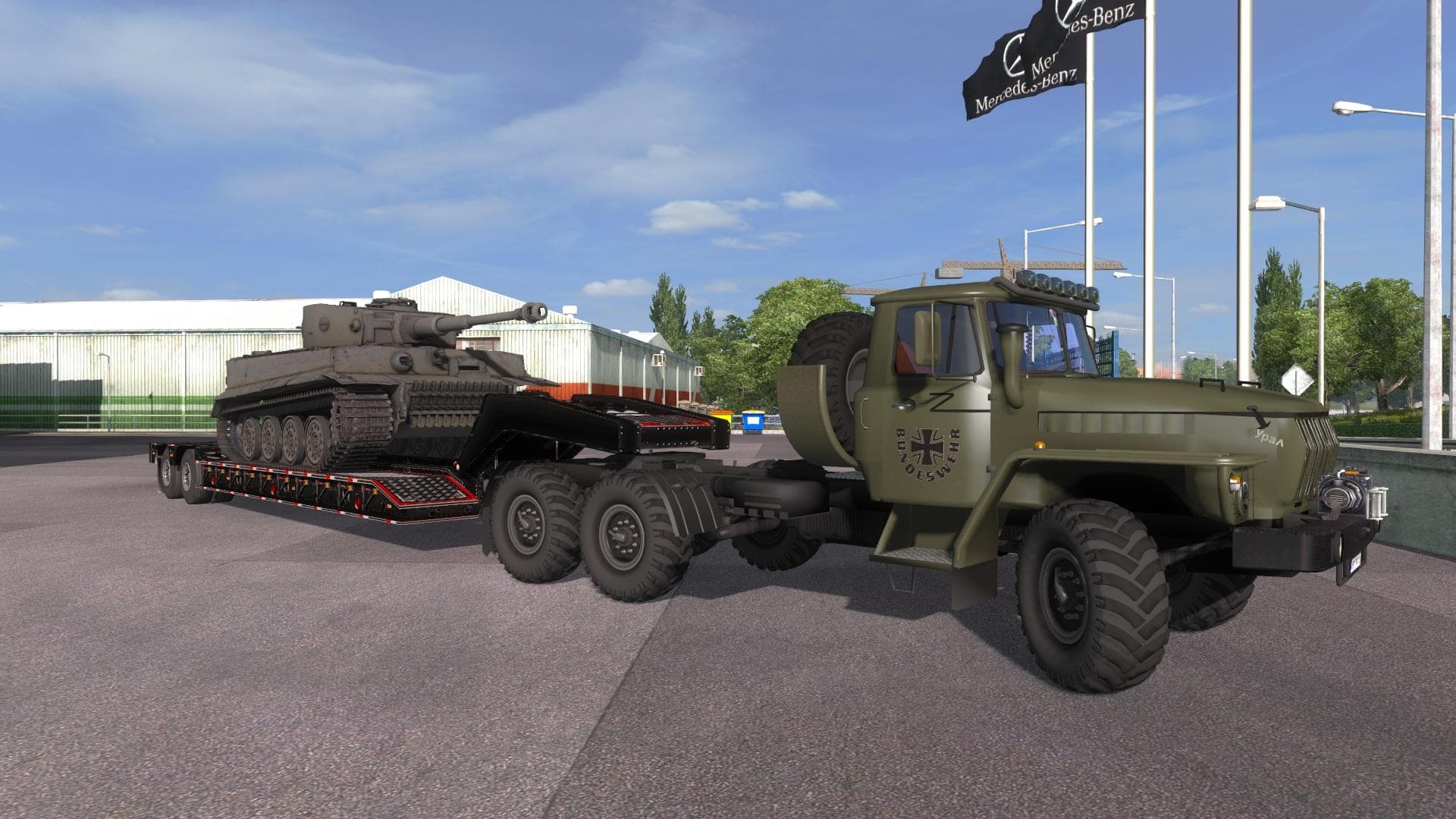
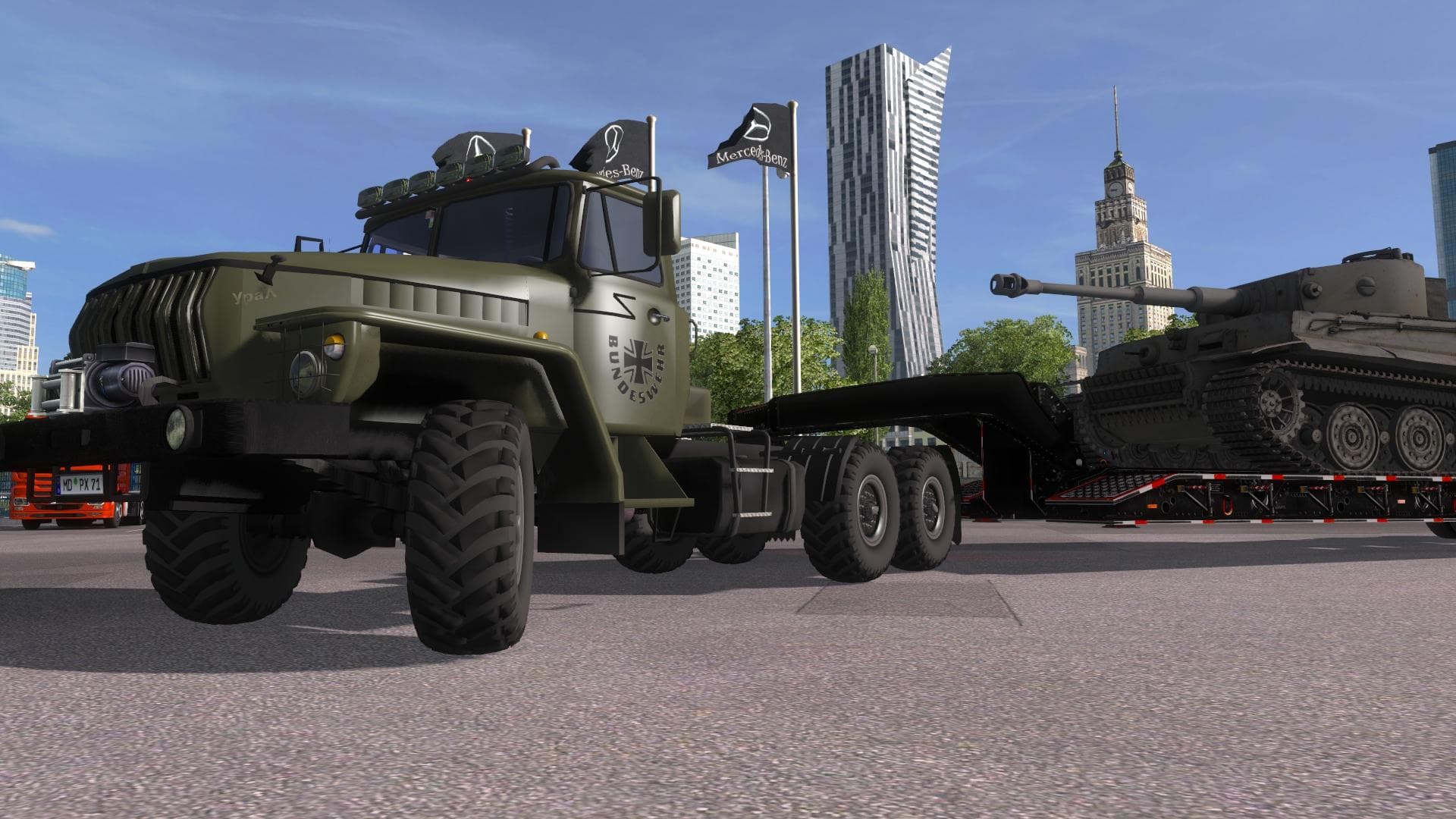
Ural-43020 v5 - ETS2 mods download is an ETS2 trucks.
The Ural-43020 v5 mod brings a Soviet-era truck into Euro Truck Simulator 2, offering players a distinct driving experience with this classic vehicle. This type of mod adds a new drivable cab and chassis that can be purchased at the in-game dealer, expanding the roster beyond the base game trucks. It usually comes with its own interior design, engine options, transmission setups, and paint jobs tailored to the model.
Truck mods like this often feature multiple chassis variations to suit different cargo needs. The Ural-43020 includes adaptations for transporting oversize loads and heavy freight, making it useful for maps focused on challenging hauls or specialized deliveries. Its design supports gameplay on mods or maps that emphasize rugged terrain or require hauling large items.
In terms of fitting into a modded setup, truck mods generally load after map or cargo mods to avoid conflicts. Since this one offers several chassis configurations, players should check compatibility with other vehicle packs or AI traffic mods they use. Proper load order helps maintain stability and ensures the truck behaves as intended during gameplay.
This mod caters to players interested in Soviet trucks or those who want more variety in their fleet with vehicles suited for tough jobs and heavy transports. It's a good pick if you enjoy exploring different regions that might benefit from a robust, all-terrain capable rig. Players using map expansions like Eastern Express may find this particularly fitting due to its capability with demanding routes.
While details like supported ETS2 versions or file size aren't specified, it's typical for truck mods to be compatible across several game versions unless major updates change core systems. Installation usually involves placing files in the mod folder and enabling them through the game's mod manager interface.
Overall, the Ural-43020 v5 is a solid addition for anyone looking to diversify their truck collection with something built around functionality for oversized cargo and challenging environments rather than just aesthetics.
How to install
1. Download the .scs file from the original source linked above. 2. Copy the file to `Documents/Euro Truck Simulator 2/mod/`. 3. Launch ETS2, open the Mod Manager from the main menu, enable the mod, restart the game. 4. Visit any truck dealer to spawn the new truck.
After the mod loads, save your game inside a safe area (parking lot or service) before deciding whether to keep it. If the game refuses to load with the mod enabled, check that all required DLCs are installed and that the supported ETS2 version chips on this page include your installed game patch.
Reviews
No ratings yetNo reviews yet — be the first to rate this mod.





![Fuso Supergreat Hi Cab Truck [1.50 – 1.60] – Trucks mod for Euro Truck Simulator 2](/_next/image?url=https%3A%2F%2F802software.s3.us-east-1.amazonaws.com%2Fets2modspot%2Fscreenshots%2F7494%2F0.jpg&w=3840&q=75)