TZ ROLFO CARTRANS
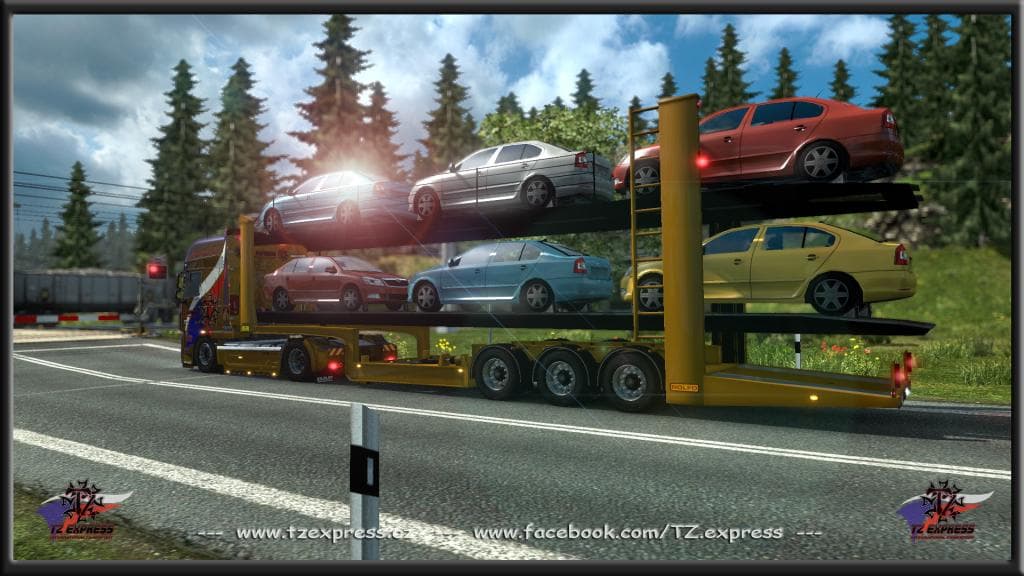
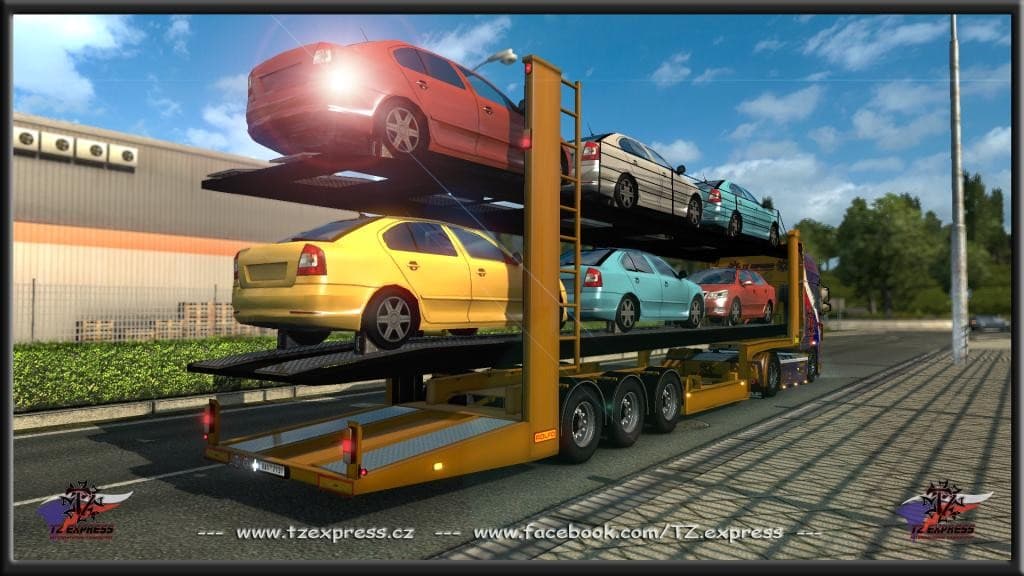
The TZ ROLFO CARTRANS mod swaps out the default SCS car transporter with the ROLFO variant, a specific style of trailer used for hauling vehicles. Trailer mods like this one bring fresh options to Euro Truck Simulator 2 by adding new trailers that players can own and haul across the map. This replacement provides a slightly different look and possibly different handling compared to the stock transporter.
Trailer mods generally appear in the trailer dealer or cargo selection menus, letting you pick them up as part of your fleet or for single jobs. Since this mod is designed to work with ETS2 versions 1.17 and 1.18, it fits nicely if you’re running those or compatible game versions. You’ll want to load it carefully alongside other trailer mods to avoid conflicts, especially if they also modify similar base trailers.
In a modded setup, adding a specialized car transporter like this gives variety to your hauling tasks and can enhance immersion if you’re focusing on transporting cars specifically. It’s common practice to keep such trailer replacements near the end of your load order so they override default assets without breaking other content.
Those who enjoy trucking cars around Europe will find this mod useful for switching up the visuals from the standard transporter. It suits players looking to diversify their trailer collection without straying too far from official designs or gameplay mechanics.
Being tested on game versions 1.17.1 and 1.18.1 means it should run smoothly there, though using it on earlier or later versions might cause issues since updates often tweak trailer models or physics.
Overall, if you want an alternative car transporter that fits well within your existing ETS2 experience and maintains compatibility with recent game patches, this mod is worth considering.
How to install
1. Download the .scs file. 2. Drop it into `Documents/Euro Truck Simulator 2/mod/`. 3. Enable in Mod Manager. 4. Trailer should appear in cargo selection or trailer dealer depending on the mod's design.
After the mod loads, save your game inside a safe area (parking lot or service) before deciding whether to keep it. If the game refuses to load with the mod enabled, check that all required DLCs are installed and that the supported ETS2 version chips on this page include your installed game patch.
Reviews
No ratings yetNo reviews yet — be the first to rate this mod.





