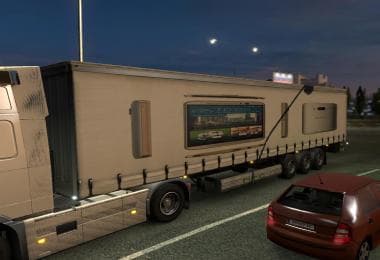
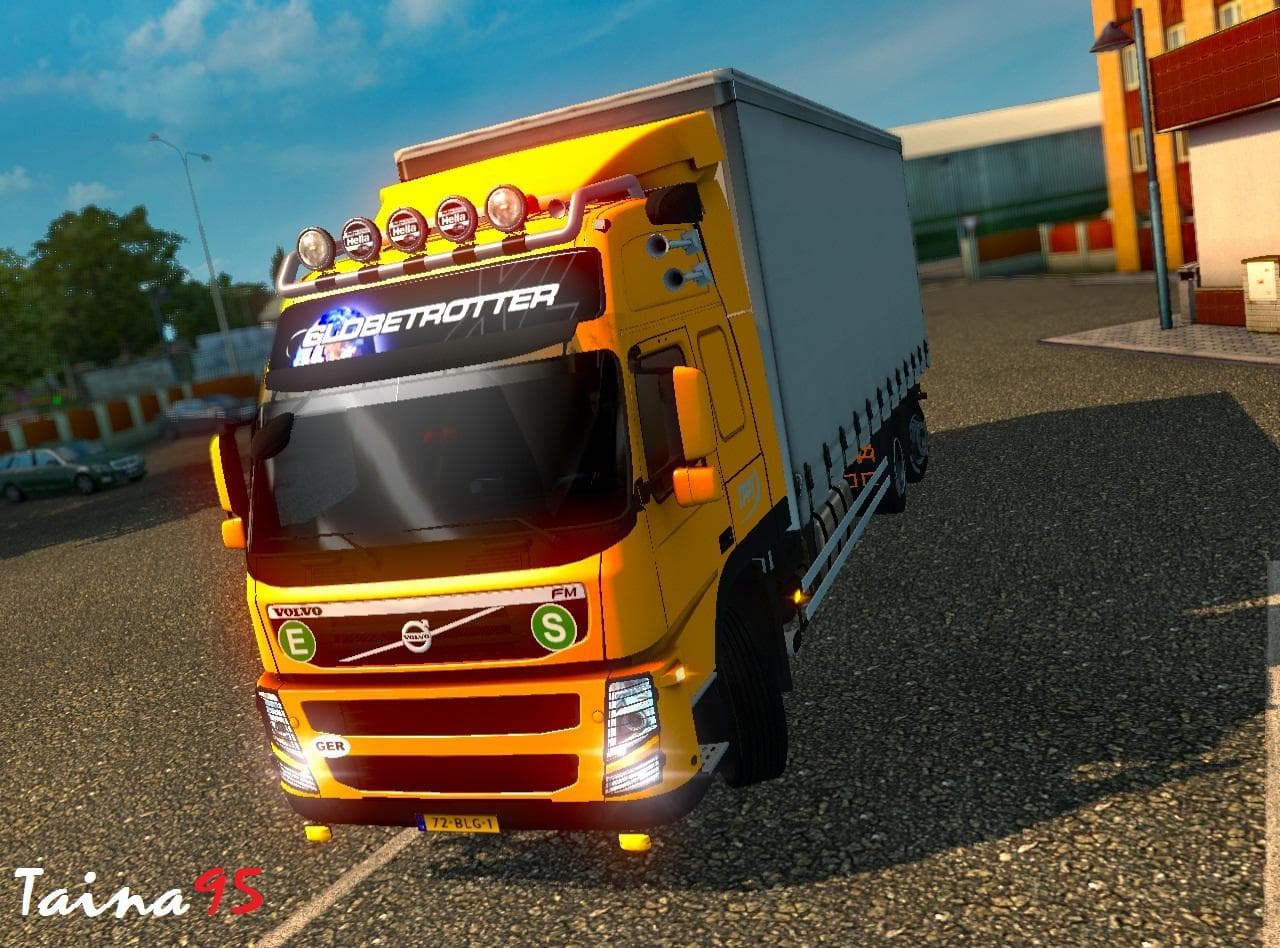
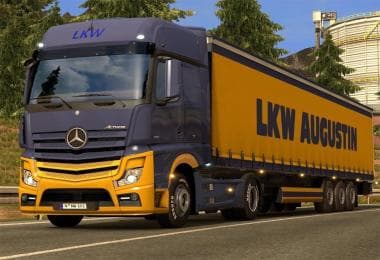
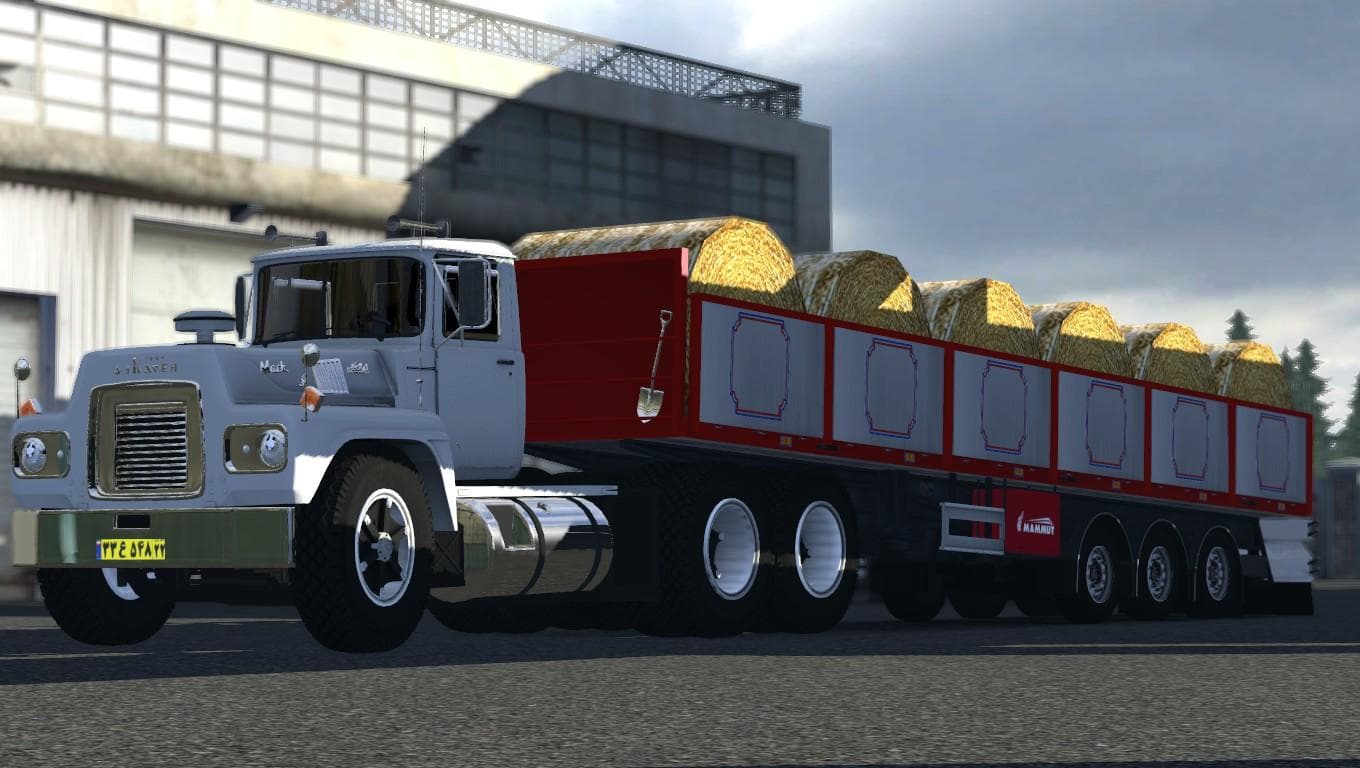
TUNING ACCESORIES FOR ALL TRUCKS 1.21.X
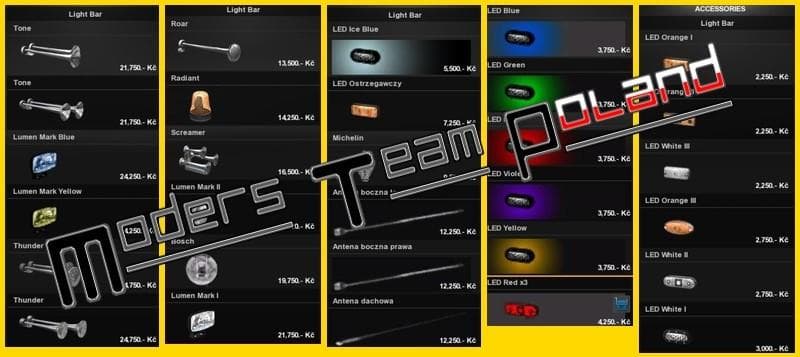
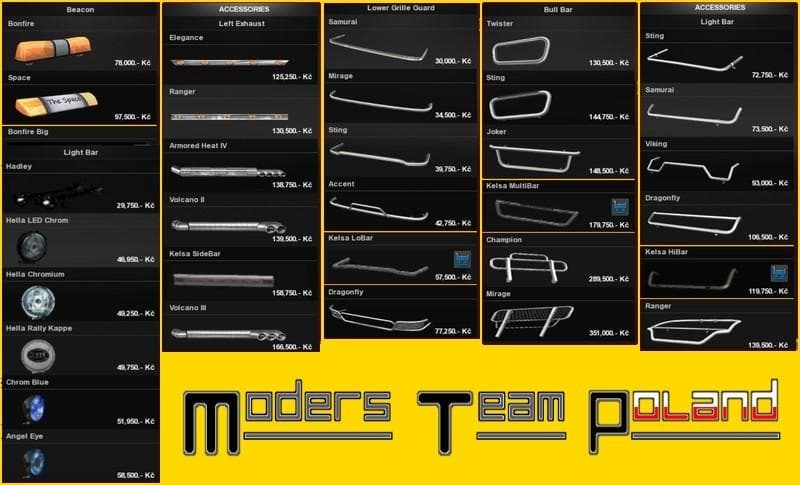
TUNING ACCESORIES FOR ALL TRUCKS 1.21.X is a parts mod for ETS2 version 1.21, created by Euro truck simulator 2. It offers a collection of tuning accessories fo
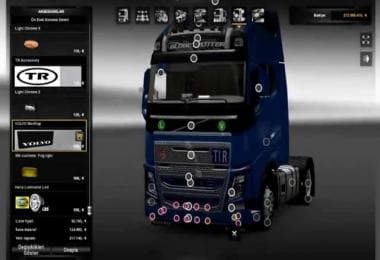
This mod, TUNING ACCESORIES FOR ALL TRUCKS 1.21.X, brings a variety of tuning parts to Euro Truck Simulator 2 compatible with version 1.21. It adds different accessories you can fit onto trucks through the customization menu, expanding the options beyond stock parts. These tuning elements often include items like bull bars, additional lights, exhaust pipes, mirrors, and other interior or exterior details that let you personalize your rig further.
Mods in the parts category such as this one work by integrating new accessories into the truck upgrade interface. Players can mix and match these extras to tailor their truck’s look and functionality according to their preferences. Since this particular mod covers all trucks rather than focusing on a single brand or model, it fits well into setups that aim for broad customization across multiple vehicles.
When using mods that add tuning accessories, it's good practice to pay attention to load order. Typically, parts mods should be loaded after any map or gameplay mods but before skin packs if those modify parts too. Conflicts are rare in this category unless two mods add or overwrite the same accessory slots. Keeping backup profiles can help avoid issues when experimenting with multiple tuning collections.
This mod is suited for players who enjoy customizing every aspect of their trucks and want more variety without restricting themselves to one brand’s specific addons. It complements larger mod setups where visual personalization plays a key role in the experience. Whether you’re running ETS2 version 1.21 or close to it, this kind of accessory pack offers straightforward ways to tweak your vehicles’ appearance.
How to install
1. Download the file(s) from the original source linked above. 2. Drop them into `Documents/Euro Truck Simulator 2/mod/`. 3. Enable in Mod Manager and restart the game.
After the mod loads, save your game inside a safe area (parking lot or service) before deciding whether to keep it. If the game refuses to load with the mod enabled, check that all required DLCs are installed and that the supported ETS2 version chips on this page include your installed game patch.
Reviews
No ratings yetNo reviews yet — be the first to rate this mod.