TRUCKSIM MAP V6.1.1
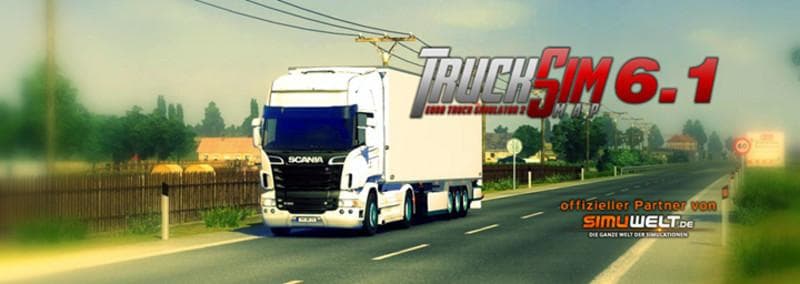
TRUCKSIM MAP is a map mod for Euro Truck Simulator 2, version 1.1. It is an adaptation for new patches, fixing all bug reports since May 2015.
TRUCKSIM MAP V6.1.1 is a map modification designed to update and fix issues reported over several years, adapting the mod to work with recent game patches. This type of mod changes the driving environment by adding or reworking roads, cities, and entire regions to provide more variety beyond the base game world. Since this version focuses on bug fixes and compatibility updates, it helps maintain stable gameplay without introducing new areas or features.
Map mods like this one come as .scs files that you place in your ETS2 mods folder. They can be sensitive to load order, so it's recommended to check how it interacts with other map expansions or DLCs you have installed. Sometimes a fresh profile is needed if there are major changes, but smaller updates like this usually slot in smoothly after ensuring no conflicts exist with other maps.
In a modded setup, TRUCKSIM MAP V6.1.1 fits well for players who want a more polished experience with this particular map expansion. It doesn't add new content but ensures previous fixes and improvements remain effective after recent game updates. If you already use TRUCKSIM or similar large-scale maps, keeping them up-to-date like this avoids crashes or weird behaviors on the road.
This mod suits truckers who prefer exploring diverse routes outside of standard ETS2 regions and want their expanded worlds running reliably alongside other add-ons. Keeping your map mods current can prevent frustrating bugs during long hauls across various states and countries represented in these mods.
While specific supported ETS2 versions aren't listed, it's clear this update targets newer patches post-2015 and addresses all known bugs since then. Players interested in extended USA-themed driving experiences will find it worthwhile to maintain such updates for consistent performance.
How to install
1. Download every .scs file from the source page (map mods often ship multiple files). 2. Copy all files to `Documents/Euro Truck Simulator 2/mod/`. 3. Enable each file in Mod Manager **in the order documented by the modder**. Load order matters for maps. 4. Start a new save or use an existing save that already supports the map's base regions.
After the mod loads, save your game inside a safe area (parking lot or service) before deciding whether to keep it. If the game refuses to load with the mod enabled, check that all required DLCs are installed and that the supported ETS2 version chips on this page include your installed game patch.
Known conflicts
No conflicts reported for this mod yet. Running a big mod list? Check your whole setup for conflicts →
Reviews
No ratings yetNo reviews yet — be the first to rate this mod.





