TRAILER PACK CITIES OF THE WORLD V2.0
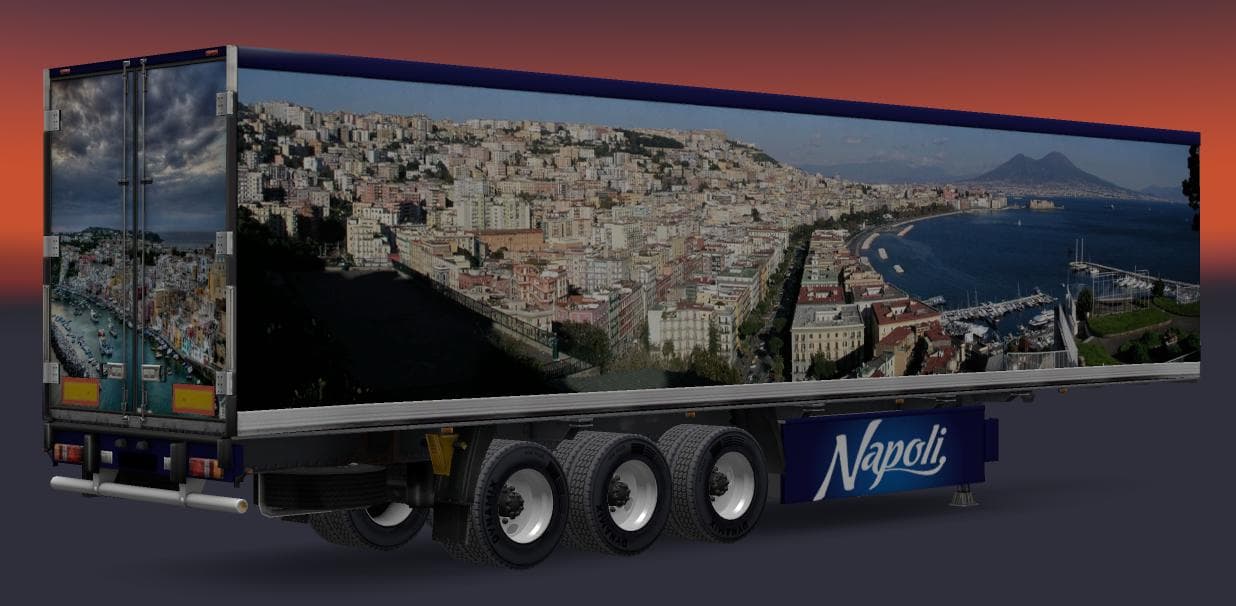
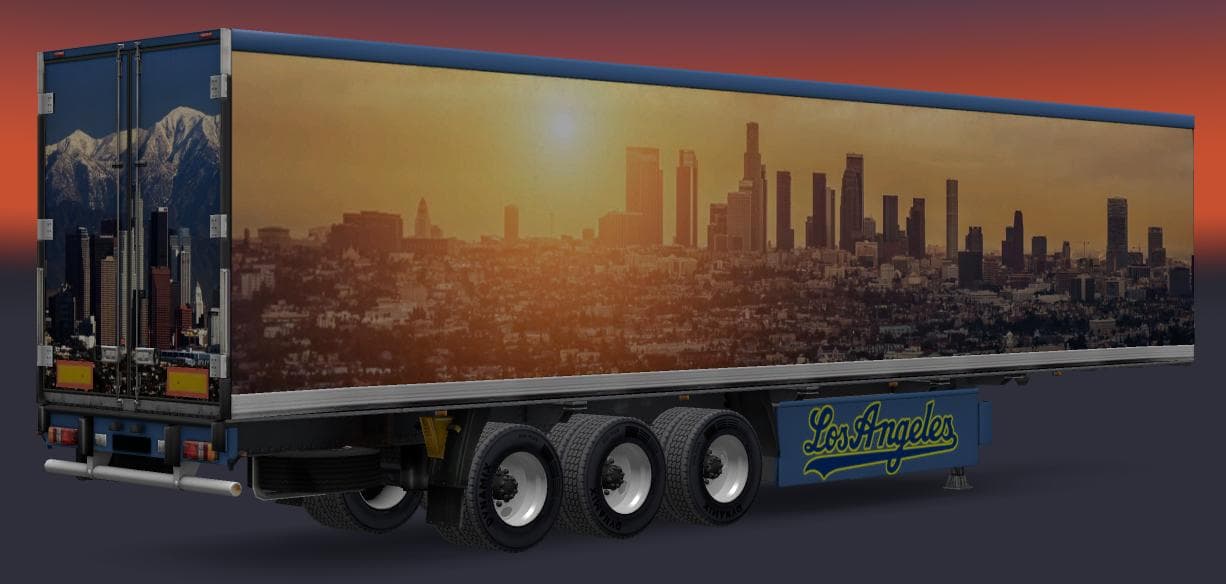
TRAILER PACK CITIES OF THE WORLD version 2.0 adds 3 new trailers representing Los Angeles, Venice, and Naples. With a total of 8 standalone trailers included in
The TRAILER PACK CITIES OF THE WORLD V2.0 adds a selection of standalone trailers modeled after three distinct cities: Los Angeles, Venice, and Naples. This mod brings eight trailers into the game’s traffic and haulable options, expanding the variety of trailer bodies players can encounter or own in Euro Truck Simulator 2. It’s designed for compatibility with ETS2 version 1.22, which means it fits well within that specific game environment without reported conflicts.
Trailer mods like this one generally introduce new cargo types or trailer bodies that appear in the cargo market and trailer dealerships. Players can select these trailers for their own fleet or see them more often on roads as part of the in-game traffic. This enhances immersion by diversifying what you haul and observe while driving across various regions represented in ETS2.
When adding trailer packs to a modded setup, it’s wise to consider load order and potential overlaps with other trailer mods. Since this pack includes standalone trailers tested for version 1.22, it should be placed appropriately within your mod manager to avoid conflicts with other similar content. Compatibility checks are always recommended when combining multiple trailer additions.
Truckers interested in expanding their collection of city-themed trailers will find this pack useful. It’s particularly suited for those who enjoy hauling cargo through or around urban settings like California’s Los Angeles or Italy’s Venice and Naples, adding some geographic flavor to their transport jobs.
Overall, this mod serves as a straightforward way to diversify the trailer options available in ETS2's 1.22 environment without complicating your loadout too much. Its focus on city-based designs gives players fresh visuals and hauling opportunities tied to recognizable locations.
How to install
1. Download the .scs file. 2. Drop it into `Documents/Euro Truck Simulator 2/mod/`. 3. Enable in Mod Manager. 4. Trailer should appear in cargo selection or trailer dealer depending on the mod's design.
After the mod loads, save your game inside a safe area (parking lot or service) before deciding whether to keep it. If the game refuses to load with the mod enabled, check that all required DLCs are installed and that the supported ETS2 version chips on this page include your installed game patch.
Reviews
No ratings yetNo reviews yet — be the first to rate this mod.





