TRAILER PACK CITIES OF RUSSIA V3.5
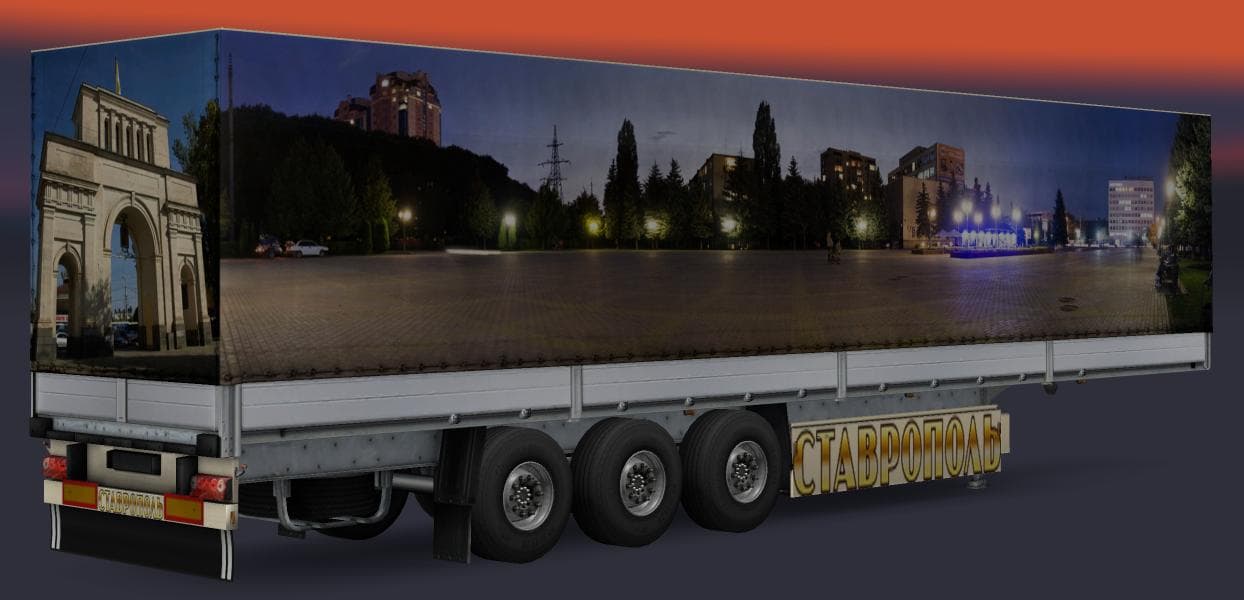
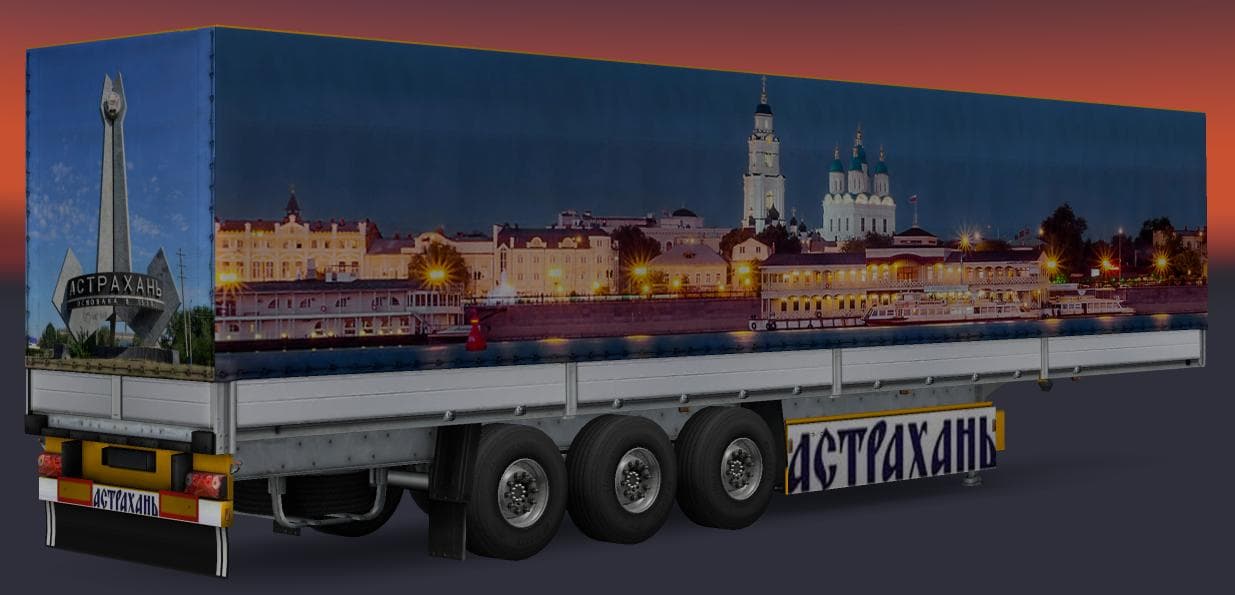
TRAILER PACK CITIES OF RUSSIA v3.5 adds 2 new trailers (Astrakhan, Stavropol) to a total of 24 standalone trailers for ETS2 1.22. Created by Euro Truck Simulato
The TRAILER PACK CITIES OF RUSSIA V3.5 mod expands the variety of trailers available in Euro Truck Simulator 2 by adding new haulable trailer options themed around Russian cities. This particular pack includes a total of 24 standalone trailers, with two new additions representing Astrakhan and Stavropol. These trailers appear as part of the traffic as well as in cargo selection, giving more diversity to both what you can own and what you encounter on the roads.
Trailer mods like this one enhance ETS2 by introducing fresh trailer bodies or cargo types that players can haul across their journeys. They typically integrate into the game’s existing cargo system and dealer menus, allowing for straightforward access once installed. Because these are standalone trailers, they usually don't conflict with other trailer packs but should be loaded carefully to maintain stability.
In a modded setup, this trailer pack fits well alongside map expansions or truck mods that aim for a richer experience in Eastern Europe or Russia specifically. It's important to check compatibility with your current game version since this mod supports ETS2 version 1.22; using it on newer versions might cause issues unless updates are provided. Load order generally places trailer packs after map mods but before any AI traffic or gameplay-enhancing mods.
This kind of mod appeals mainly to players who enjoy hauling cargo through Russian regions or who want more variety in their trailer collection. It adds a bit of regional flavor and realism by featuring trailers linked to specific cities, which can make long hauls feel more immersive when combined with appropriate map content.
How to install
1. Download the .scs file. 2. Drop it into `Documents/Euro Truck Simulator 2/mod/`. 3. Enable in Mod Manager. 4. Trailer should appear in cargo selection or trailer dealer depending on the mod's design.
After the mod loads, save your game inside a safe area (parking lot or service) before deciding whether to keep it. If the game refuses to load with the mod enabled, check that all required DLCs are installed and that the supported ETS2 version chips on this page include your installed game patch.
Reviews
No ratings yetNo reviews yet — be the first to rate this mod.





