TRAILER PACK CITIES OF RUSSIA V3.4
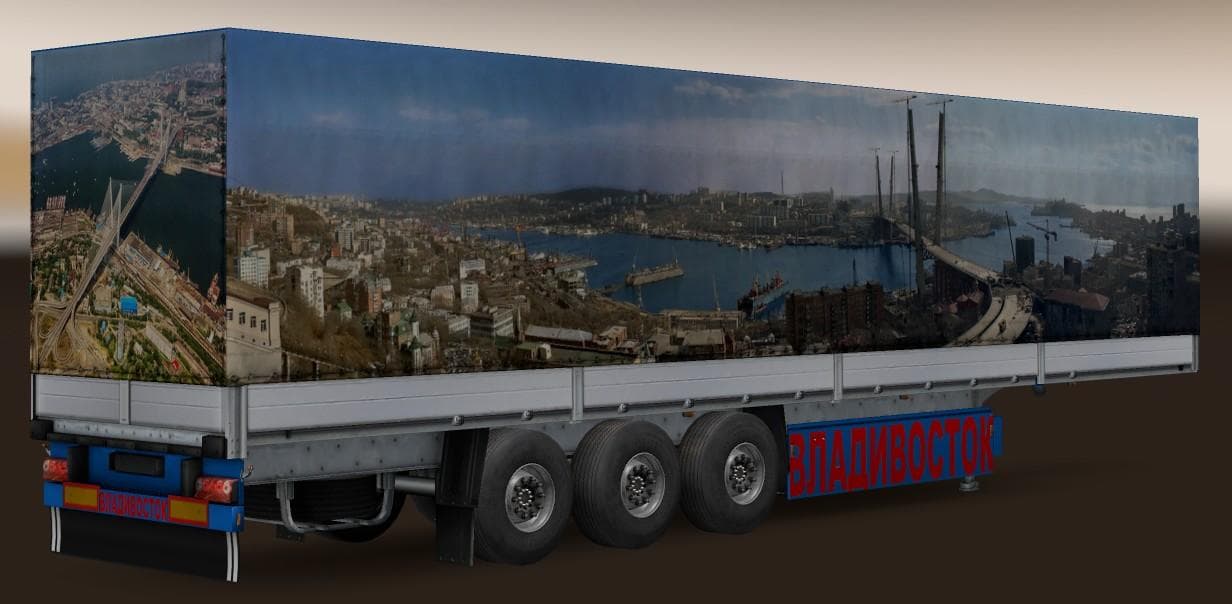
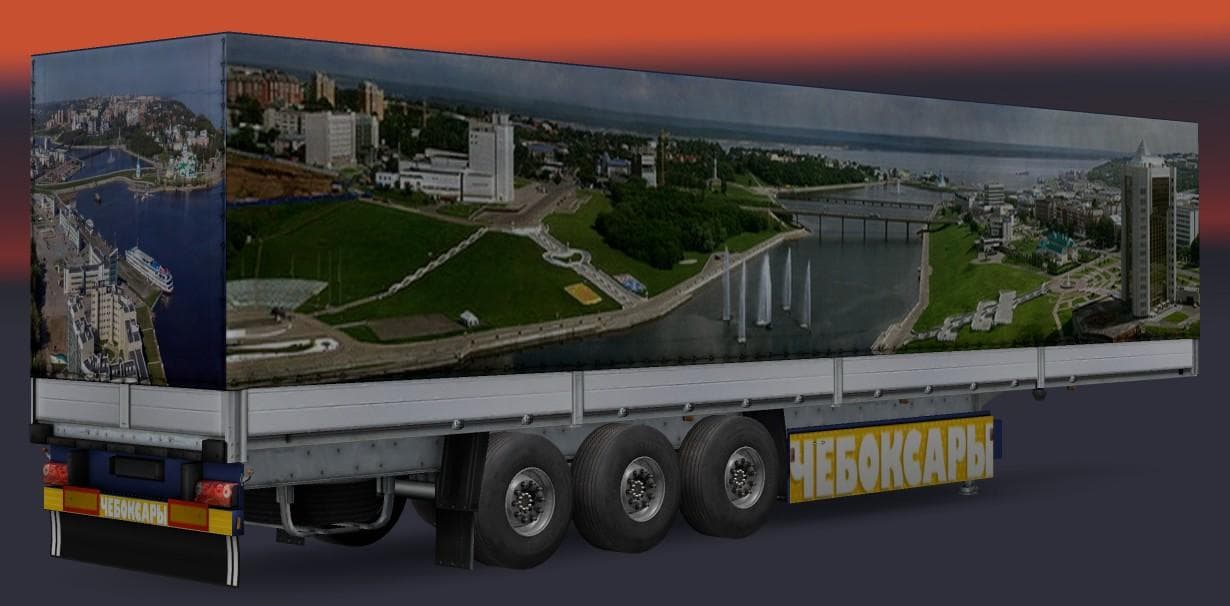
TRAILER PACK CITIES OF RUSSIA v3.4 adds 2 new trailers (Cheboksary, Vladivostok) to a total of 22 standalone trailers. Tested for traffic inclusion.
TRAILER PACK CITIES OF RUSSIA V3.4 adds a variety of standalone trailers inspired by Russian cities, expanding the selection available in Euro Truck Simulator 2. This pack includes trailers representing places like Cheboksary and Vladivostok, bringing the total count to 22 unique models that can appear both as haulable cargo and in traffic. Mods like this one enrich the game's trailer diversity beyond what comes standard.
Trailer mods typically provide new trailer types or cargo options, which can be owned and used by players for hauling jobs. They usually show up in the game's trailer dealer interface and may also spawn in AI traffic to add realism. Installing these mods involves placing their files into the mod folder, then activating them through the ETS2 mod manager, ensuring they load correctly alongside other content.
When incorporating trailer packs into a modded setup, it's wise to consider load order. Trailer mods generally should be loaded after map or cargo mods to avoid conflicts or missing assets. Since TRAILER PACK CITIES OF RUSSIA V3.4 is standalone and designed for traffic inclusion, it fits well with other Russia-themed content or general haulage expansions without much trouble.
This type of mod suits players who enjoy diversifying their trucking experience with region-specific trailers that reflect real-world locations. Those running a Russia-focused profile or who want more variety on their roads will find this pack a solid addition. It complements setups aiming for authenticity in Eastern European environments or anyone seeking more options for ownable trailers.
How to install
1. Download the .scs file. 2. Drop it into `Documents/Euro Truck Simulator 2/mod/`. 3. Enable in Mod Manager. 4. Trailer should appear in cargo selection or trailer dealer depending on the mod's design.
After the mod loads, save your game inside a safe area (parking lot or service) before deciding whether to keep it. If the game refuses to load with the mod enabled, check that all required DLCs are installed and that the supported ETS2 version chips on this page include your installed game patch.
Reviews
No ratings yetNo reviews yet — be the first to rate this mod.





