TRAILER PACK CITIES OF RUSSIA V3.2
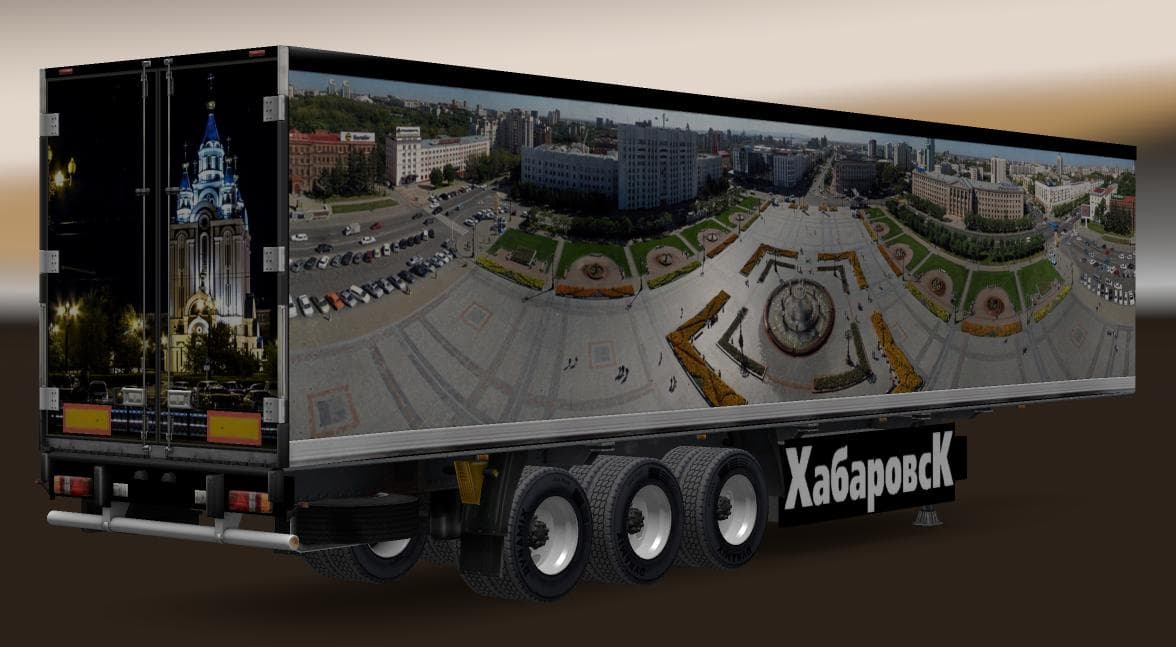
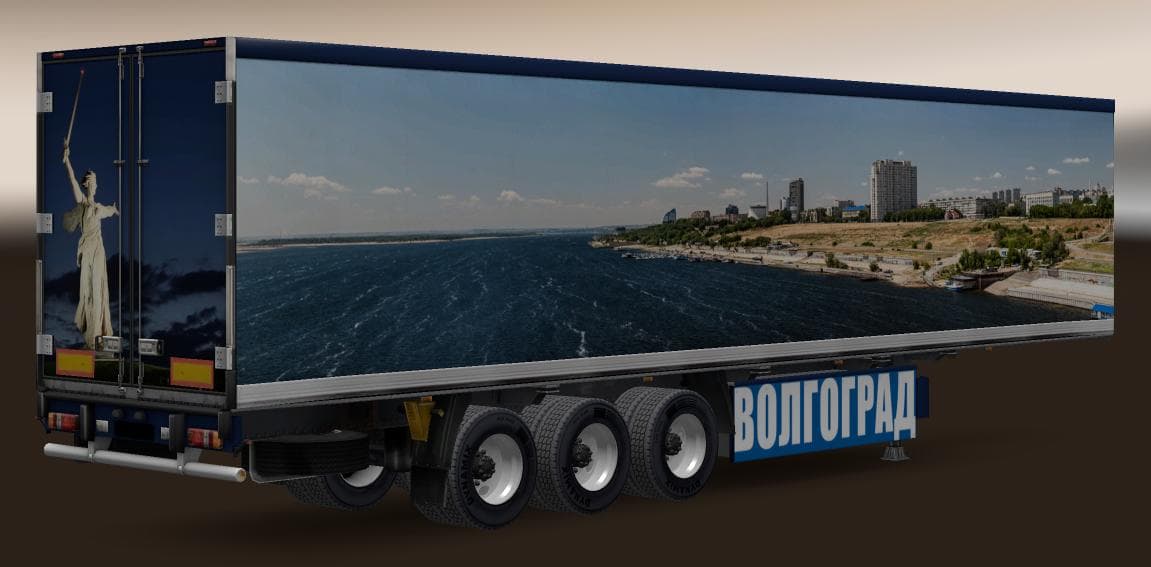
TRAILER PACK CITIES OF RUSSIA v3.2 adds Krasnodar and Volgograd trailers to ETS2, totaling 18 standalone trailers. Tested on version 1.22.
The TRAILER PACK CITIES OF RUSSIA V3.2 adds new trailers themed around Russian cities to Euro Truck Simulator 2. Specifically, this pack introduces standalone trailers for Krasnodar and Volgograd, increasing variety in haulable cargo within the game. These trailers appear both as ownable vehicles and within traffic, helping to enrich the in-game world with regional flavor.
Trailer mods like this one expand the types of cargo and trailer bodies you can use or encounter during your hauls. They typically integrate into the cargo market and trailer dealers, letting you pick up loads that match the added trailers. In this case, the inclusion of Russian city-themed trailers supports players who want a deeper experience reflecting Russia's transport landscape.
For players running modded setups, it's worth noting that trailer packs usually load after map mods but before gameplay scripts to maintain compatibility. Since this pack was tested with ETS2 version 1.22, it should work smoothly on that or close versions. As always, conflicts may arise if other mods alter similar trailer files or traffic behaviors, so checking load order is advisable.
This mod will appeal mainly to truckers focusing on Eastern Europe routes or those who enjoy customizing their fleets with region-specific equipment. It fits well alongside map expansions covering Russia or neighboring countries, providing more immersive haul options tied to real-world locations.
Overall, adding trailers like these can freshen up long-distance trips by introducing new looks and cargo types without drastically changing gameplay mechanics. The stand-alone nature of these trailers means they don't depend heavily on other mods but do benefit from a setup that includes detailed Russian maps for full effect.
How to install
1. Download the .scs file. 2. Drop it into `Documents/Euro Truck Simulator 2/mod/`. 3. Enable in Mod Manager. 4. Trailer should appear in cargo selection or trailer dealer depending on the mod's design.
After the mod loads, save your game inside a safe area (parking lot or service) before deciding whether to keep it. If the game refuses to load with the mod enabled, check that all required DLCs are installed and that the supported ETS2 version chips on this page include your installed game patch.
Reviews
No ratings yetNo reviews yet — be the first to rate this mod.





