TRAILER PACK CITIES OF RUSSIA V3.1
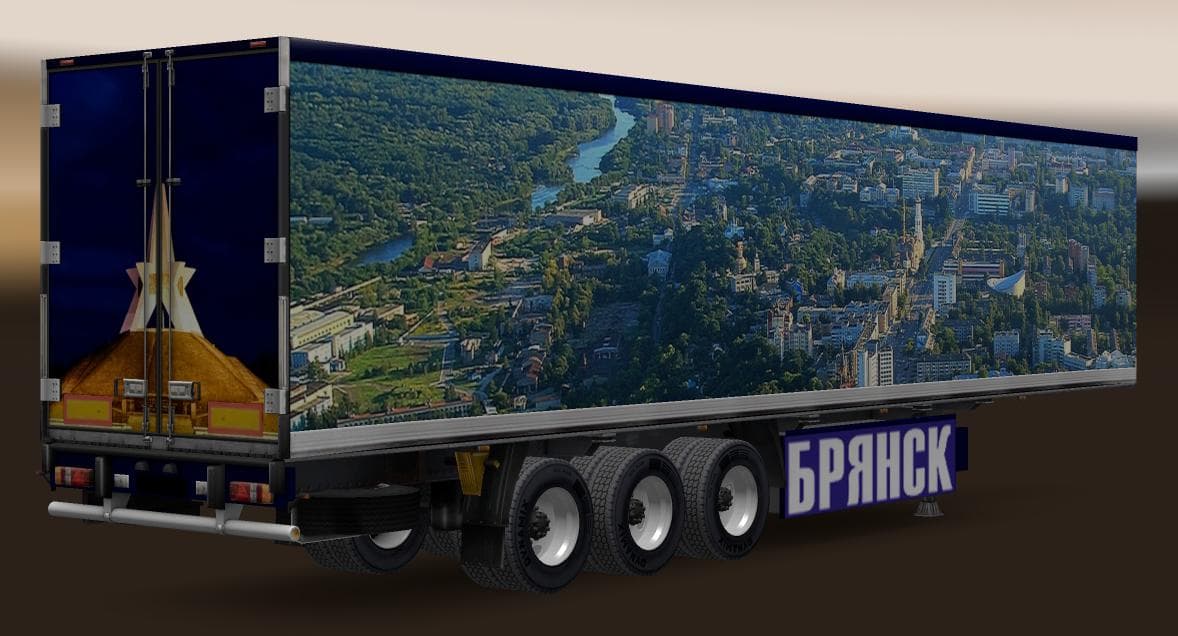
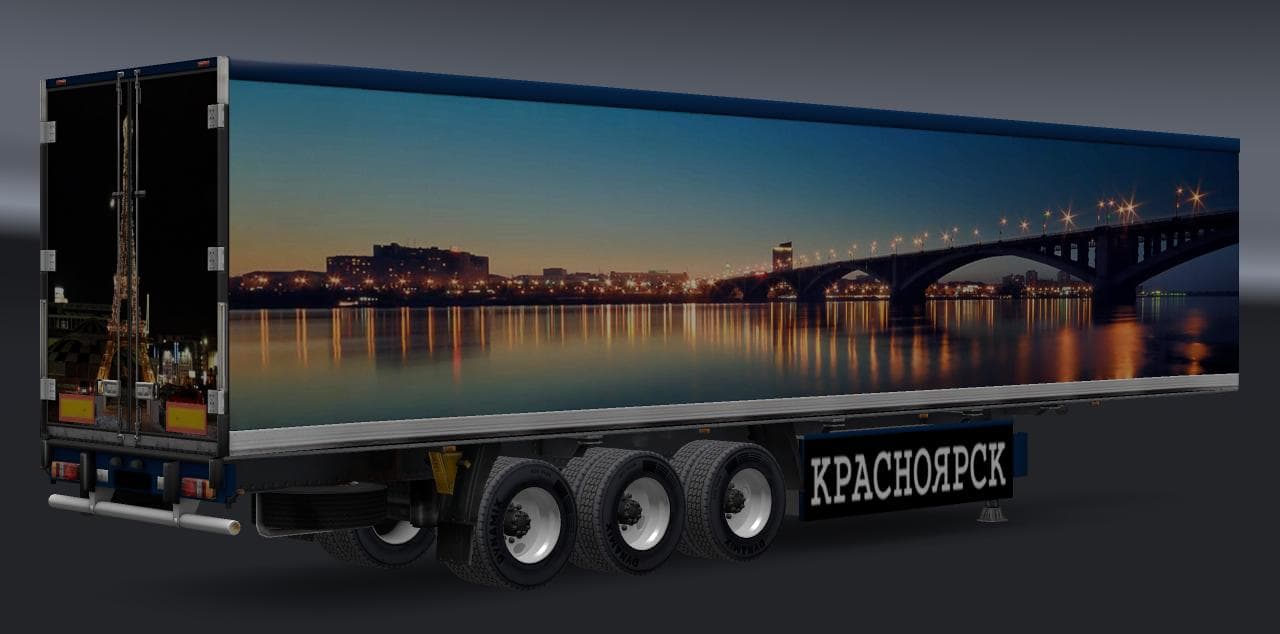
TRAILER PACK CITIES OF RUSSIA v3.1 adds 16 standalone trailers featuring cities like Bryansk and Khabarovsk to ETS2 version 1.22. The trailers are included in t
The TRAILER PACK CITIES OF RUSSIA V3.1 adds a set of trailers themed around Russian cities, including Bryansk and Khabarovsk. This mod features 16 standalone trailers that can be hauled across your ETS2 map, bringing some regional variety to the types of cargo you transport.
Trailer mods like this one expand the selection of haulable trailers or offer new cargo options within the game. When installed, these trailers appear in the cargo market or trailer dealer menus, letting you pick them up for deliveries or even own them for your fleet.
Integrating this trailer pack into a modded setup should be straightforward since it’s designed for ETS2 version 1.22 and includes traffic integration, meaning AI trucks can also use these trailers. It’s wise to load trailer mods after map and truck mods to avoid conflicts, but they generally coexist well with other gameplay enhancements.
This kind of mod suits players who want more diversity in their hauling experience, especially those interested in adding a bit of Russian flavor to their journeys. It complements map expansions or regional mods focusing on Russia or nearby areas by expanding available cargo visually and thematically.
While details about the creator and file size are unknown, its compatibility with version 1.22 indicates it fits well within that game update cycle. Players should always back up profiles before adding new content like this to ensure smooth operation.
Overall, if you’re running a modded setup centered around Russia or simply want more trailer options from that region, this pack offers fresh choices without requiring complex installation steps.
How to install
1. Download the .scs file. 2. Drop it into `Documents/Euro Truck Simulator 2/mod/`. 3. Enable in Mod Manager. 4. Trailer should appear in cargo selection or trailer dealer depending on the mod's design.
After the mod loads, save your game inside a safe area (parking lot or service) before deciding whether to keep it. If the game refuses to load with the mod enabled, check that all required DLCs are installed and that the supported ETS2 version chips on this page include your installed game patch.
Reviews
No ratings yetNo reviews yet — be the first to rate this mod.





