TRAILER PACK CITIES OF RUSSIA V3.0
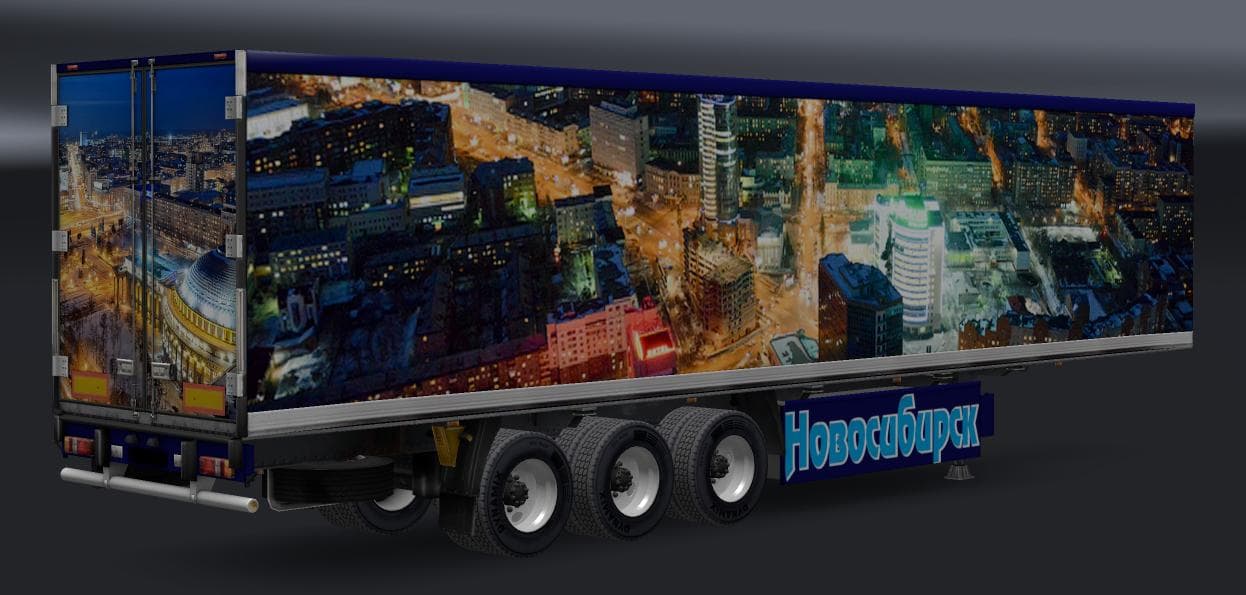
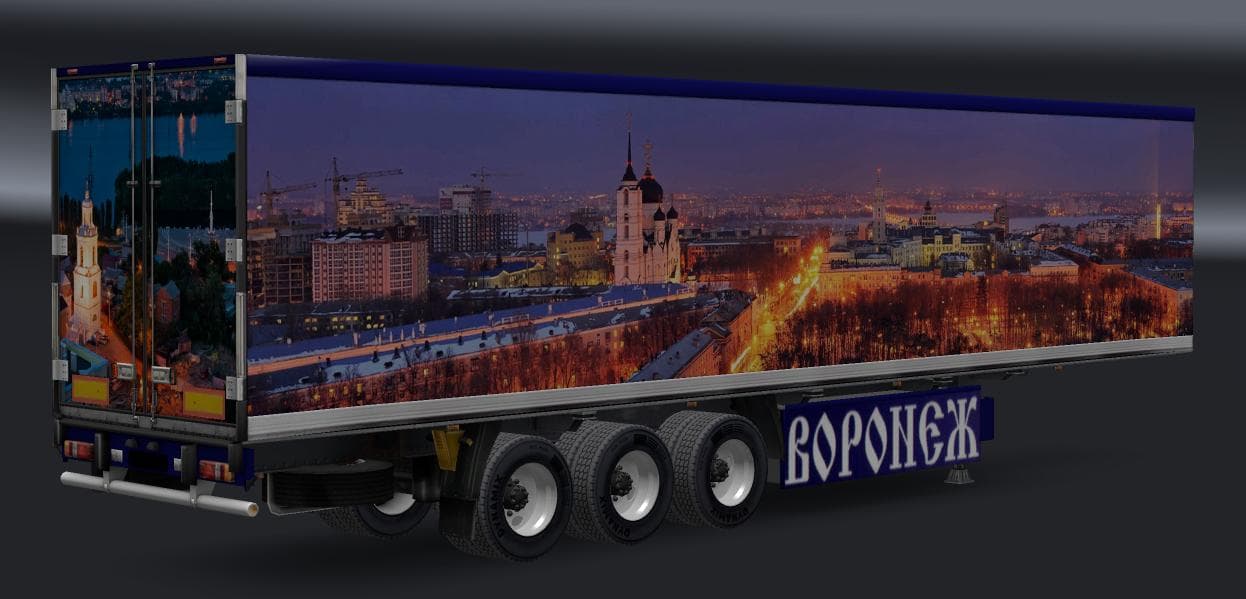
TRAILER PACK CITIES OF RUSSIA v3.0 adds 6 standalone trailers representing cities like Voronezh and Novosibirsk. Created by Euro Truck Simulator 2, the mod's fi
The TRAILER PACK CITIES OF RUSSIA V3.0 adds a collection of standalone trailers representing various Russian cities such as Voronezh, Novosibirsk, Tambov, Barnaul, Kemerovo, and Gorno-Altaisk. This mod expands the range of haulable trailers available in Euro Truck Simulator 2 by introducing new trailer bodies tied to specific locations within Russia. These trailers become accessible through cargo selection or can be purchased at trailer dealerships once the mod is installed.
Trailer mods like this one typically enhance gameplay by providing more variety in hauling options and cargo diversity. They fit well into a modded setup that focuses on expanding geographical themes or regional content, especially for players interested in Russian landscapes and logistics. Since these trailers are standalone, they usually don't overwrite base game assets but add additional options alongside existing content.
When integrating trailer packs into your ETS2 setup, it's useful to consider load order since some cargo or trailer mods can conflict if they alter similar files or features. Generally, trailer mods should be loaded after map mods but before any heavy overhaul mods that affect vehicles or cargo systems to avoid compatibility issues. However, specifics depend on other active mods and their requirements.
This mod would appeal to players who want to diversify their trucking experience across Russia with new hauling possibilities tied directly to Russian cities. It's suitable for those who enjoy adding regional flair to their fleet without altering core gameplay mechanics drastically. Players aiming for a more immersive Russian haulage experience will find this addition fits naturally into their collection.
How to install
1. Download the .scs file. 2. Drop it into `Documents/Euro Truck Simulator 2/mod/`. 3. Enable in Mod Manager. 4. Trailer should appear in cargo selection or trailer dealer depending on the mod's design.
After the mod loads, save your game inside a safe area (parking lot or service) before deciding whether to keep it. If the game refuses to load with the mod enabled, check that all required DLCs are installed and that the supported ETS2 version chips on this page include your installed game patch.
Reviews
No ratings yetNo reviews yet — be the first to rate this mod.





