TRAILER PACK CISTERN DRINKS V1.0 1.22
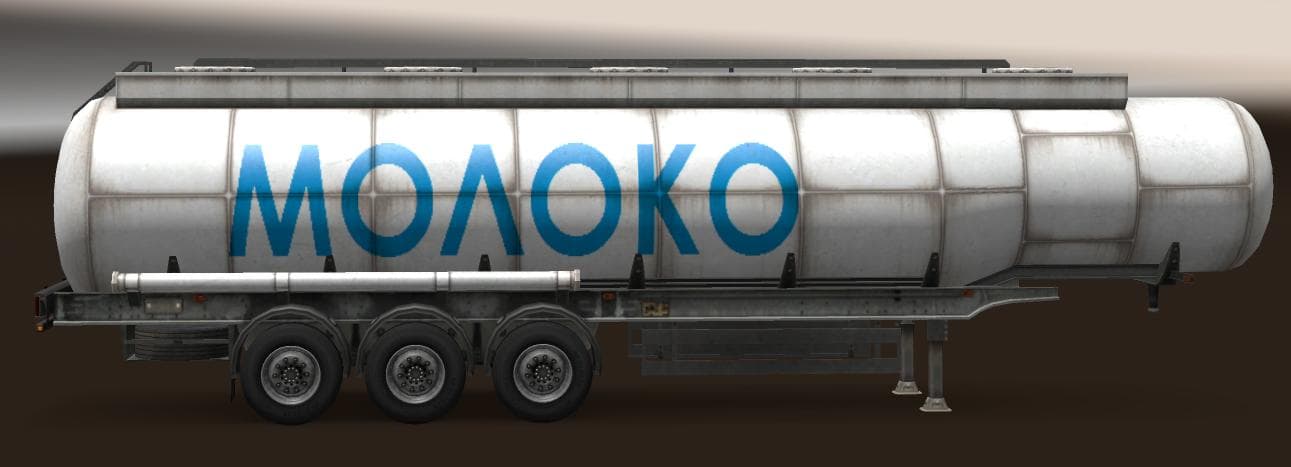
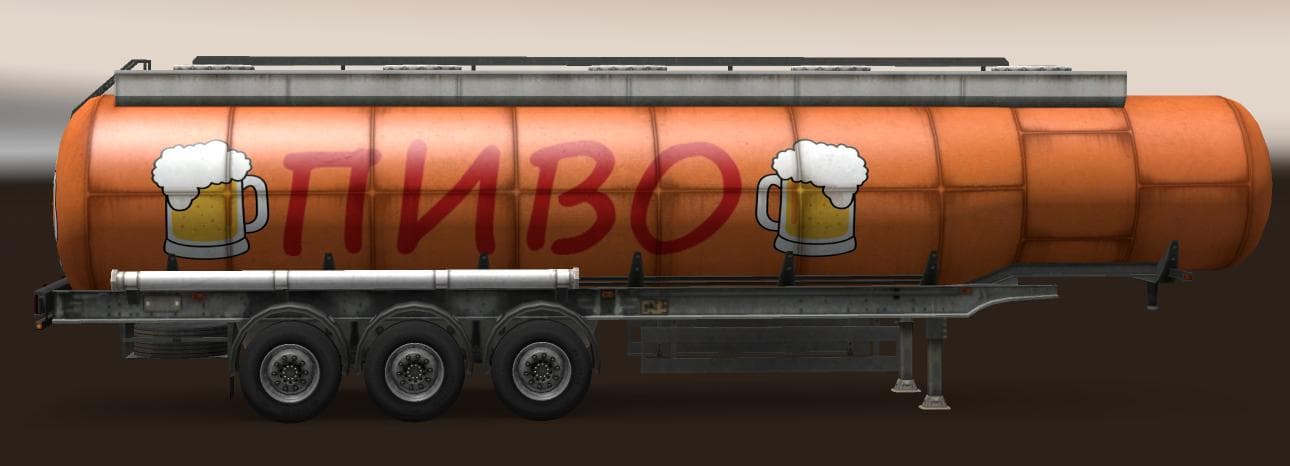
TRAILER PACK CISTERN DRINKS 1.22 is an ETS2 trailers. Listed compatible with ETS2 1.0, 1.22.
This mod introduces a pack of standalone trailers designed specifically for hauling drinks in Euro Truck Simulator 2. It includes three different **trailer types**: milk, kvas, and beer cistern trailers. These trailers are available to own and appear in the cargo selection menu, expanding the variety of goods you can transport across the map.
Trailer mods like this one enhance gameplay by adding new haulable trailer bodies or unique cargo options. In ETS2, owning different trailer types lets players diversify their jobs and routes. These cistern trailers focus on liquid cargo, which adds a bit more realism and detail to your trucking experience.
The pack is compatible with game versions 1.0 through 1.22, ensuring it works with both older setups and those updated to version 1.22. Since it adds standalone trailers, it's generally straightforward to integrate into an existing modded setup without conflicting with other trailer mods. However, as with all trailer packs, placing it properly in your load order is advised to avoid issues.
Including these drink cistern trailers in traffic means they also appear as AI-driven vehicles on the roads, contributing to a more immersive environment beyond just player use. This feature helps blend them naturally into the game's economy and traffic flow.
Players who enjoy hauling diverse cargos or want to spice up their trailer collection might find this pack useful. It fits well for anyone looking to expand their fleet with specialized liquid transport options and add variety to their deliveries within ETS2.
Since the creator is unknown but credits go to SCS for assets, this mod appears to rely on official models reworked into new configurations. That often leads to good compatibility with other mods that don't heavily alter base game trailers or physics.
How to install
1. Download the .scs file. 2. Drop it into `Documents/Euro Truck Simulator 2/mod/`. 3. Enable in Mod Manager. 4. Trailer should appear in cargo selection or trailer dealer depending on the mod's design.
After the mod loads, save your game inside a safe area (parking lot or service) before deciding whether to keep it. If the game refuses to load with the mod enabled, check that all required DLCs are installed and that the supported ETS2 version chips on this page include your installed game patch.
Reviews
No ratings yetNo reviews yet — be the first to rate this mod.





