TRAILER CONTAINER FRUEHAUF FOR ETS2 1.21.1 – V1.1
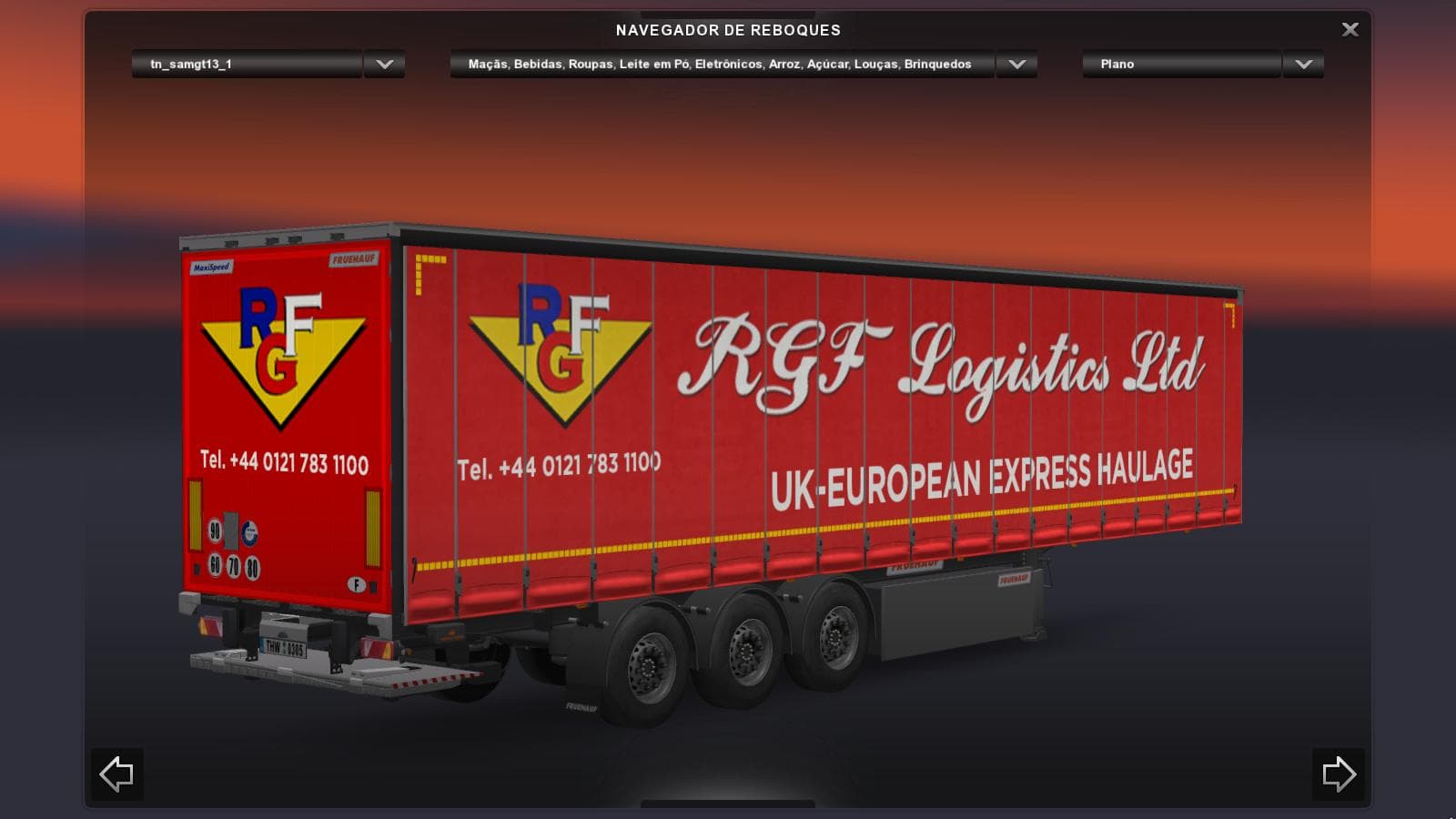
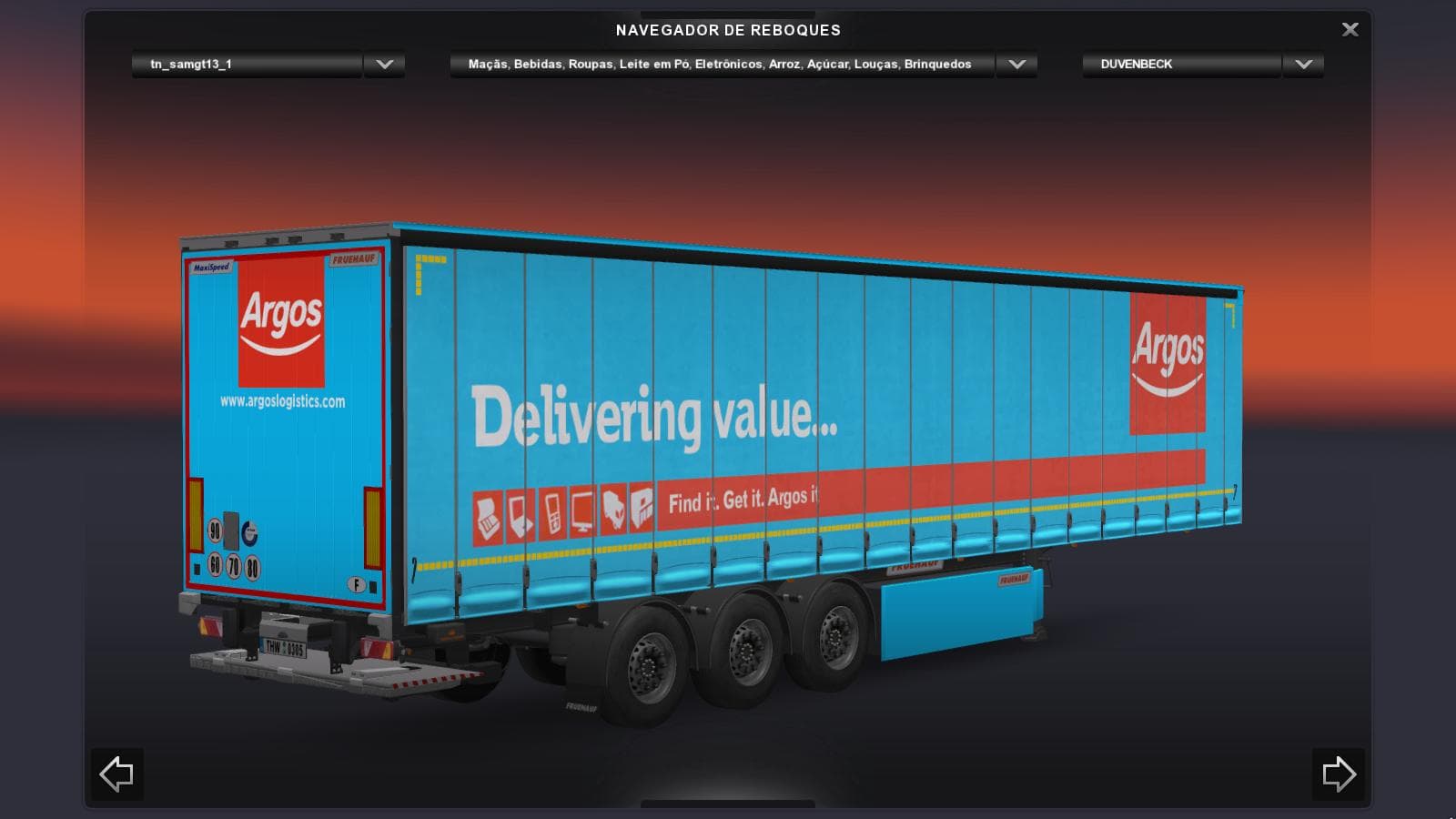
TRAILER CONTAINER FRUEHAUF .1 is a trailer mod for ETS2 version 1.21.1, created by Euro Truck Simulator 2. It includes a template for making custom skins and cr
The TRAILER CONTAINER FRUEHAUF FOR ETS2 1.21.1 – V1.1 adds a specific container trailer model to Euro Truck Simulator 2, compatible with game versions 1.21 and 1.1. This mod provides an additional haulable trailer option, expanding the variety of cargo transport possibilities available in the game. It’s based on existing designs from multiple contributors and includes a template for creating custom skins, allowing users to personalize the trailer’s appearance.
Trailer mods like this one introduce new trailers that players can own and use for hauling cargo across the map. They typically appear in the trailer dealer menu or within cargo selection screens, making it easy to integrate them into your fleet or job assignments. Adding such trailers enhances immersion by offering more realistic or diverse transport choices beyond the base game’s options.
When using trailer mods, it's good practice to check their compatibility with other addons in your setup since conflicts can sometimes occur if two mods alter similar assets. Generally, placing trailers later in your load order helps avoid issues, especially if they share textures or meshes with other mods. Since this mod includes a skinning template, it also fits well into setups where players prefer customizing visual styles.
This container trailer is suited for players who enjoy hauling standard freight containers and want more variety in their vehicle lineup without drastically changing gameplay mechanics. It complements other truck and trailer mods well and is suitable for those who like tweaking appearances thanks to the included skin template.
How to install
1. Download the .scs file. 2. Drop it into `Documents/Euro Truck Simulator 2/mod/`. 3. Enable in Mod Manager. 4. Trailer should appear in cargo selection or trailer dealer depending on the mod's design.
After the mod loads, save your game inside a safe area (parking lot or service) before deciding whether to keep it. If the game refuses to load with the mod enabled, check that all required DLCs are installed and that the supported ETS2 version chips on this page include your installed game patch.
Reviews
No ratings yetNo reviews yet — be the first to rate this mod.





