Trailer C Discount
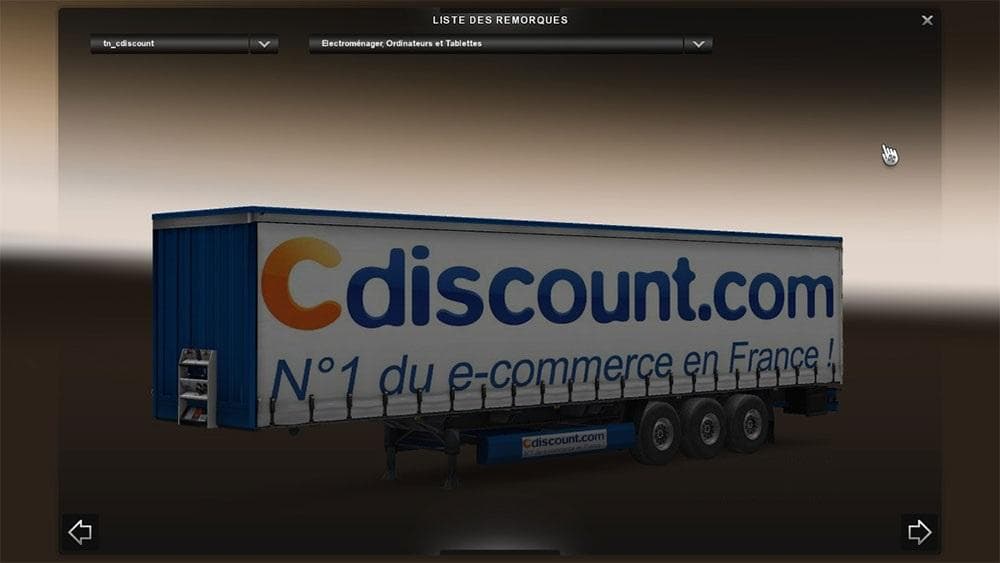
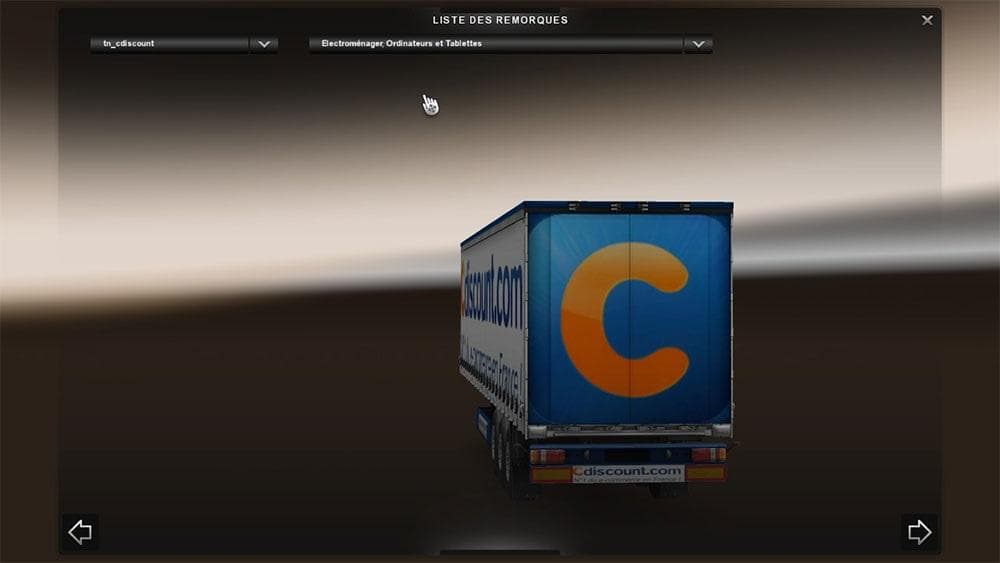
Trailer C Discount is a mod for Euro Truck Simulator 2 that adds trailers to the game. The mod was last updated on April 21, 2015, but specific details such as
Trailer C Discount adds a new trailer option to Euro Truck Simulator 2, expanding the variety of haulable trailers available in the game. Trailer mods like this one typically introduce additional cargo types or unique trailer bodies that players can buy and use for their transport business. Once installed, these trailers appear in the cargo selection menus and trailer dealerships, allowing easy access during gameplay.
In ETS2, trailers serve as the backbone of hauling missions, and mods that bring new trailers offer fresh challenges and aesthetic choices. They can influence how you plan routes or choose contracts since different trailers sometimes suit specific cargoes or environments better. This mod fits into any modded setup aiming to diversify trucking options without altering core game mechanics.
When integrating trailer mods, it's generally advised to pay attention to load order to prevent conflicts with other trailer packs or gameplay-altering mods. Trailer C Discount should be loaded alongside other haulable trailer mods but before any mods that affect cargo delivery or economy systems. Keeping this order helps maintain stable gameplay and ensures all trailers show up correctly.
This mod would appeal primarily to players who enjoy having a broader range of trailer choices for their trucking company. Whether you're running a realistic fleet or just want some extra variety on your deliveries, adding more trailer options enhances the simulation experience by making each job feel a little different.
While details about compatibility and supported versions are not specified, typical installation involves placing the mod file in your ETS2 mod folder and activating it through the in-game menu. It's always wise to back up save files before trying new mods, especially when expanding your haulable assets.
How to install
1. Download the .scs file. 2. Drop it into `Documents/Euro Truck Simulator 2/mod/`. 3. Enable in Mod Manager. 4. Trailer should appear in cargo selection or trailer dealer depending on the mod's design.
After the mod loads, save your game inside a safe area (parking lot or service) before deciding whether to keep it. If the game refuses to load with the mod enabled, check that all required DLCs are installed and that the supported ETS2 version chips on this page include your installed game patch.
Reviews
No ratings yetNo reviews yet — be the first to rate this mod.





