TIMOTRUCK TRAILER 2 V1.0
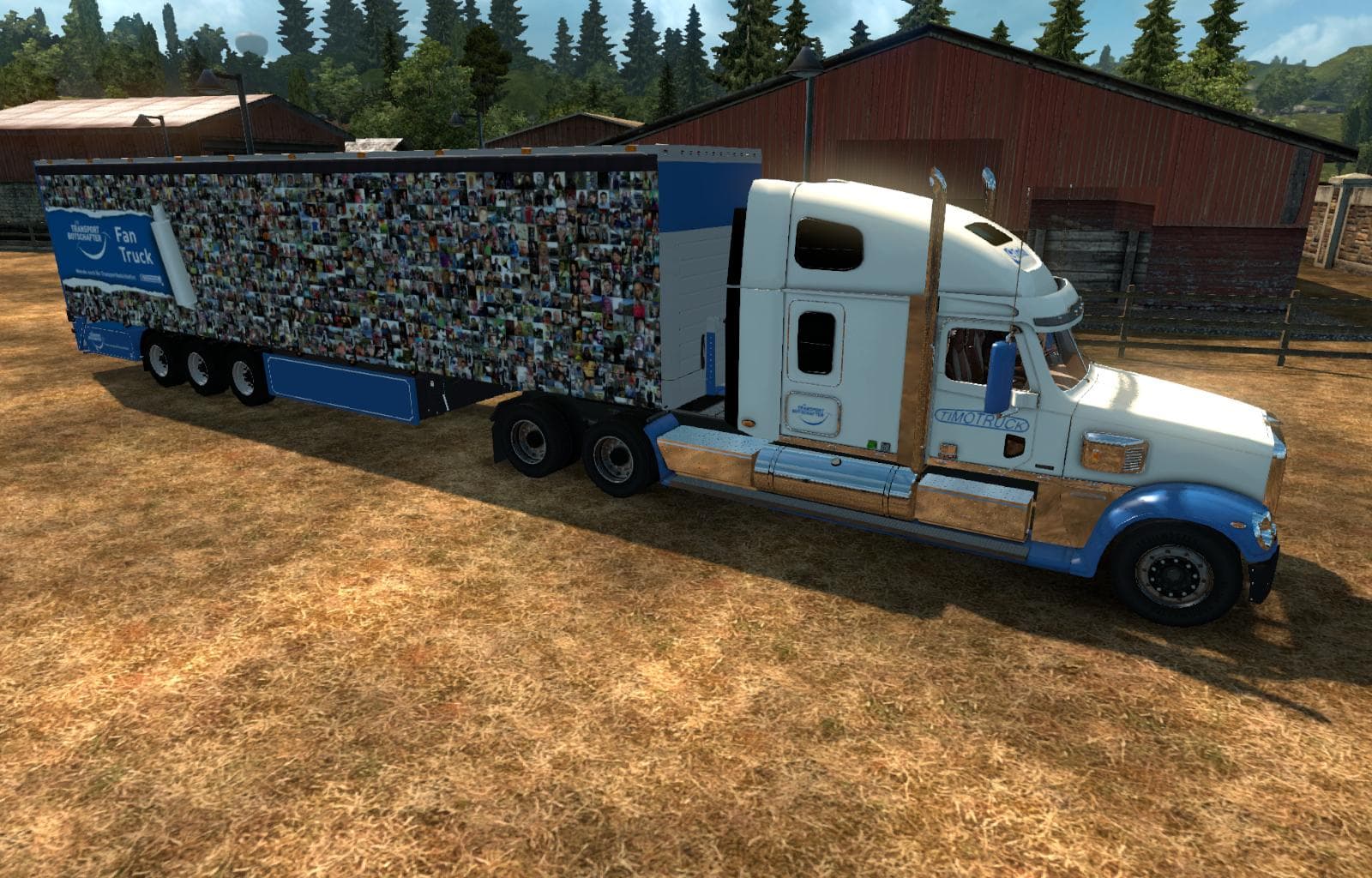
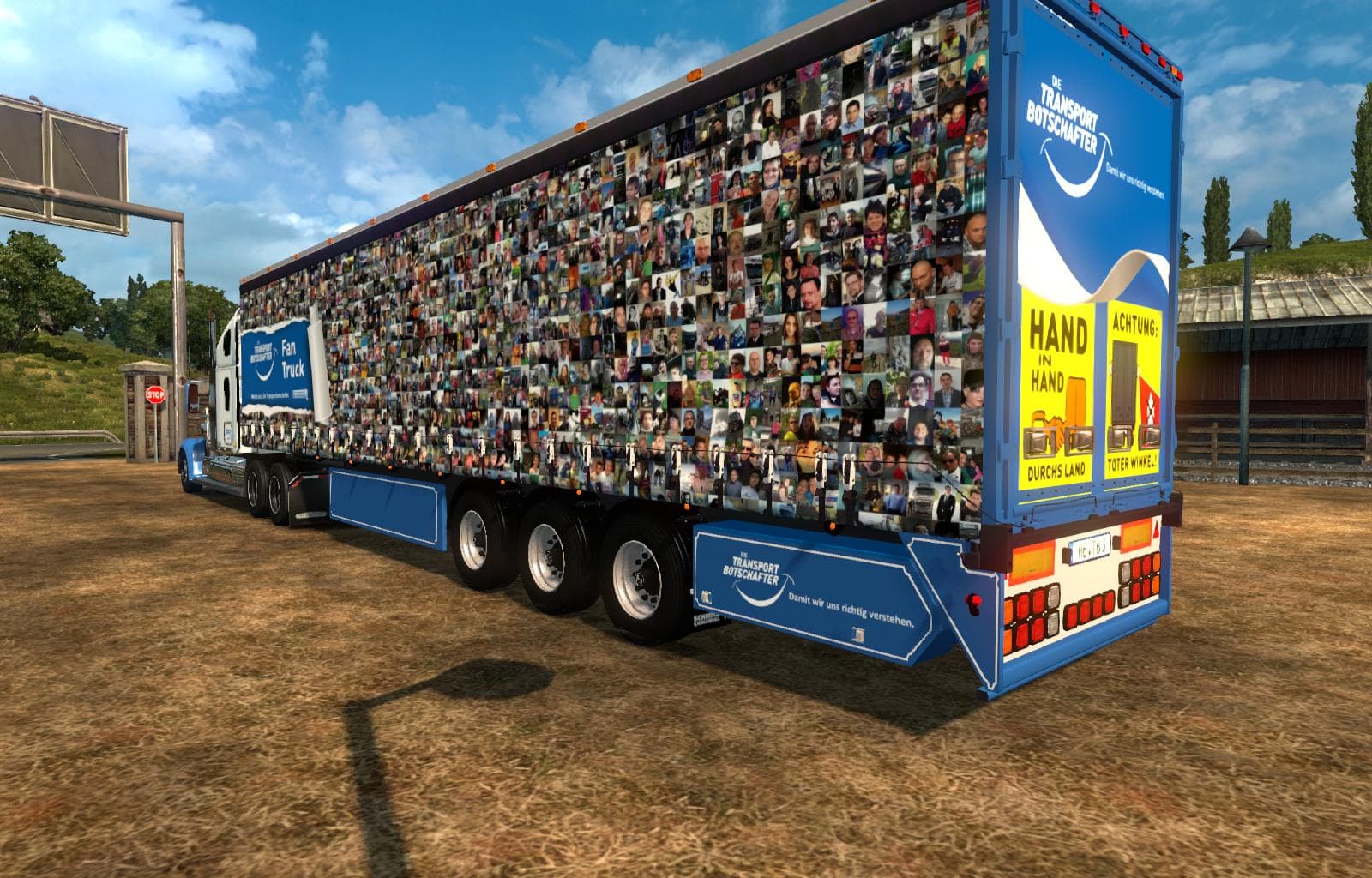
TIMOTRUCK TRAILER 2 is a trailer mod for ETS2 version 1.0, created by Euro truck simulator 2. It features XpressTrans Skin Workshops Part 2 (Schmitz Cargobull H
TIMOTRUCK TRAILER 2 V1.0 is a trailer mod for Euro Truck Simulator 2 that introduces a new haulable trailer to the game. This particular mod offers a variation of trailers players can attach to their trucks, expanding the options available when picking cargo or browsing trailer dealers. Trailer mods like this one typically replace existing models or add new ones, enhancing the variety of freight transport in the game.
Trailer mods add diversity by providing unique trailer designs or custom skins, and they appear in the cargo selection menu once installed properly. Players can own these trailers and use them across their trucking jobs, which helps keep gameplay fresh when running long hauls across Europe or other supported regions. TIMOTRUCK TRAILER 2 works with ETS2 version 1.0, so it fits well within setups targeting that early game version.
When using mods in ETS2, it's crucial to consider load order and compatibility. Trailer skins often replace default trailers such as the Krone ProfiLiner, so they should be loaded after any base content mods but before major overhaul packs that change vehicle models extensively. Conflicts may arise if multiple mods alter the same trailer model, so users should check their mod list carefully.
This type of mod suits players who enjoy customizing their fleet with varied trailers or want to add regional flavor through different skin workshops and designs. It's ideal for those who like managing their own trailers rather than relying solely on job market rentals. The addition of this trailer enriches the visual variety during transport missions without affecting core gameplay mechanics.
How to install
1. Download the .scs file. 2. Drop it into `Documents/Euro Truck Simulator 2/mod/`. 3. Enable in Mod Manager. 4. Trailer should appear in cargo selection or trailer dealer depending on the mod's design.
After the mod loads, save your game inside a safe area (parking lot or service) before deciding whether to keep it. If the game refuses to load with the mod enabled, check that all required DLCs are installed and that the supported ETS2 version chips on this page include your installed game patch.
Reviews
No ratings yetNo reviews yet — be the first to rate this mod.





