TIM HORTONS CUP V1
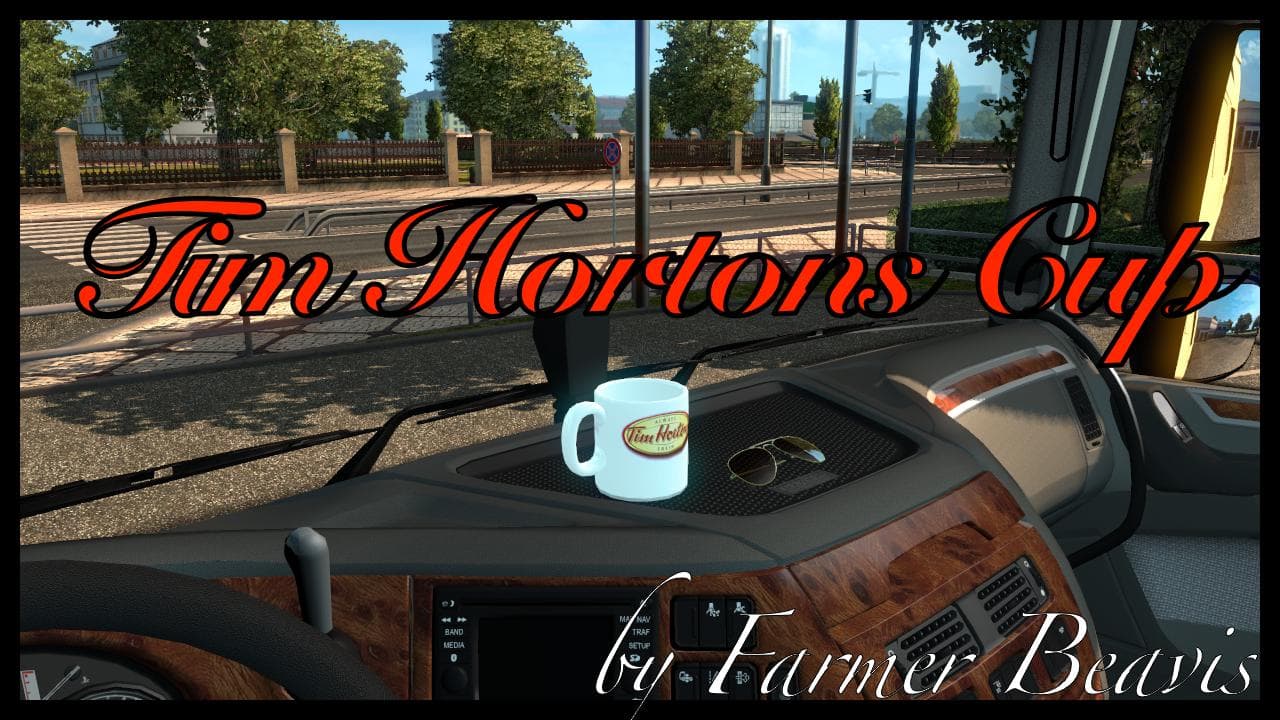
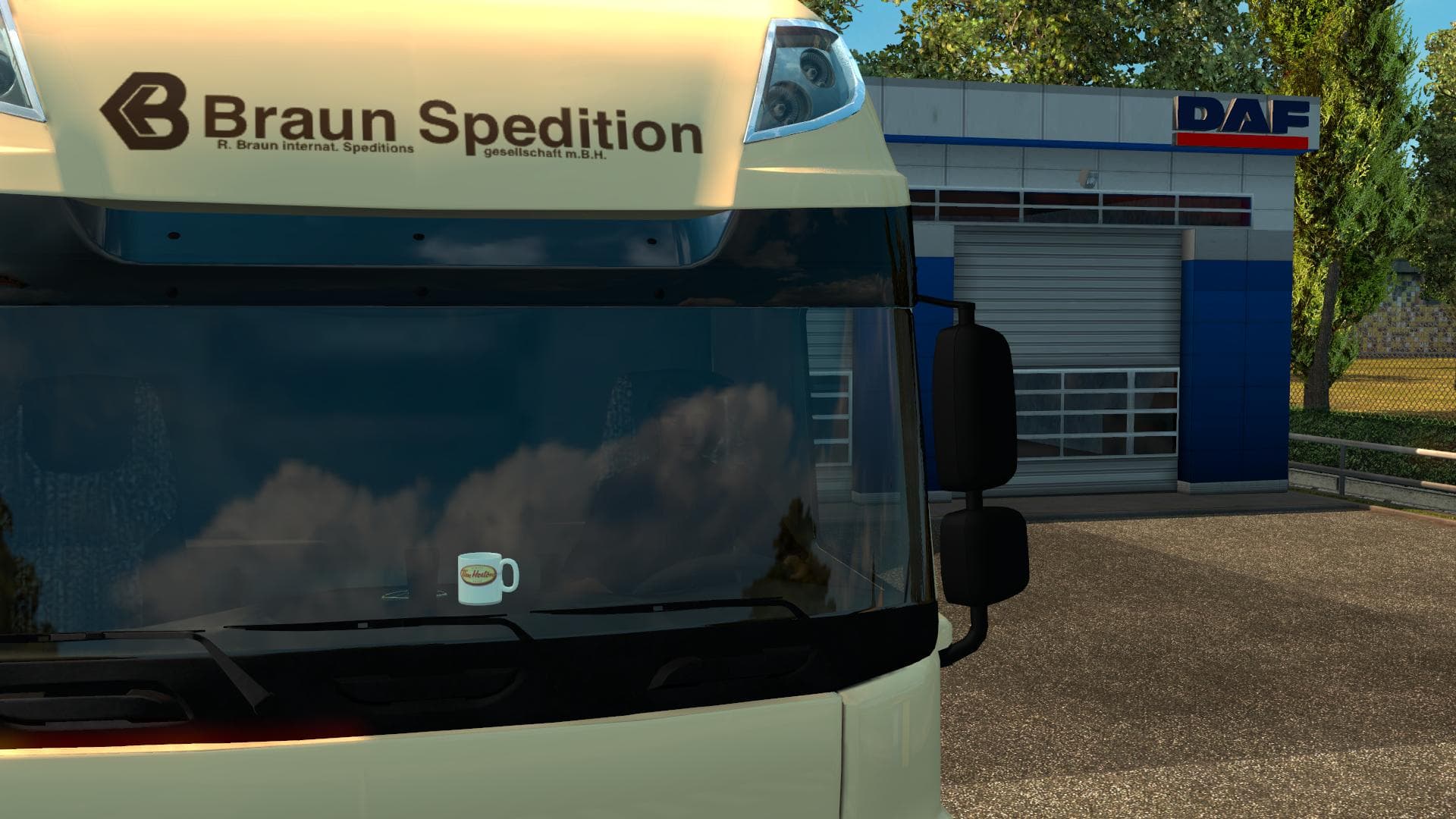
This mod is a skin for Euro Truck Simulator 2 that replaces the default cup texture with a Tim Hortons cup. It is tested on version 1.22.xx and is not standalon
This mod swaps out the default cup texture found in Euro Truck Simulator 2 with one branded for Tim Hortons. It’s a straightforward skin replacement rather than a standalone item, so it doesn’t add new models or parts to the game. Instead, it simply changes the appearance of an existing cup model you’d encounter inside truck cabins.
Skin mods like this one focus solely on repainting or retexturing existing assets without altering the underlying geometry. You usually apply these changes through the paint shop or by replacing specific texture files in your mod folder. Since it’s not standalone, this mod requires that the base game asset it modifies is present and unchanged.
When adding skin mods to your setup, they typically need to be loaded after any other mods affecting the same textures to ensure they display correctly. Conflicts can arise if multiple skins target identical files, so keeping track of your load order helps avoid visual glitches. This Tim Hortons cup skin should fit smoothly alongside other cabin interior mods that don’t override cup textures.
Players who enjoy adding subtle personal touches or brand references to their trucks might appreciate this mod. It’s especially suited for those who like realism or want to reflect North American coffee culture within their virtual trucking experience. Anyone running ETS2 version 1.22 will find this compatible as tested on that release.
Since details about its creator and file size are unknown, consider backing up your files before installation and check compatibility with any other mods you use regularly. Being a small cosmetic tweak, it won’t impact gameplay but adds some flavor to your driving environment.
How to install
1. Download the .scs file. 2. Drop it into `Documents/Euro Truck Simulator 2/mod/`. 3. Enable in Mod Manager. 4. Apply the skin in the truck/trailer paint shop.
After the mod loads, save your game inside a safe area (parking lot or service) before deciding whether to keep it. If the game refuses to load with the mod enabled, check that all required DLCs are installed and that the supported ETS2 version chips on this page include your installed game patch.
Reviews
No ratings yetNo reviews yet — be the first to rate this mod.