TANK TRAILER CHROME
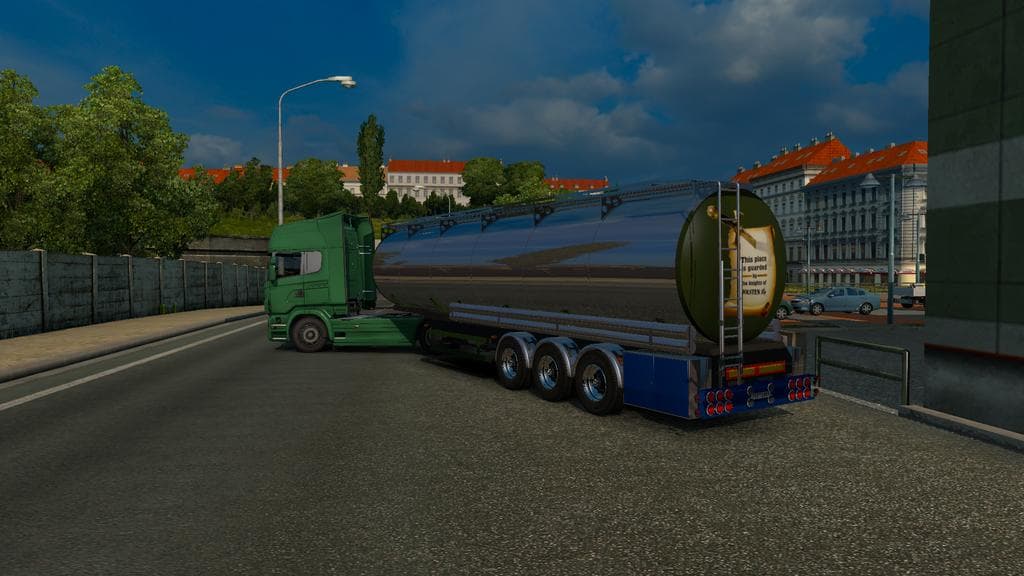
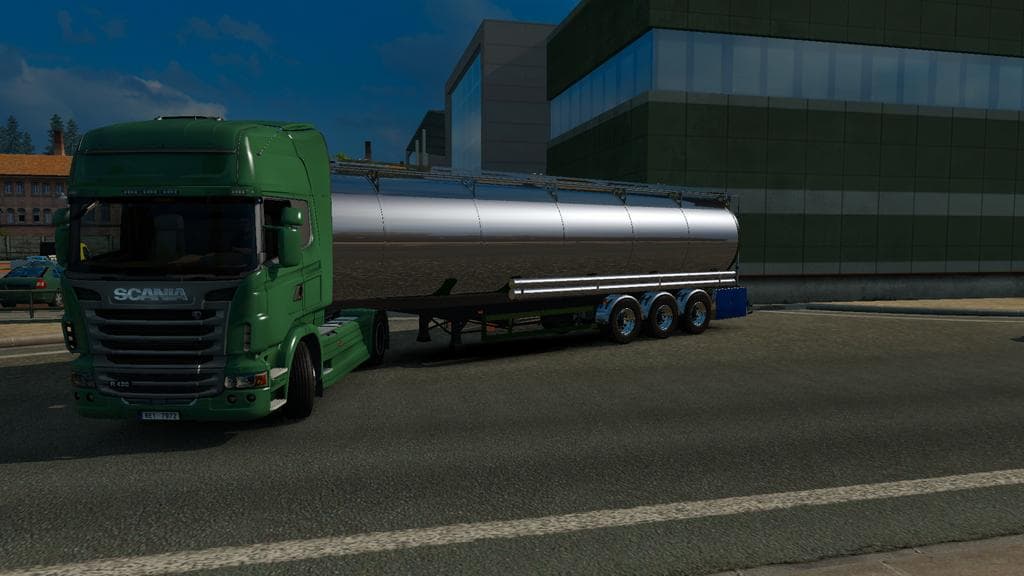
The TANK TRAILER CHROME mod adds a distinct trailer option to Euro Truck Simulator 2, focusing on chrome finishes for tank trailers. This type of mod enhances the variety of haulable trailers available, allowing players to select different looks and styles in their cargo selection or trailer dealer menus. It’s a straightforward addition that brings some visual customization without altering core gameplay mechanics.
Trailer mods like this one generally introduce new trailer bodies or cargo types that can be owned and used within the game. They fit naturally into any modded setup by providing additional hauling options and can blend with other cosmetic or map mods without conflict, as long as load order is managed properly. Since it supports ETS2 version 1.2, compatibility with newer versions may require caution or updates from the creator.
When using multiple trailer mods, it’s good practice to keep an eye on load order to avoid overlapping features or textures. Trailer mods that alter appearance usually sit well alongside map DLCs such as North to the Poles or Rebuilding RusMap expansions, which this mod explicitly adapts for. Players who enjoy customizing their fleet's look while transporting freight will find this kind of mod appealing.
This mod suits truckers who want some extra shine on their rigs without changing hauling dynamics too much. If you’re running a heavily modded profile with several cosmetic tweaks and map expansions like Russia-based ones, adding a chrome tank trailer can complement your setup nicely. It’s a simple way to bring more visual interest to your trucking experience across various regions.
Overall, TANK TRAILER CHROME is geared toward players looking for visual variety in their trailers while sticking close to traditional freight hauling themes. It fits well into broader collections of trailer and cargo mods aimed at enhancing realism and aesthetic diversity across ETS2’s wide map areas.
How to install
1. Download the .scs file. 2. Drop it into `Documents/Euro Truck Simulator 2/mod/`. 3. Enable in Mod Manager. 4. Trailer should appear in cargo selection or trailer dealer depending on the mod's design.
After the mod loads, save your game inside a safe area (parking lot or service) before deciding whether to keep it. If the game refuses to load with the mod enabled, check that all required DLCs are installed and that the supported ETS2 version chips on this page include your installed game patch.
Reviews
No ratings yetNo reviews yet — be the first to rate this mod.





