SYMBOL FIX
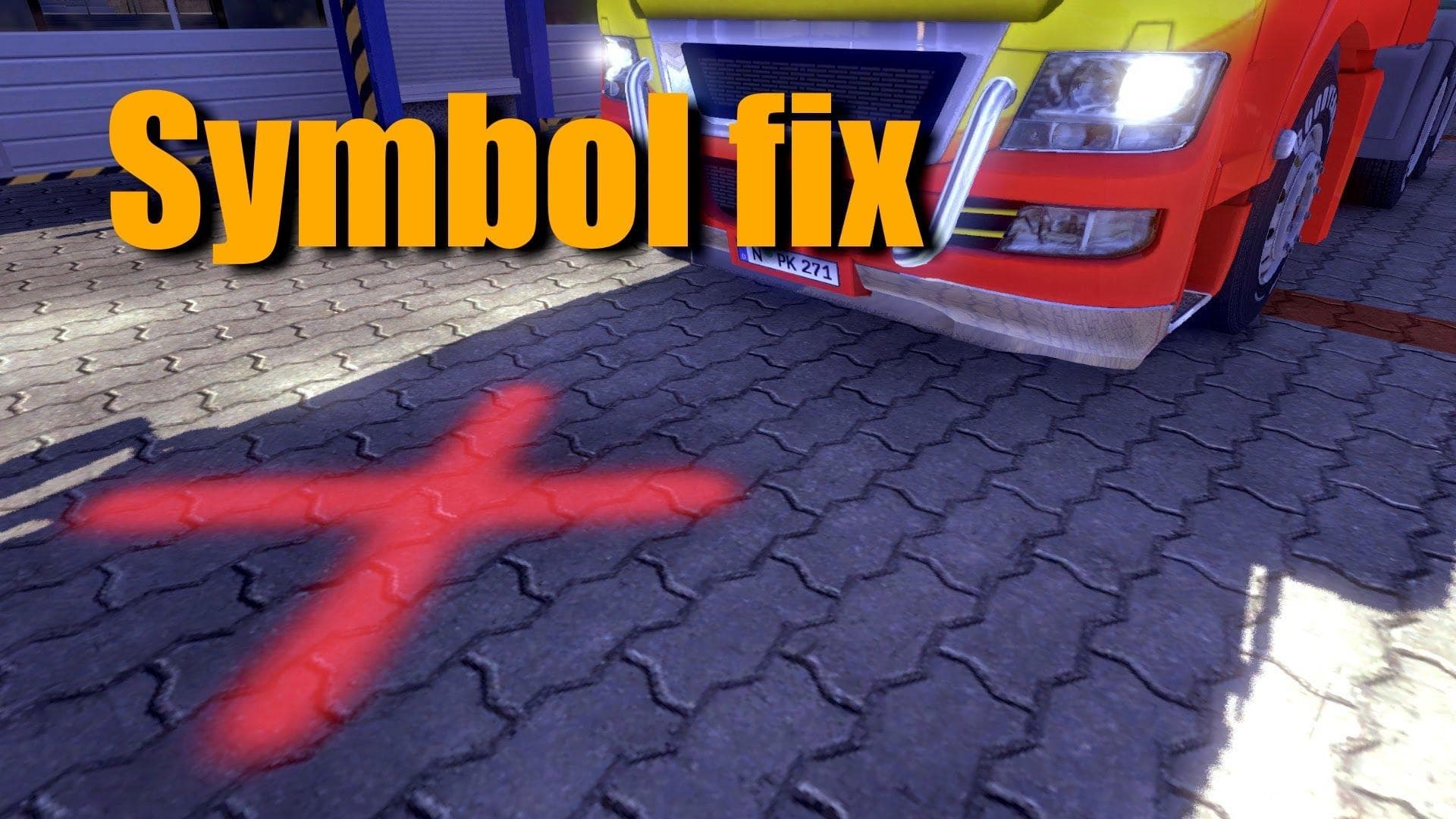
The "SYMBOL FIX - ETS2 mods download" skin mod by unknown creators replaces activation symbols with a red dagger at various locations in the game. The color of
The SYMBOL FIX mod alters the activation symbols you see on various game elements like bases, gas stations, and shops. Instead of the default icons, this mod replaces them with a red dagger symbol. There's also an option to adjust the color of these symbols, giving some flexibility depending on your preferences.
Skin mods in Euro Truck Simulator 2 generally repaint existing trucks, trailers, or cabins without changing their models. They’re typically applied in the paint shop and depend heavily on the base vehicle they were designed for. Mods like SYMBOL FIX focus specifically on visual tweaks within the game world rather than altering vehicle appearances directly.
When integrating this type of skin mod into a larger modded setup, it usually fits well alongside other graphical modifications without causing conflicts. Since it changes activation symbols rather than core textures or models, load order concerns are minimal but keeping skins and UI-related mods organized is always a good practice.
This mod would appeal to players looking to customize their interface visuals subtly while maintaining immersion. Those who enjoy tweaking small details for a unique feel might find replacing standard icons with something different adds a fresh touch to their ETS2 experience.
How to install
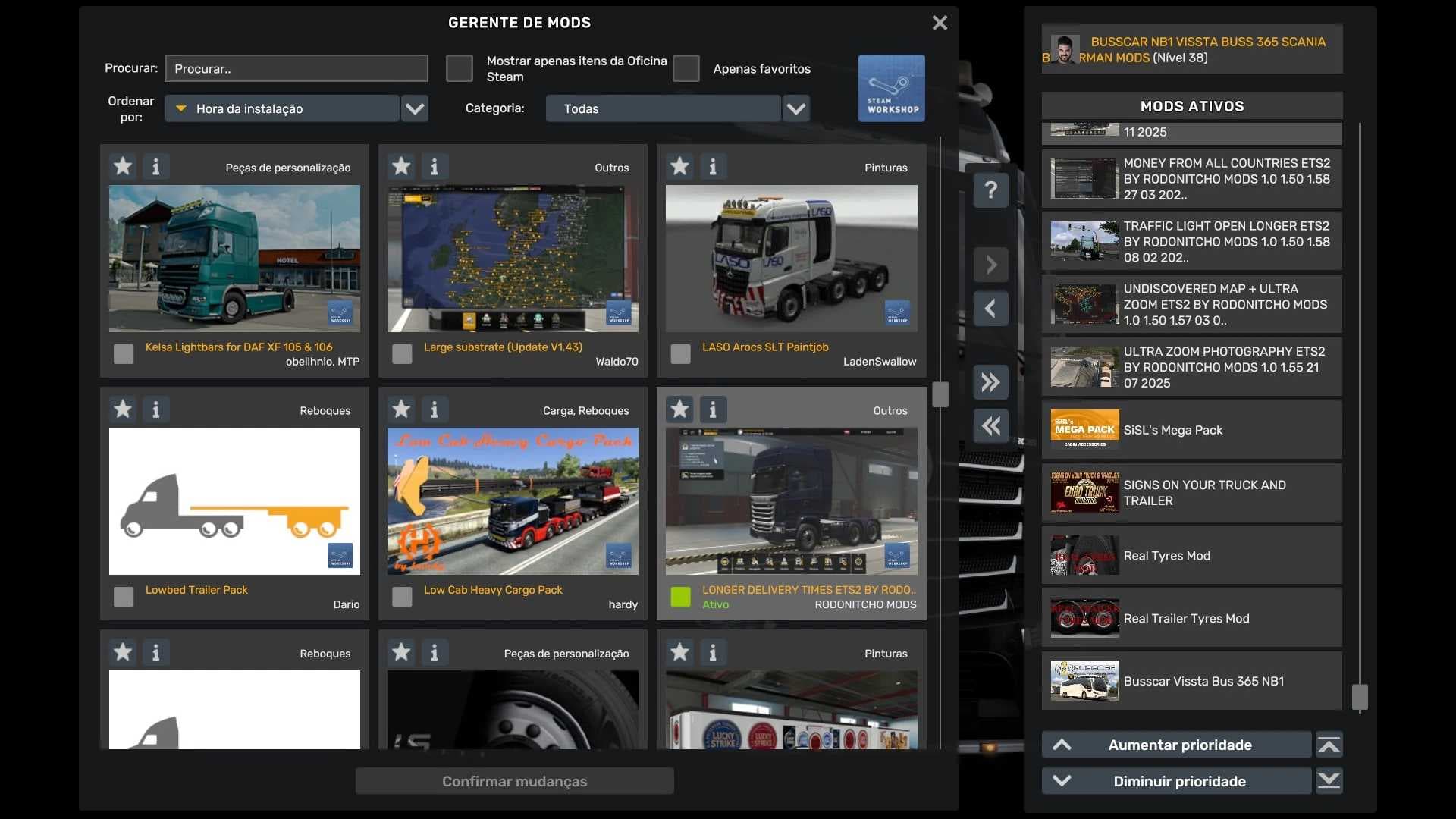
1. Download the .scs file. 2. Drop it into `Documents/Euro Truck Simulator 2/mod/`. 3. Enable in Mod Manager. 4. Apply the skin in the truck/trailer paint shop.
After the mod loads, save your game inside a safe area (parking lot or service) before deciding whether to keep it. If the game refuses to load with the mod enabled, check that all required DLCs are installed and that the supported ETS2 version chips on this page include your installed game patch.
Reviews
No ratings yetNo reviews yet — be the first to rate this mod.