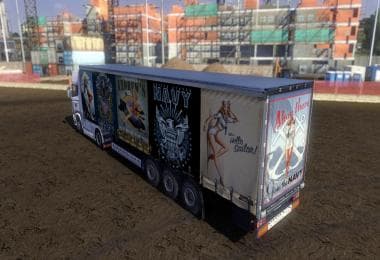
STREAMLINE SKIN BY IBRHMKYN V1.0
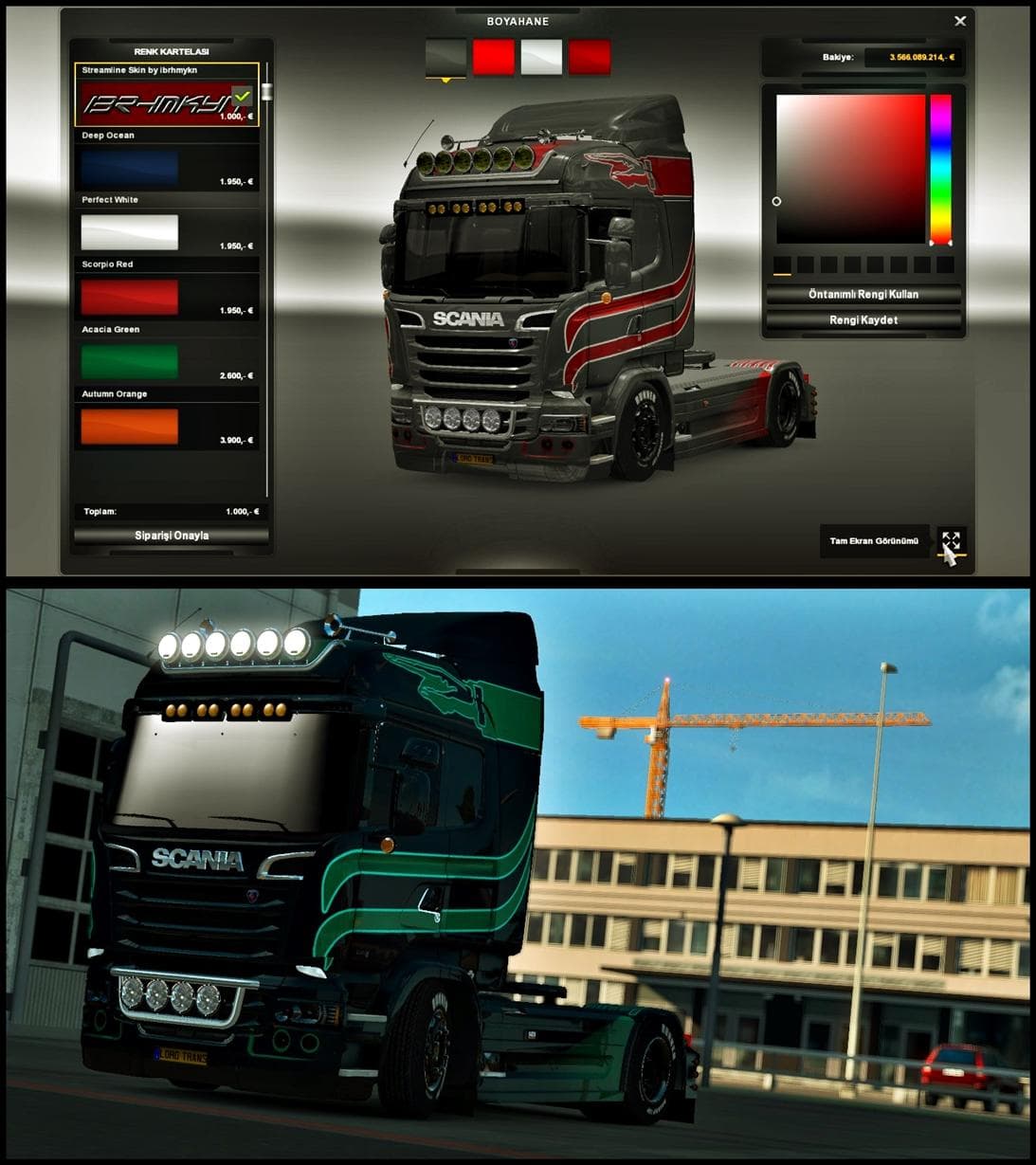
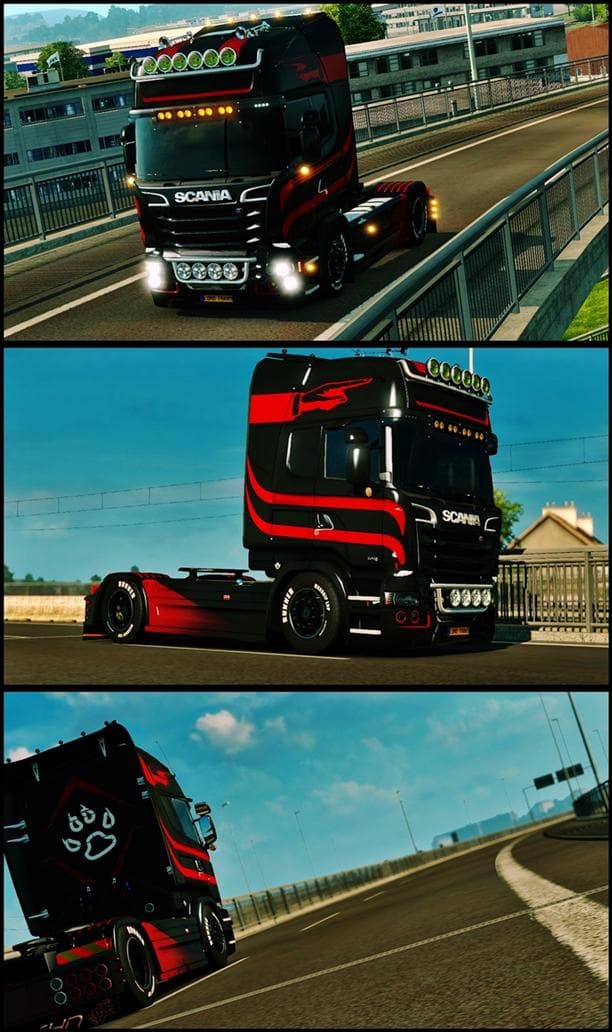
STREAMLINE SKIN BY IBRHMKYN is an ETS2 skins. Listed compatible with ETS2 1.0.
The STREAMLINE SKIN BY IBRHMKYN V1.0 is a skin mod designed for Euro Truck Simulator 2 that changes the appearance of a truck without altering its model. Specifically, this skin can be applied to different cabin types including normal, highline, and topline versions. Since it’s a paintable mod, players get to customize their trucks through the in-game paint shop by selecting this particular design once the base vehicle is available.
Skins like this one repaint existing vehicles rather than introducing new models or parts. They rely on the original truck geometry and fit within the game as cosmetic upgrades. This means you won't get additional functionality or changes in driving physics, but you can freshen up your truck’s look with a new paint job that fits your style or convoy theme.
When adding skin mods into your setup, it’s good practice to keep an eye on load order especially if you use multiple skins for the same truck model. The last loaded skin usually takes priority, so make sure STREAMLINE SKIN BY IBRHMKYN loads after any other skins targeting the same cabin types if you want it displayed properly.
This type of mod blends well with other visual enhancements like wheel packs or trailer skins since they don't conflict with each other. However, if you have several skin mods for one truck, only one will show at a time unless combined into one package by advanced modding tools.
Players who enjoy customizing their fleet without changing gameplay mechanics would find this mod useful. It adds variety and personalization options for those running trucks with normal to topline cabins and wanting something different from the stock colors.
Overall, if you're looking to add a new paint scheme to your ETS2 trucks and prefer straightforward installation through the paint shop interface, this skin fits that need without fuss.
How to install
1. Download the .scs file. 2. Drop it into `Documents/Euro Truck Simulator 2/mod/`. 3. Enable in Mod Manager. 4. Apply the skin in the truck/trailer paint shop.
After the mod loads, save your game inside a safe area (parking lot or service) before deciding whether to keep it. If the game refuses to load with the mod enabled, check that all required DLCs are installed and that the supported ETS2 version chips on this page include your installed game patch.
Reviews
No ratings yetNo reviews yet — be the first to rate this mod.