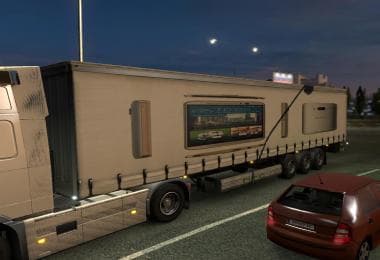
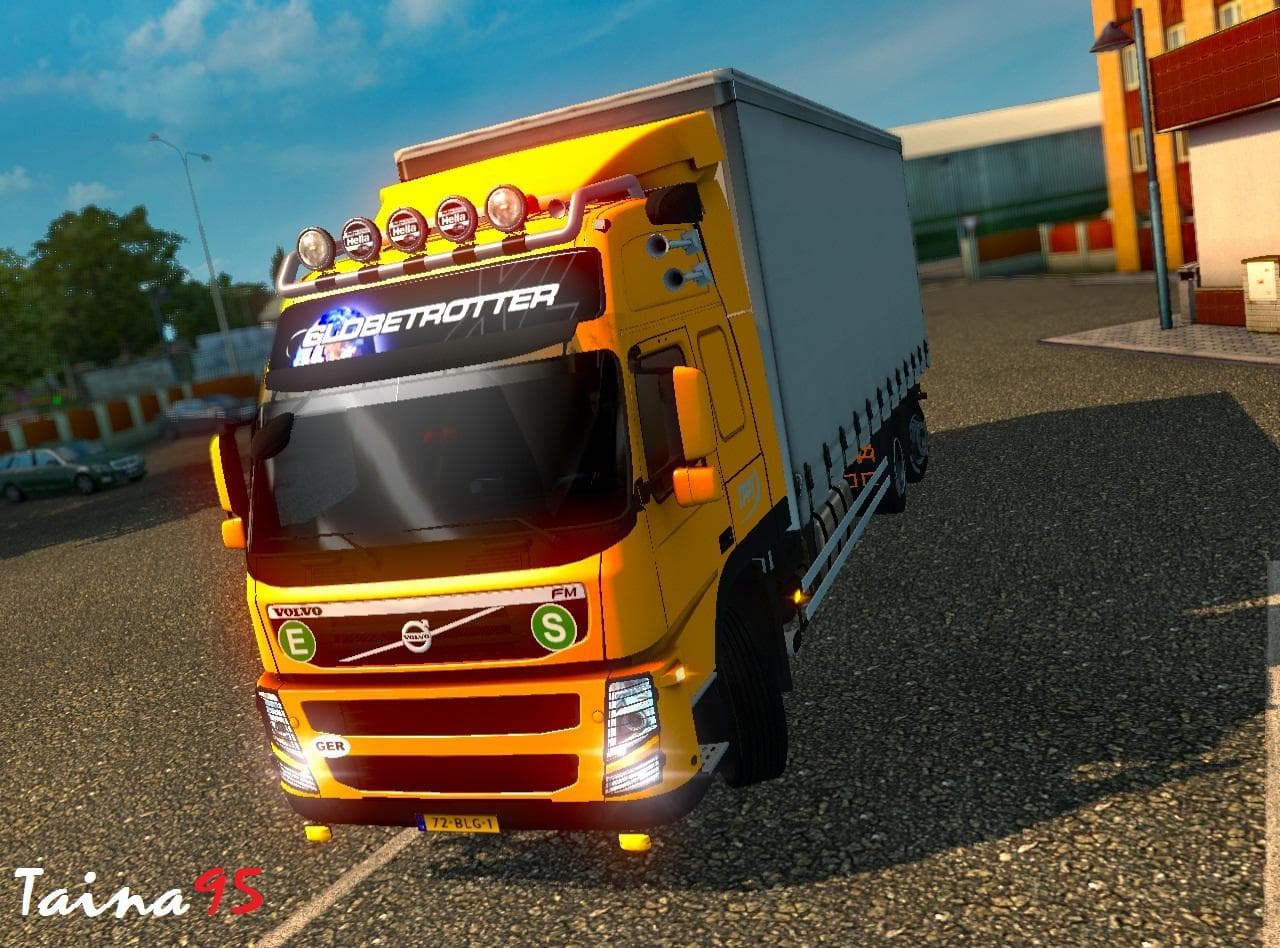
Star Physics (Bintang Per) v2.2
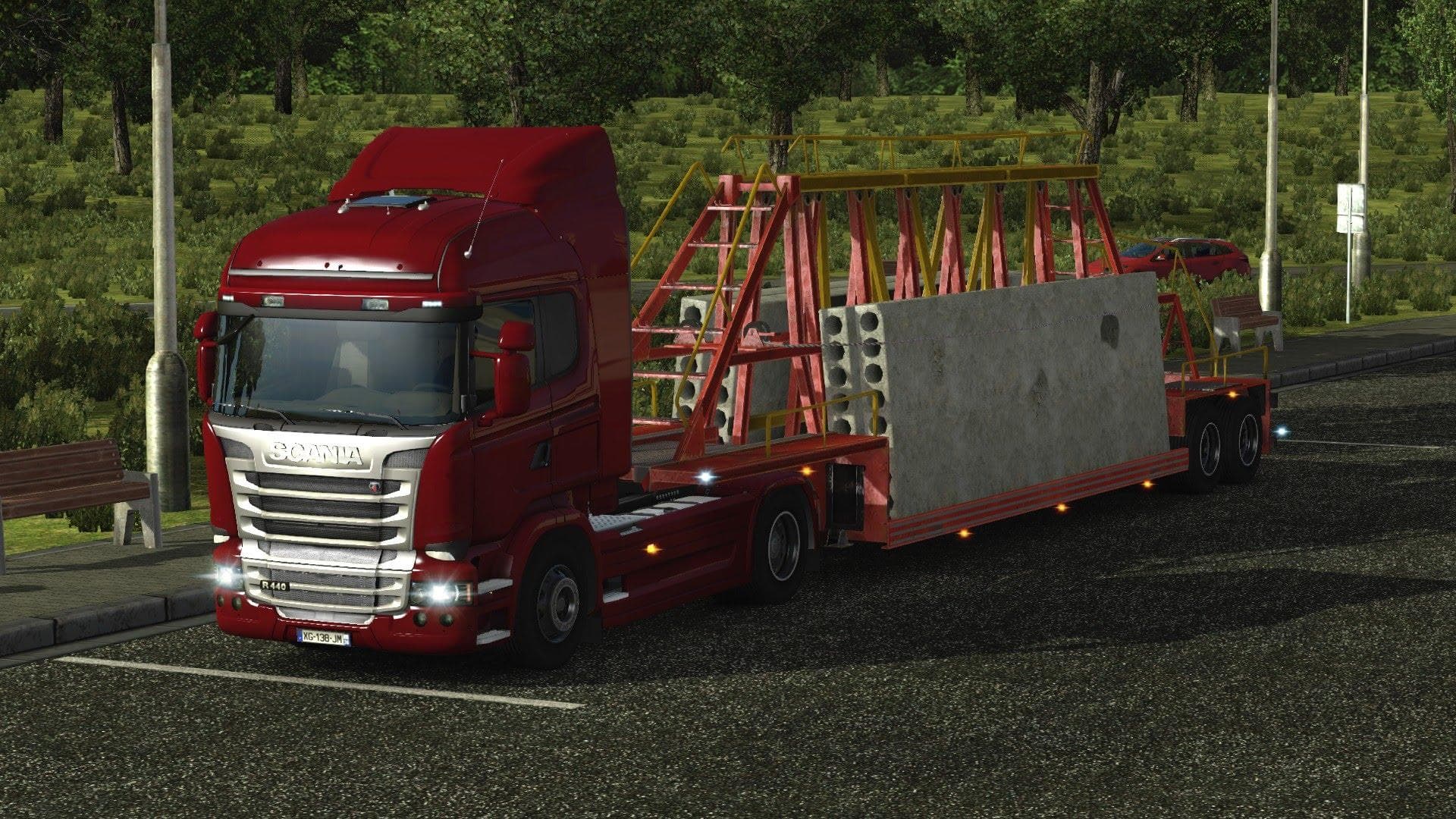
Star Physics (Bintang Per) is a parts mod for ETS2 version 1.17 and 1.21 created by Euro Truck Simulator 2. The mod, version 2.2, includes brake adjustments and
Star Physics (Bintang Per) v2.2 is a parts mod designed for Euro Truck Simulator 2, compatible with game versions 1.17 and 1.21. This type of mod typically adds new accessories or tweaks to existing truck components that players can fit through the in-game customization menu. Parts mods like this one often focus on enhancing the physical attributes or visual details of trucks, giving users more options to personalize their vehicles beyond the standard offerings.
In ETS2, parts mods allow you to equip your truck with additional items such as bull bars, lights, mirrors, or even interior decorations. These mods contribute to creating a unique driving experience by tailoring your rig’s look and sometimes its behavior. While the exact changes brought by Star Physics (Bintang Per) aren't specified here, it fits within this category of modifications that modify truck parts.
When using parts mods like Star Physics (Bintang Per), it's essential to consider load order and compatibility with other tuning or parts add-ons. Generally, parts mods are loaded after map and gameplay mods but before any total conversion packs or large overhaul mods to avoid conflicts. Players running heavily modded setups should test for conflicts especially if multiple parts mods target the same truck brand or model.
This mod suits players who enjoy fine-tuning their trucks with custom accessories and want an additional layer of personalization in their fleet. Whether you’re focusing on realism or just want some variety in your truck's appearance and performance tweaks, parts mods offer a straightforward way to enhance your ETS2 experience without altering core gameplay mechanics.
How to install
1. Download the file(s) from the original source linked above. 2. Drop them into `Documents/Euro Truck Simulator 2/mod/`. 3. Enable in Mod Manager and restart the game.
After the mod loads, save your game inside a safe area (parking lot or service) before deciding whether to keep it. If the game refuses to load with the mod enabled, check that all required DLCs are installed and that the supported ETS2 version chips on this page include your installed game patch.
Reviews
No ratings yetNo reviews yet — be the first to rate this mod.