STANDALON CARGO PAPER 1.19.X
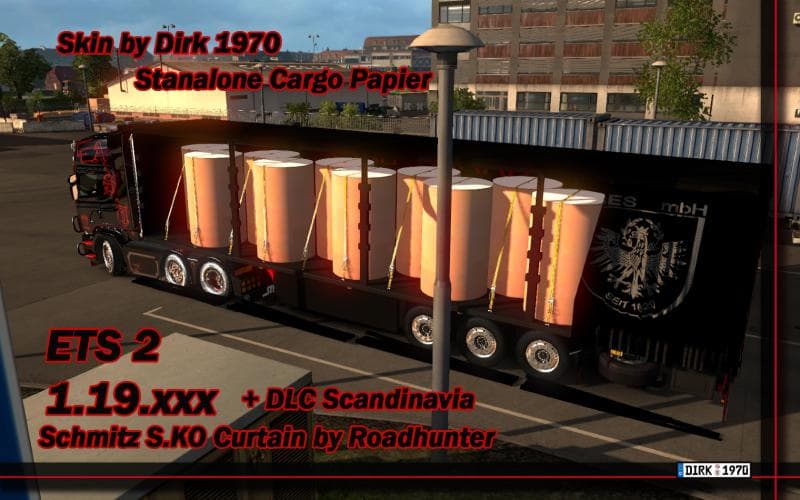
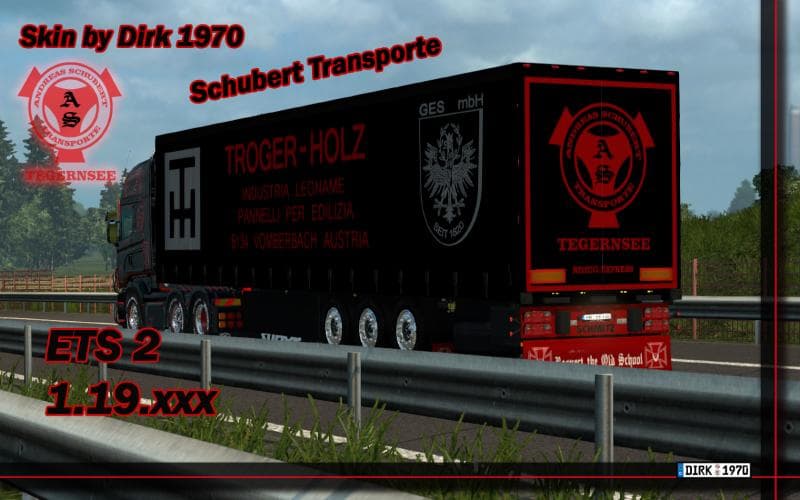
The STANDALON CARGO PAPER 1.19.X mod introduces a new trailer specifically designed for hauling paper cargo in Euro Truck Simulator 2, compatible with version 1.19 of the game. Trailer mods like this one add extra variety to the types of trailers you can own or find in the cargo selection menu, expanding your options beyond the base game’s offerings. This particular mod fits into the trailer category and focuses on a niche cargo type, making it a neat addition if you're looking to diversify your freight jobs.
Trailer mods generally work by integrating with existing dealer systems, allowing you to purchase or attach them like standard trailers. Since this mod is tested with ETS2 version 1.19, it should slot into your setup without causing conflicts if your game is up to date. It’s always wise to keep an eye on load order when using multiple trailer mods, as some might overwrite textures or configurations, but standalone cargo trailers typically don’t clash heavily with other types of mods.
This type of mod appeals mainly to players who want more immersion through specialized cargo hauling or who enjoy collecting unique trailers that represent specific freight categories. Adding paper as a haulable good enriches the economic simulation aspect and can enhance roleplay scenarios within different regions of the game map.
If you run a modded setup with several trailer packs or cargo expansions, this paper trailer adds a bit more depth without overwhelming your system or complicating compatibility too much. Keep it towards the end of your load order if you notice texture issues or missing models after installation.
Overall, anyone interested in expanding their fleet options and exploring less common types of freight will find this trailer mod worth trying out for Euro Truck Simulator 2 version 1.19.
How to install
1. Download the .scs file. 2. Drop it into `Documents/Euro Truck Simulator 2/mod/`. 3. Enable in Mod Manager. 4. Trailer should appear in cargo selection or trailer dealer depending on the mod's design.
After the mod loads, save your game inside a safe area (parking lot or service) before deciding whether to keep it. If the game refuses to load with the mod enabled, check that all required DLCs are installed and that the supported ETS2 version chips on this page include your installed game patch.
Reviews
No ratings yetNo reviews yet — be the first to rate this mod.





