Southern Region Map
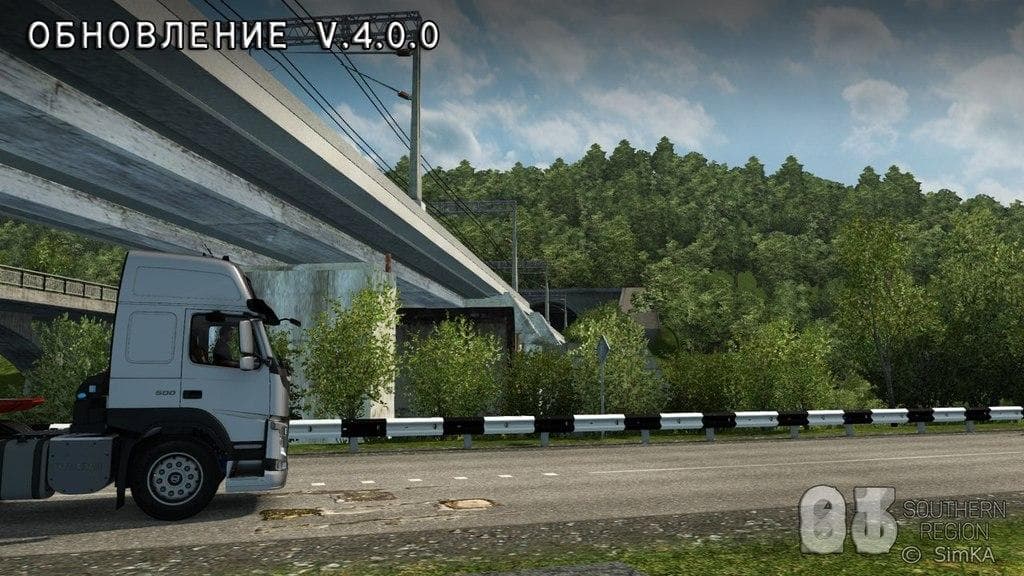
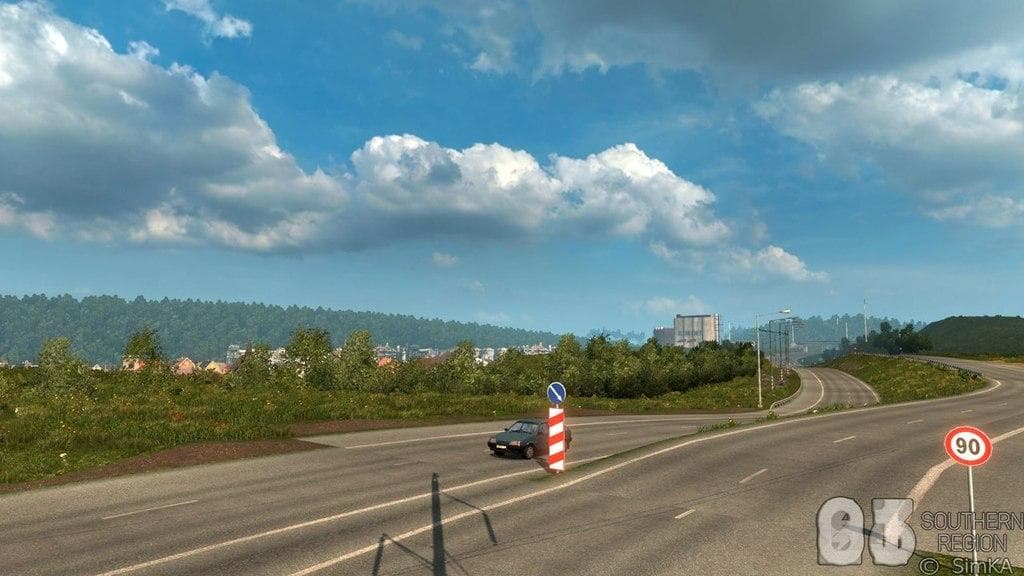
The "Southern Region Map" ETS2 mod has been updated to version 4.0.0, adding three new cities: Tuapse, Hadyzhensk, and Maikop. The creator, file size, supported
The Southern Region Map mod for Euro Truck Simulator 2 significantly expands the drivable area by adding new cities and road networks, focusing on the southern part of Russia. This update, marked as version 4.0.0, brings in three notable cities: Tuapse, Hadyzhensk, and Maikop, enriching the game's map with fresh locations to explore and haul cargo through. Map mods like this one modify or enlarge the base game world by introducing new regions that players can drive across, offering a different experience compared to the default map.
In ETS2, map mods typically come as one or more .scs files that need to be placed in the mod folder and activated through the game’s mod manager. These additions are often sensitive to load order; making sure this mod loads after any base maps or related expansions can prevent conflicts. Depending on the extent of changes, sometimes a new profile might be required to avoid errors or issues with saved routes and deliveries.
This type of mod fits well into a heavily modded setup where players want to explore beyond the standard European areas included in ETS2. It’s especially appealing for those looking to add variety and depth to their long-haul journeys by including less commonly featured Russian regions. Since it's a map expansion focused on southern Russia, it pairs naturally with other regional map mods that cover adjacent territories or countries nearby.
Players who enjoy exploring new cities and expanding their trucking routes will find this mod useful for broadening their in-game world. It's suitable for those wanting a more diverse driving experience or who appreciate detailed regional additions that offer unique scenery and challenges not found in the default game environment.
How to install
1. Download every .scs file from the source page (map mods often ship multiple files). 2. Copy all files to `Documents/Euro Truck Simulator 2/mod/`. 3. Enable each file in Mod Manager **in the order documented by the modder**. Load order matters for maps. 4. Start a new save or use an existing save that already supports the map's base regions.
After the mod loads, save your game inside a safe area (parking lot or service) before deciding whether to keep it. If the game refuses to load with the mod enabled, check that all required DLCs are installed and that the supported ETS2 version chips on this page include your installed game patch.
Known conflicts
No conflicts reported for this mod yet. Running a big mod list? Check your whole setup for conflicts →
Reviews
No ratings yetNo reviews yet — be the first to rate this mod.





