South Korea Offroad Map
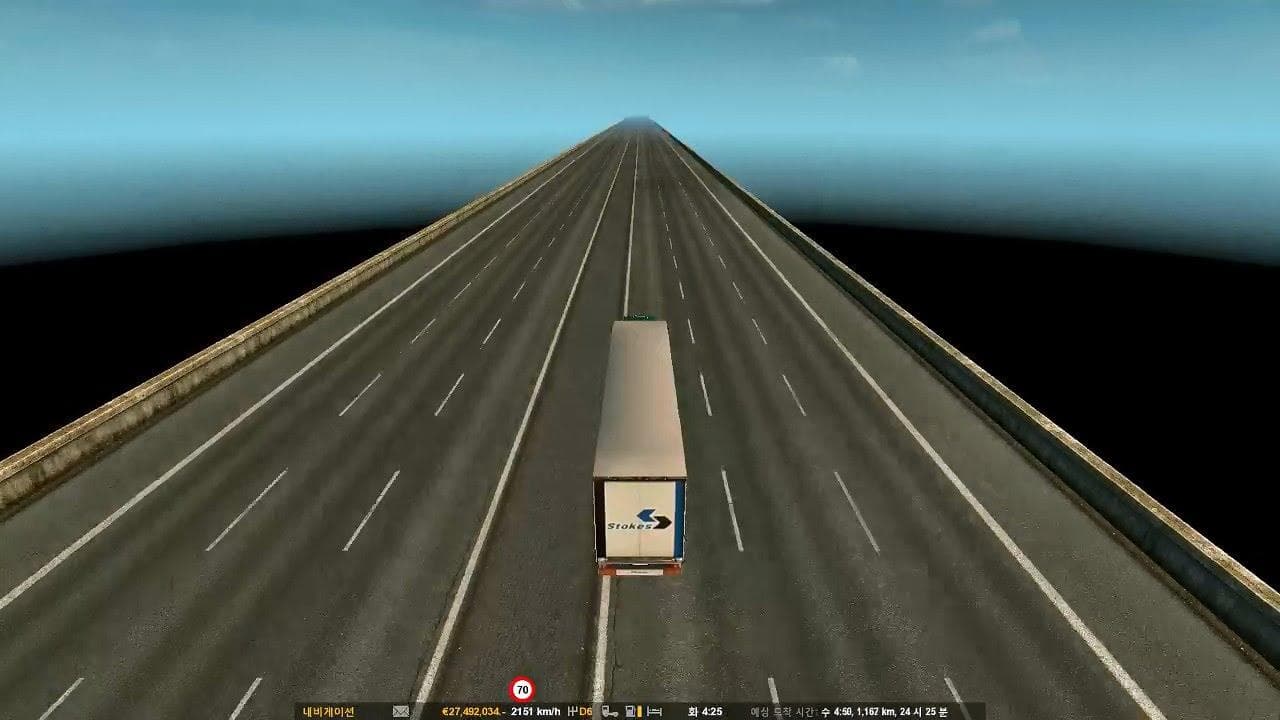
The South Korea Offroad Map mod brings a new region to Euro Truck Simulator 2, focusing on offroad driving in South Korea. This map expansion adds rugged terrains and specialized roads for players who want to explore beyond standard highways. With version 2.2, the mod includes areas dedicated to speed and physics testing, offering a bit more variety for those interested in vehicle performance under different conditions.
Map mods like this one extend the playable world by introducing new routes, cities, and landscapes. They come as .scs files that need to be placed in the game's mod folder and carefully arranged in the load order to avoid conflicts with other maps or DLCs. Sometimes using these mods means starting a fresh profile since existing saves might not support added regions properly.
This type of map fits well within a heavily modded ETS2 setup that aims to diversify geographic experiences. It can complement other regional map packs such as those covering parts of Europe or North America by adding an Asian offroad flavor. Compatibility depends on how the base game and any official map DLCs interact with it, so players should keep an eye on load order and potential overlaps.
Players who enjoy exploring less conventional trucking routes will find this mod appealing. It's suited for those who want to test their trucks' capabilities on challenging terrain rather than sticking strictly to paved roads. The inclusion of dedicated testing grounds also suggests it's useful for experimenting with truck handling and physics modifications.
Overall, if you're looking to add a non-standard environment with offroad elements into your ETS2 experience, South Korea Offroad Map offers something different from typical highway-focused expansions. Just remember that integrating it smoothly requires some attention to how mods are loaded alongside official content.
How to install
1. Download every .scs file from the source page (map mods often ship multiple files). 2. Copy all files to `Documents/Euro Truck Simulator 2/mod/`. 3. Enable each file in Mod Manager **in the order documented by the modder**. Load order matters for maps. 4. Start a new save or use an existing save that already supports the map's base regions.
After the mod loads, save your game inside a safe area (parking lot or service) before deciding whether to keep it. If the game refuses to load with the mod enabled, check that all required DLCs are installed and that the supported ETS2 version chips on this page include your installed game patch.
Known conflicts
No conflicts reported for this mod yet. Running a big mod list? Check your whole setup for conflicts →
Reviews
No ratings yetNo reviews yet — be the first to rate this mod.





